

Get a catalog model
1
Open the part
Search the MPN, then click the MPN badge in the answer or the part card. That opens the component drawer.
2
Switch to CAD Models
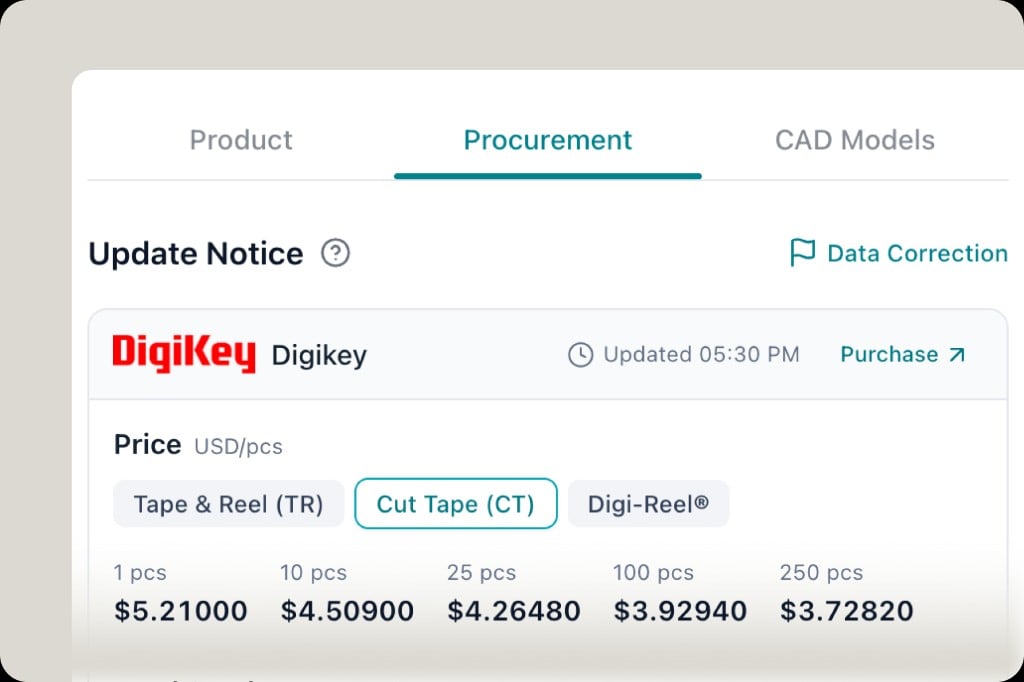
The drawer tabs are Product, Procurement, and CAD Models. Procurement is live price and stock. CAD Models is the footprint library for that part.
3
Download what is listed
If the part has a library asset, download the footprint, symbol, or 3D from this tab and import it into your EDA tool.Not every MPN has a catalog model. If the tab is empty, generate one instead of guessing a generic 0603.
When to generate instead
Generate a KiCad library when:- CAD Models has no file for this exact MPN and package
- You need Symbol + Footprint + STEP together, with an evidence table (pin count, body, pad, pitch) tied to a datasheet page
- You want KiCad native import checks before you place the part
Related
- KiCad library generation
- Live sourcing — the Procurement tab next to CAD Models
- Datasheet citations