

What you can ask
- MPN lookup — exact part numbers, near matches, manufacturer suggestions
- Specs & applications — voltage, package, use-case driven selection
- Alternatives — replacements with project context (see Alternatives)
- Engineering math — resistor power, LDO thermal, Pass/Fail checks, Intelligent UI sliders (see Engineering calculator)
- Modules & kits — development boards and robotics parts via OpenELAB
How to search
1
Open the homepage
Go to app.partgenie.ai. Use Search mode for component Q&A, or Work when you’re acting on a BOM/Design project.
2
Enter a query
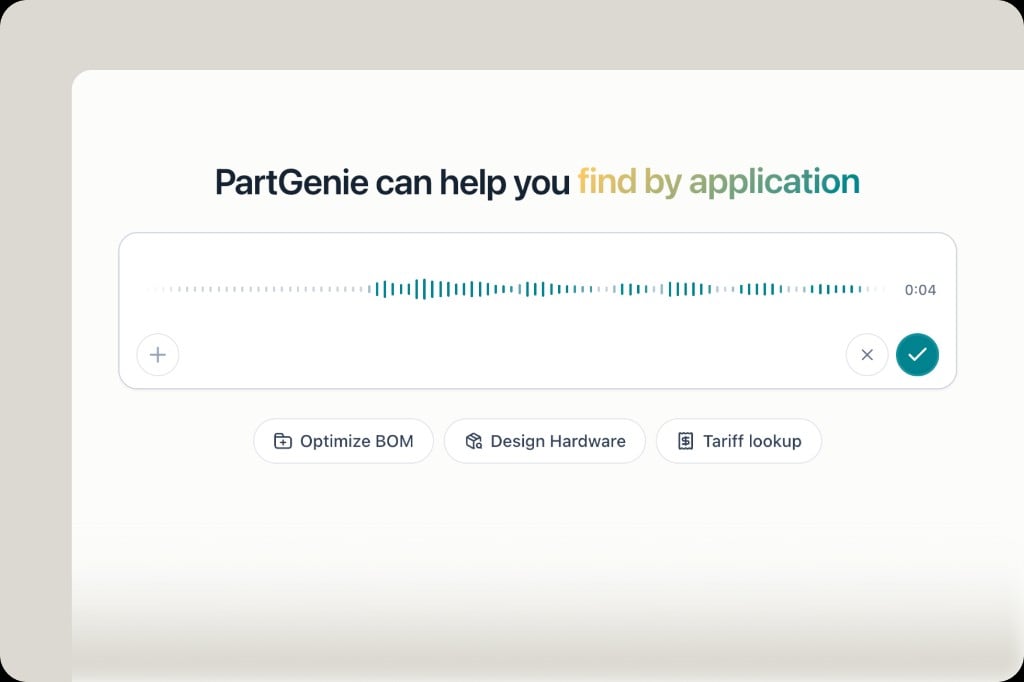
Type naturally, paste an MPN, upload a datasheet/image, or use voice input (microphone in the search bar).
3
Review the answer
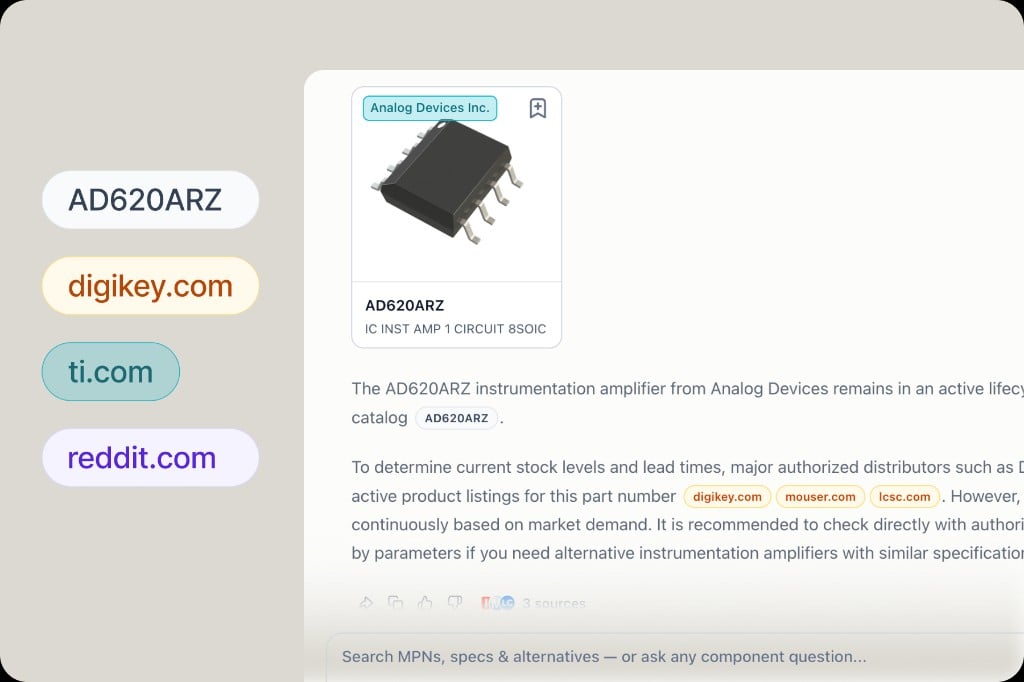
Answers include structured part cards, tables, and citation badges. Gray MPN badges open the component drawer; green = OEM, orange = distributor, purple = community.
4
Follow up
Use suggested follow-ups—including one-click Design when you want to start hardware design from a part.
Verifiable answers
Most AI tools give you text. PartGenie cites exact MPNs and web sources so you can check before you design-in:- Click an MPN badge → component drawer (specs, stock, pricing)
- Click distributor badges → jump to source listings
- Datasheet claims can include page-level citations (see Datasheet citations)
Tables & export
Comparison and alternative tables in answers support export (Pro). Hover the top-right of a table to download.What you see in the answer
Search and Work are the two chips inside the input. Search is for questions. Work is for a BOM or Design project you have attached. See PartGenie Work.
To pull a footprint after you have the right MPN, open the drawer and use CAD Models, or ask for a KiCad library. See ECAD & footprints.
Related
- Alternatives — smarter substitute search & reports
- Live sourcing — stock and price in results
- KiCad library generation
- How to write AI-understandable queries