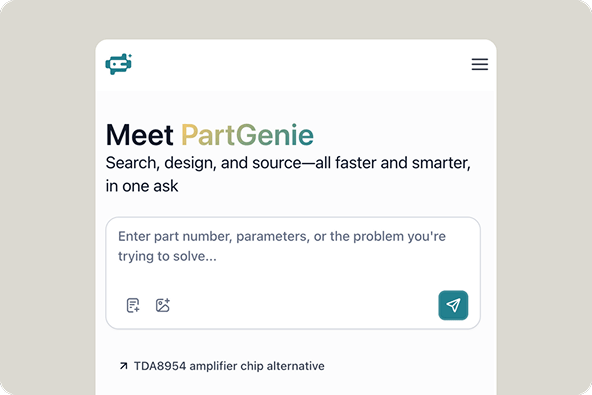
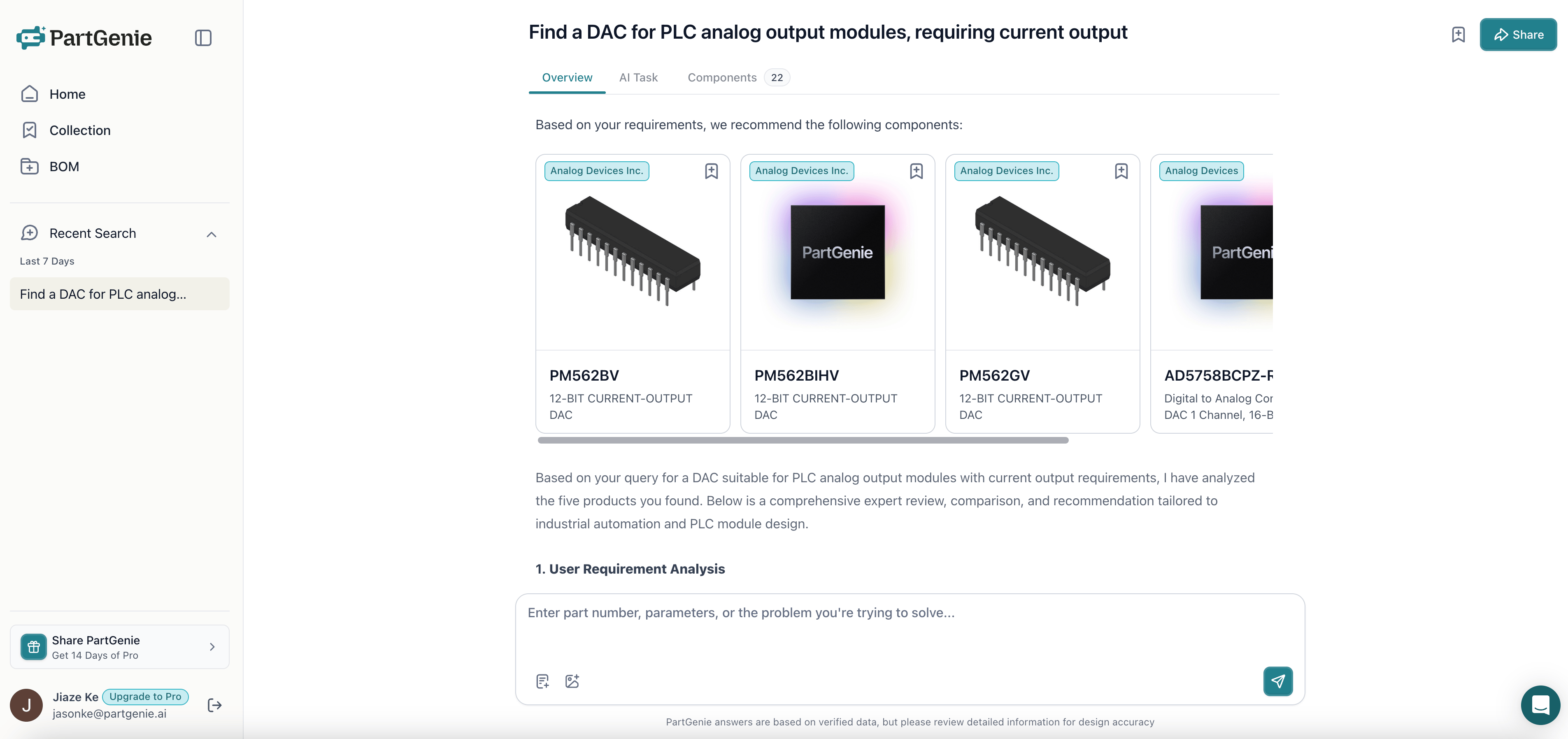
DataCatalogCoverage
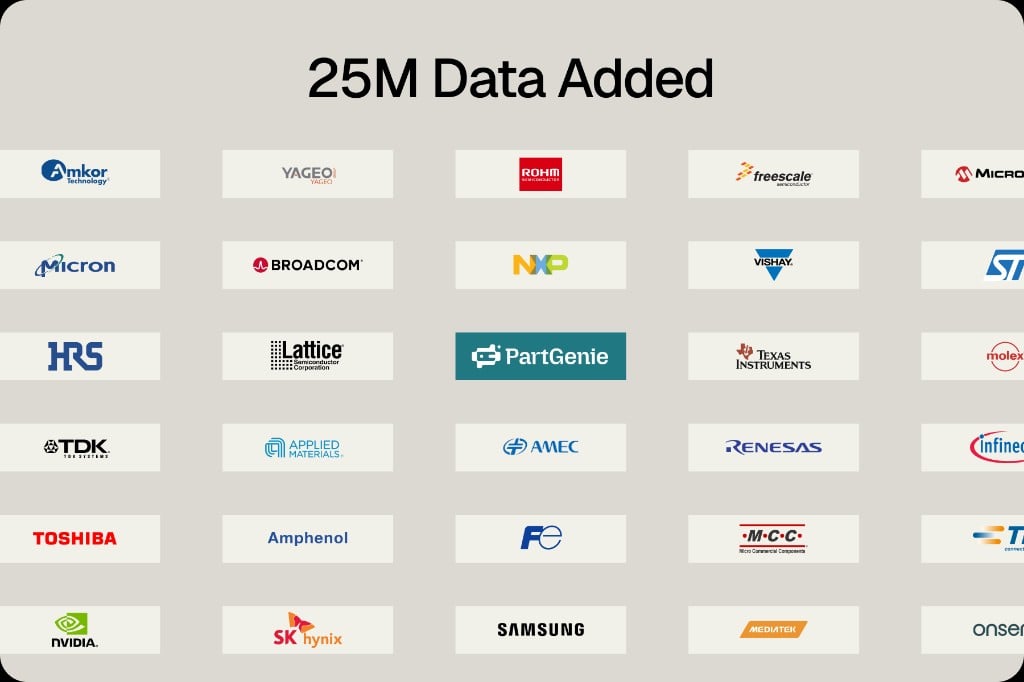
25M more component records added
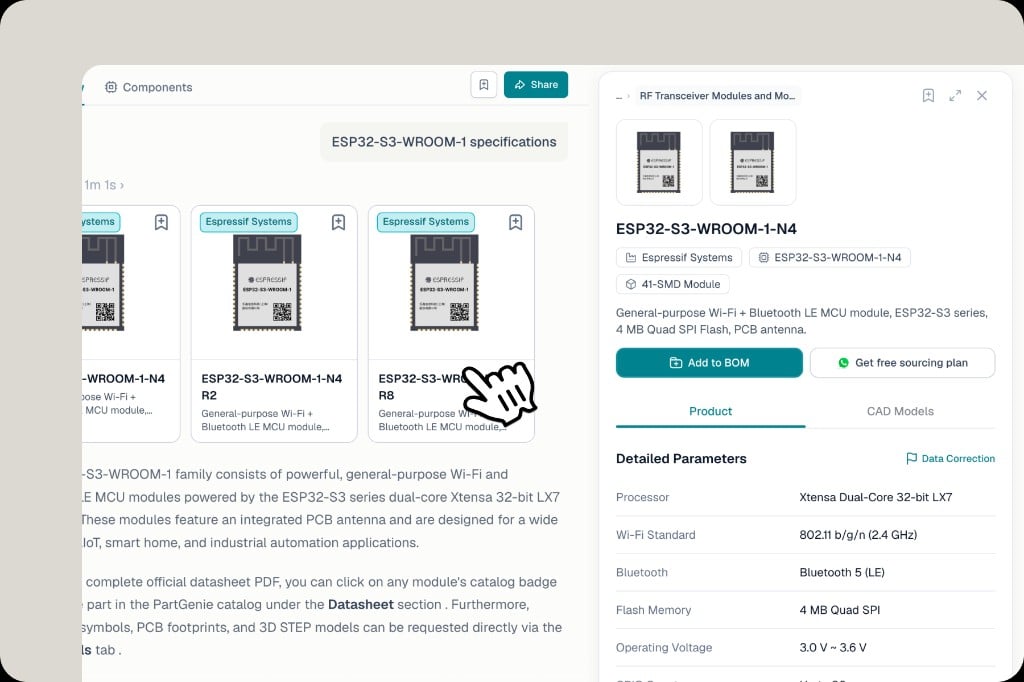
25M Data Added — PartGenie catalog expansion across major semiconductor and component manufacturers
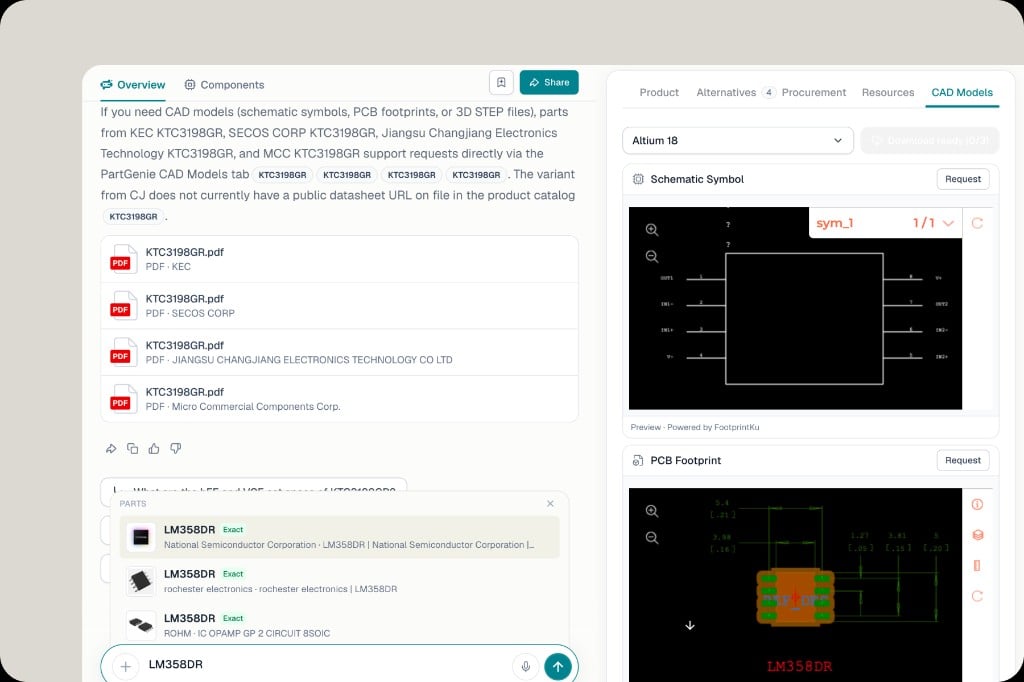
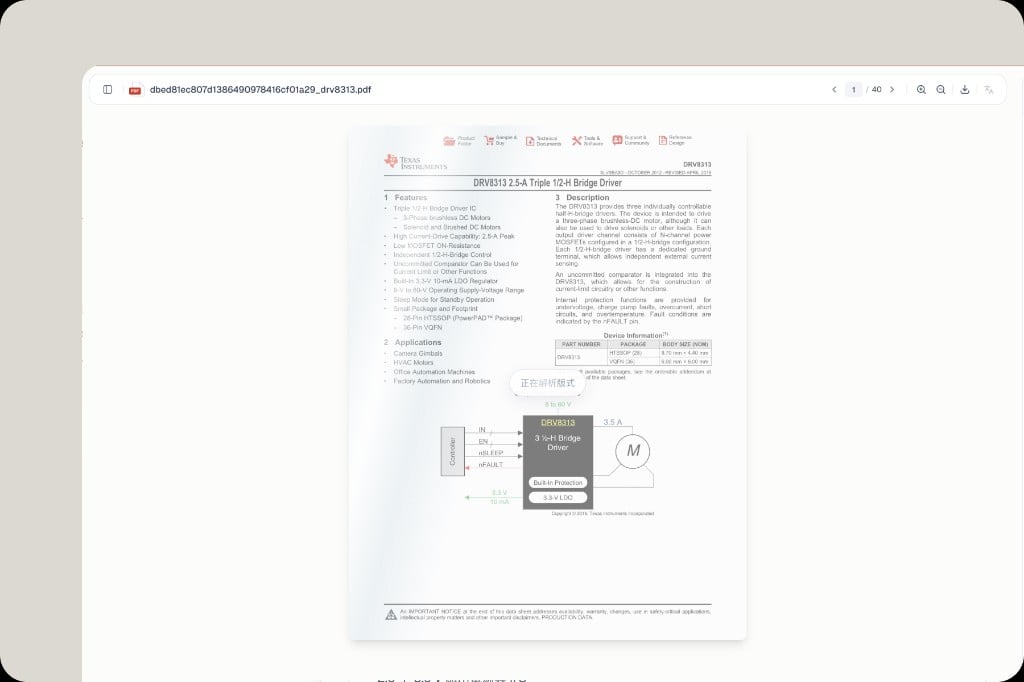
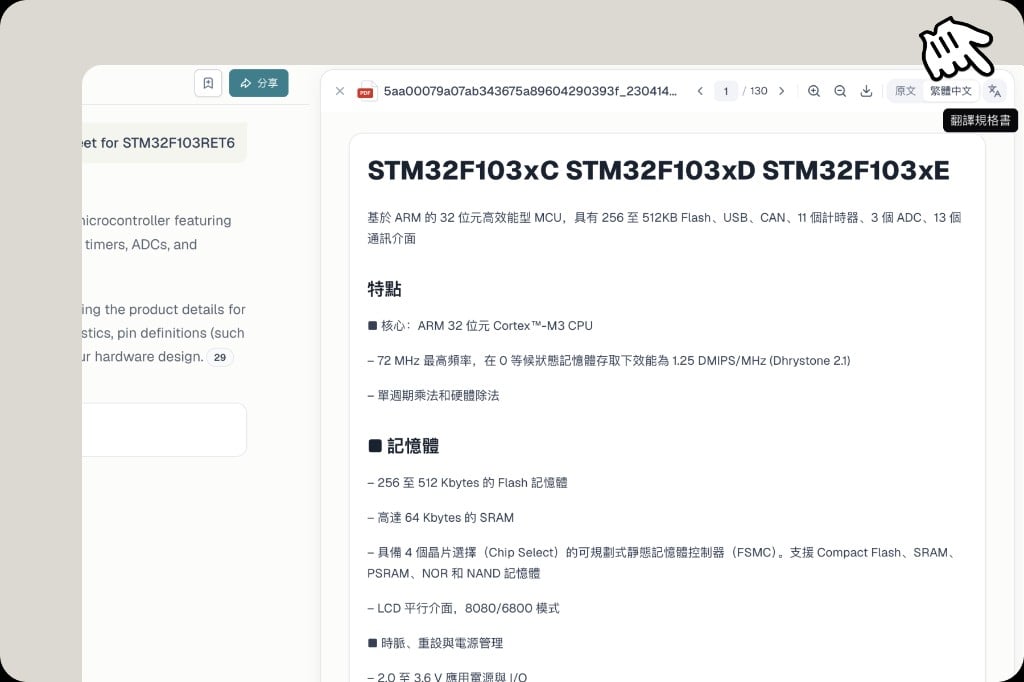
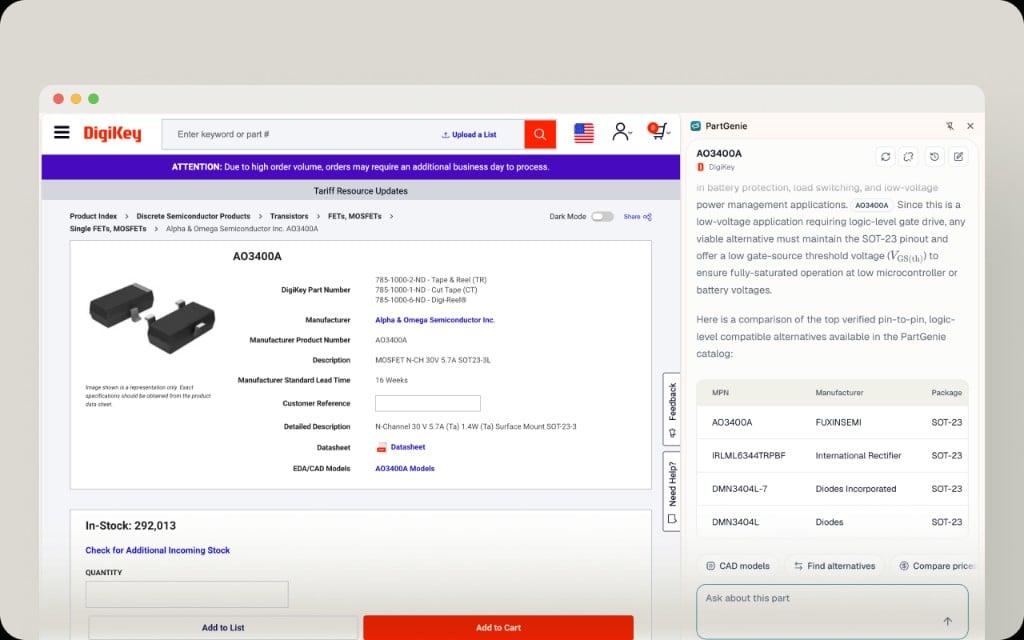
+25 million component records are now in PartGenie. We’ve expanded coverage across leading manufacturers—TI, ST, NXP, Infineon, onsemi, Microchip, Renesas, Samsung, SK hynix, NVIDIA, and many more—so search, alternatives, BOM matching, and sourcing hit more of the parts you actually use.
ShareChatBOM
Share chat answers & BOMs by email
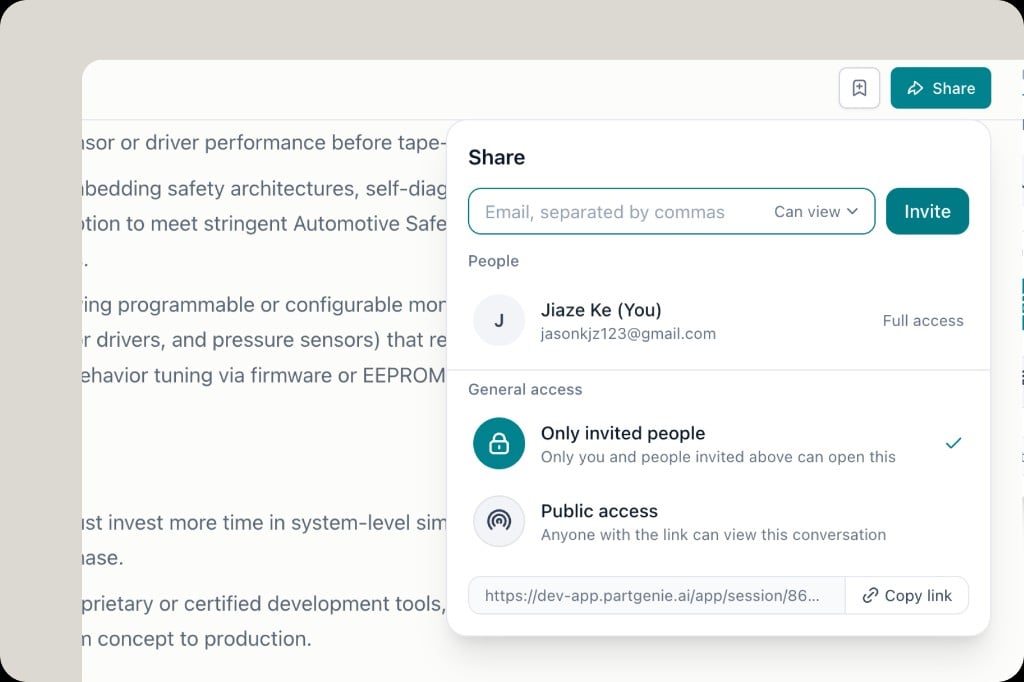
Share dialog with email invite, Can view permission, Only invited people access, and Copy link
Chat answers and BOMs can now be shared. Invite teammates by email (they get a notification), choose view access, or copy a link. Keep it private to invited people, or open public view when you want anyone with the link to read the conversation or BOM.
AlternativesReportExport
Generate & export Alternative reports
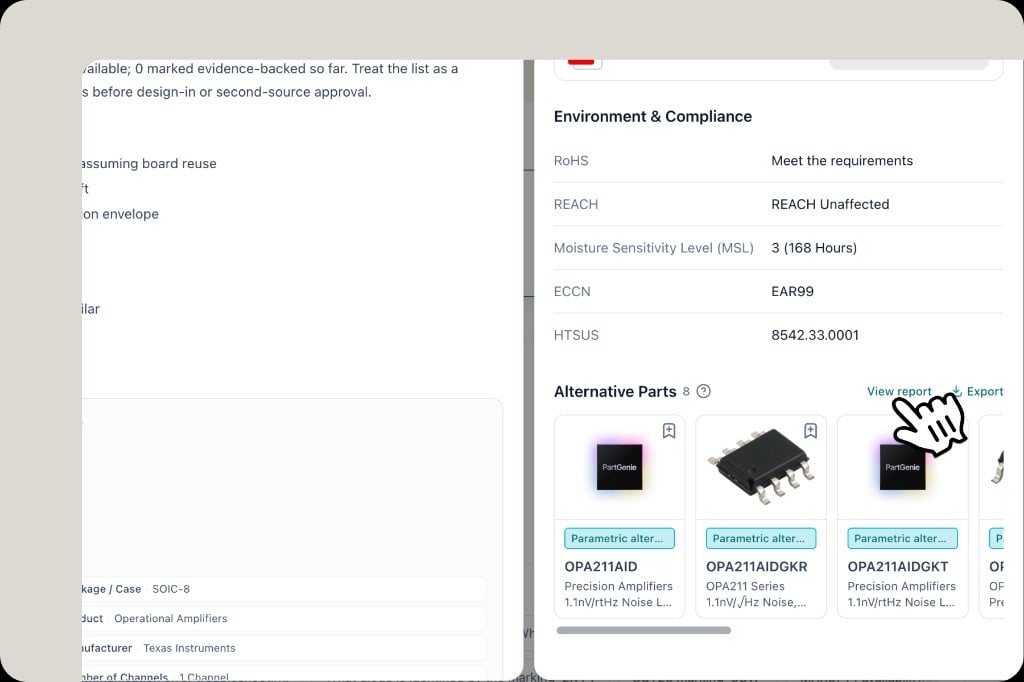
Component Alternative Parts section with View report and Export actions
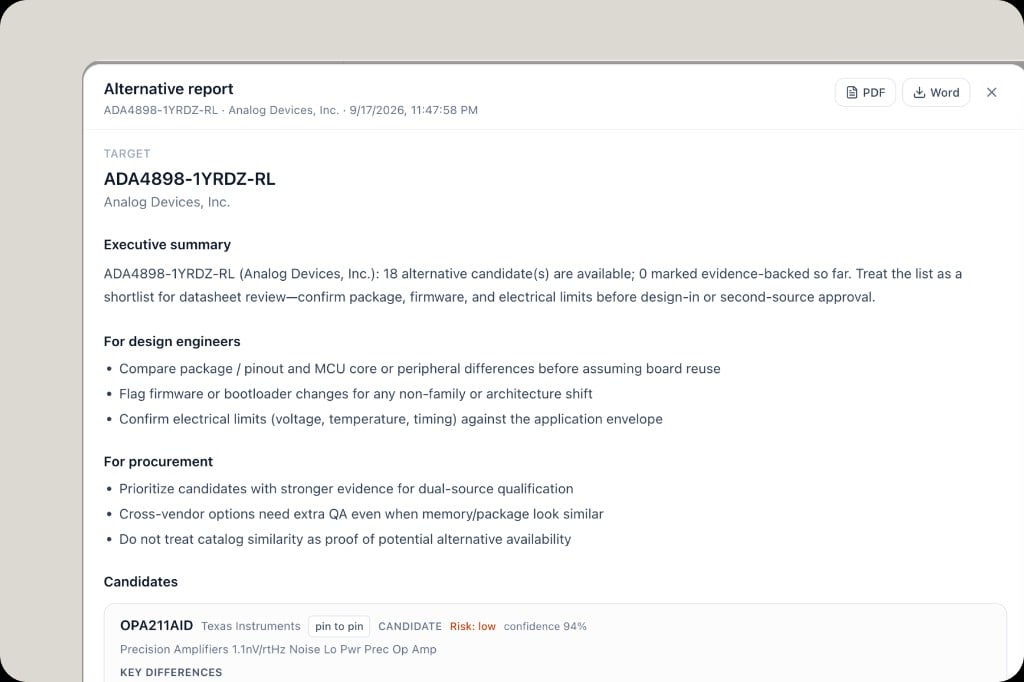
Alternative report modal with executive summary, design and procurement guidance, candidates, and PDF/Word export
You can now generate and export an Alternative report from any component’s Alternative Parts section. Open View report for a structured shortlist—target part, executive summary, guidance for design engineers and procurement, plus candidate differences, pin-to-pin fit, risk, and confidence. Export to PDF or Word when you need to share with FAE, purchasing, or design review.
BOMDiffPricing
BOM engineering diff & estimated cost
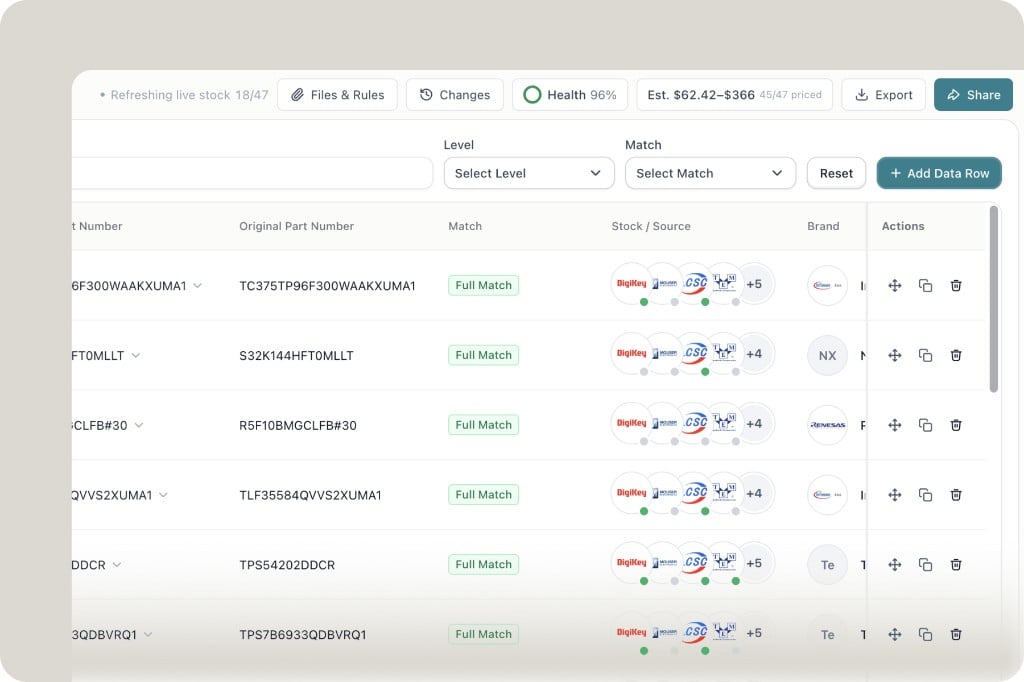
BOM toolbar showing Changes for engineering diff history, Health score, and estimated price range Est. $62.42 – $366
A BOM is a living document. PartGenie now keeps an engineering diff so you can see what changed, when, and why—not just the latest line list.
  • Adopt history — every alternative swap is recorded, so you can trace which MPN replaced which, and roll back context when a substitution needs review
  • Version history — compare BOM revisions over time as lines are added, removed, or updated
  • Estimated price — see a BOM-level cost estimate from live sourcing, so procurement impact is visible alongside the engineering change
Review the diff before you lock a revision. Know what moved, and what it costs.
Webi18nUX
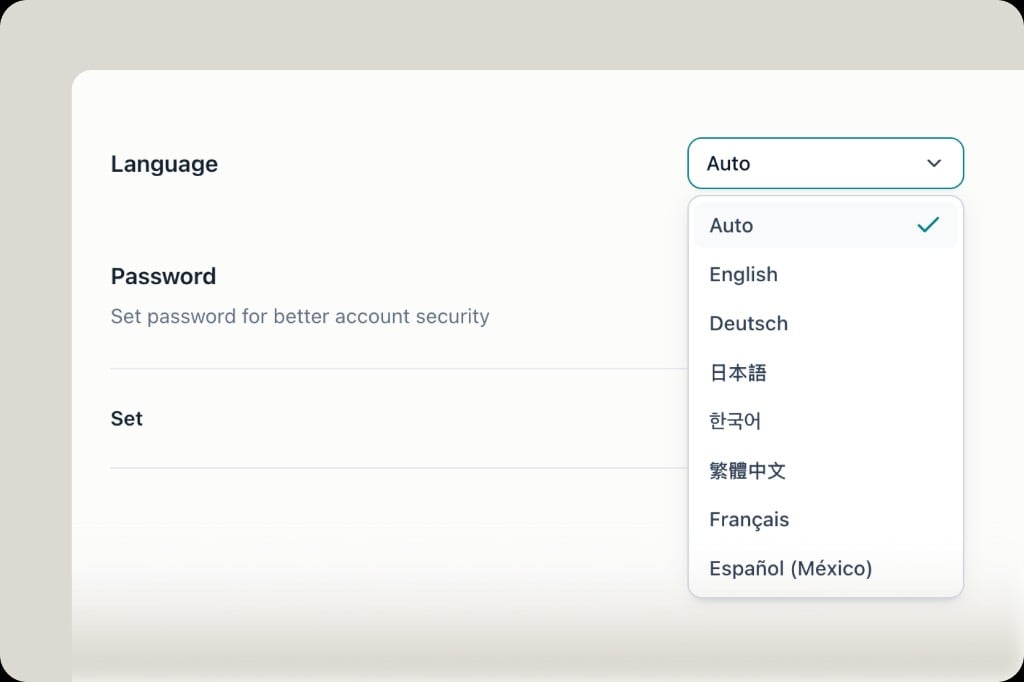
PartGenie web is now multilingual
Language settings dropdown showing Auto, English, Deutsch, Japanese, Korean, Traditional Chinese, French and Spanish
PartGenie web now speaks your language. Switch the UI under Settings → Language, or leave it on Auto to follow your browser. Supported locales include English, Deutsch, 日本語, 한국어, 繁體中文, Français, and Español (México)—so teams across regions can work in PartGenie without switching context.
OpenELABModulesSourcing
You can search modules & kits now
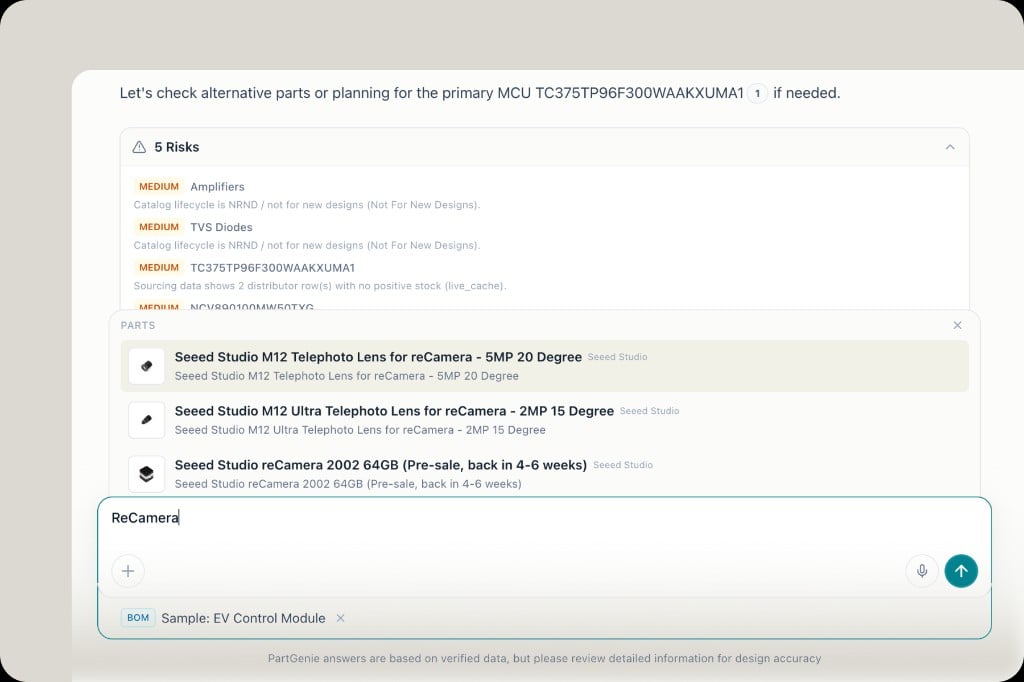
Search results for ReCamera showing Seeed Studio modules and lenses in PartGenie PARTS suggestions
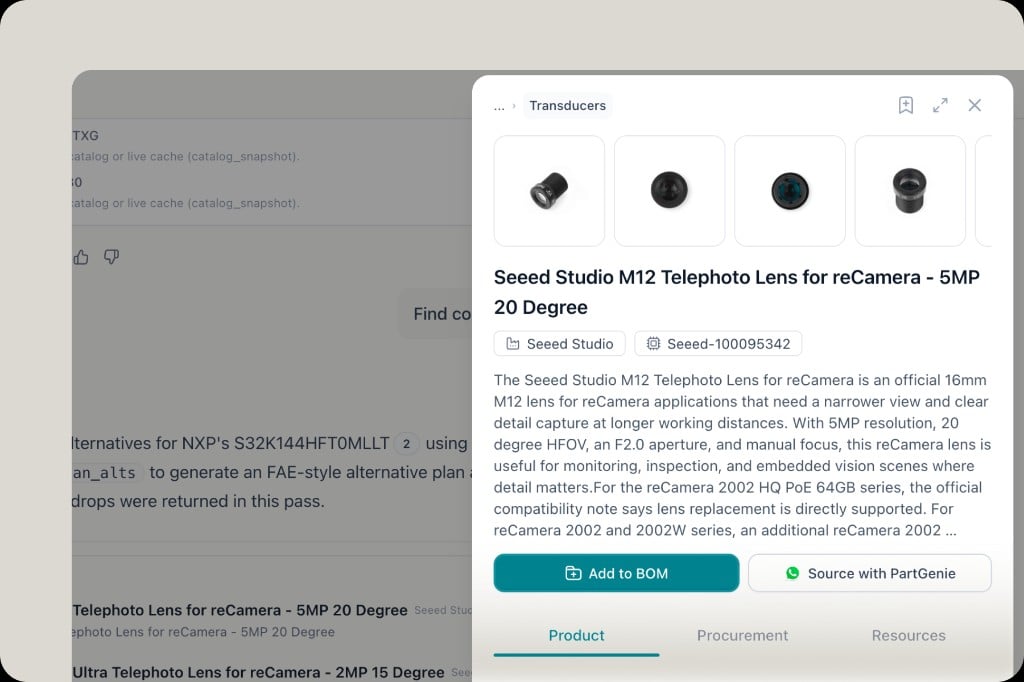
Product drawer for Seeed Studio M12 Telephoto Lens with Add to BOM and Source with PartGenie actions
You can search modules & kits now. PartGenie has partnered with OpenELAB—the AIoT innovation platform for development modules, robotics, and maker hardware—to expand beyond discrete components into ready-to-build building blocks.Search and explore:
  • Modules & sensors — cameras, wireless, power, displays, and more
  • Development boards — ESP32, STM32, Jetson, and ecosystem kits
  • Robotics parts — arms, actuators, LiDAR, vision modules, robot kits
Find the right module in PartGenie, then jump to OpenELAB for one-click purchase—same workflow as our distributor live sourcing, now covering the module and kit layer of your BOM.
WorkBOMDesign
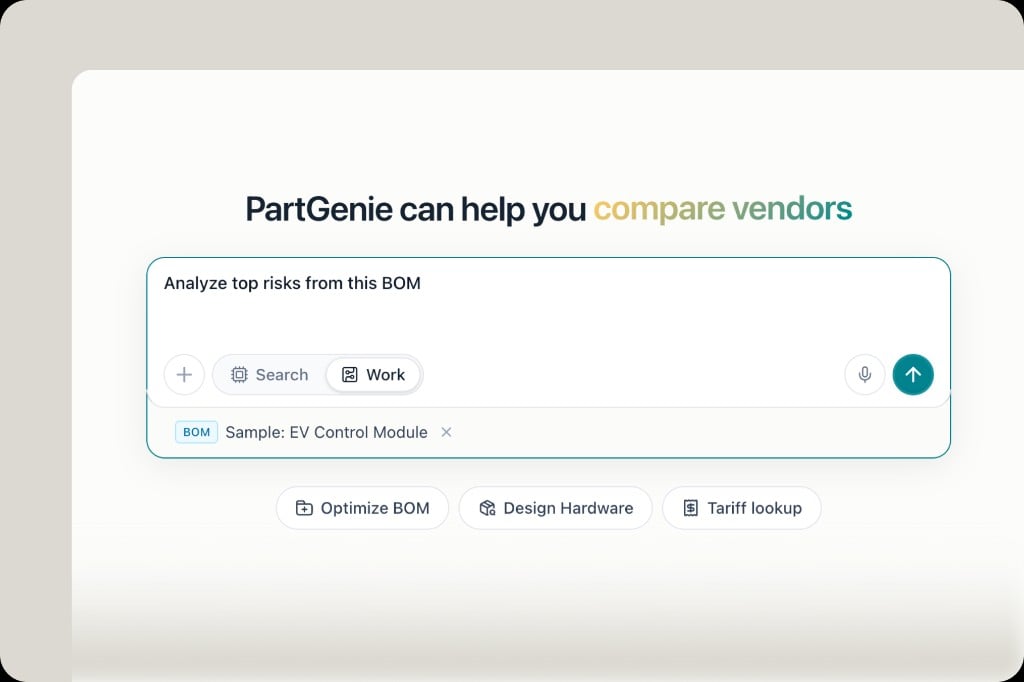
PartGenie Work — analyze & act on your projects in chat
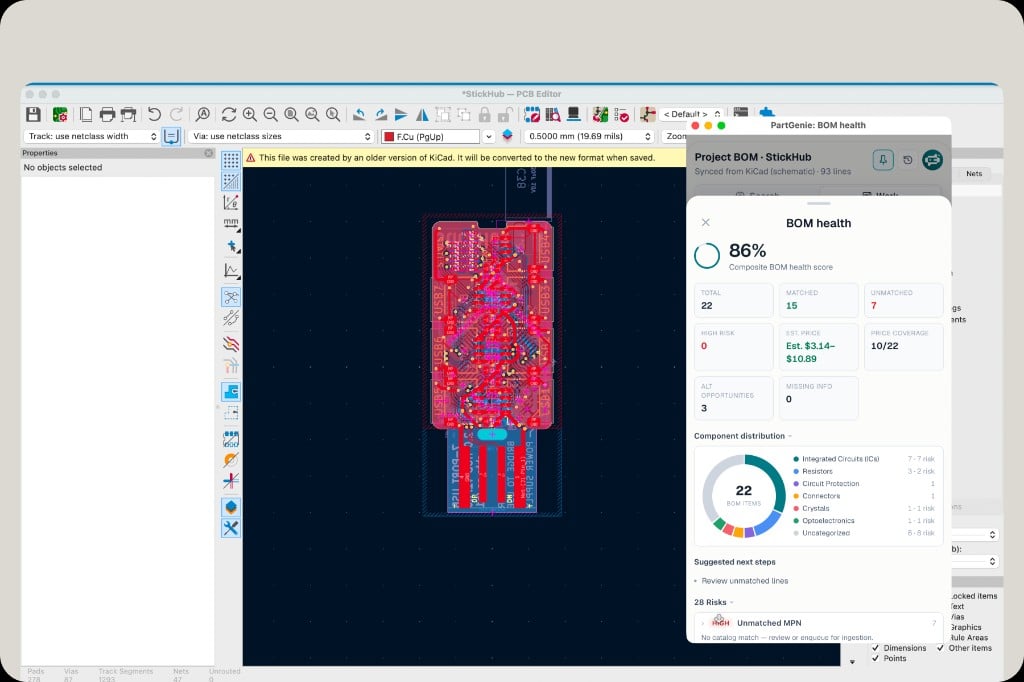
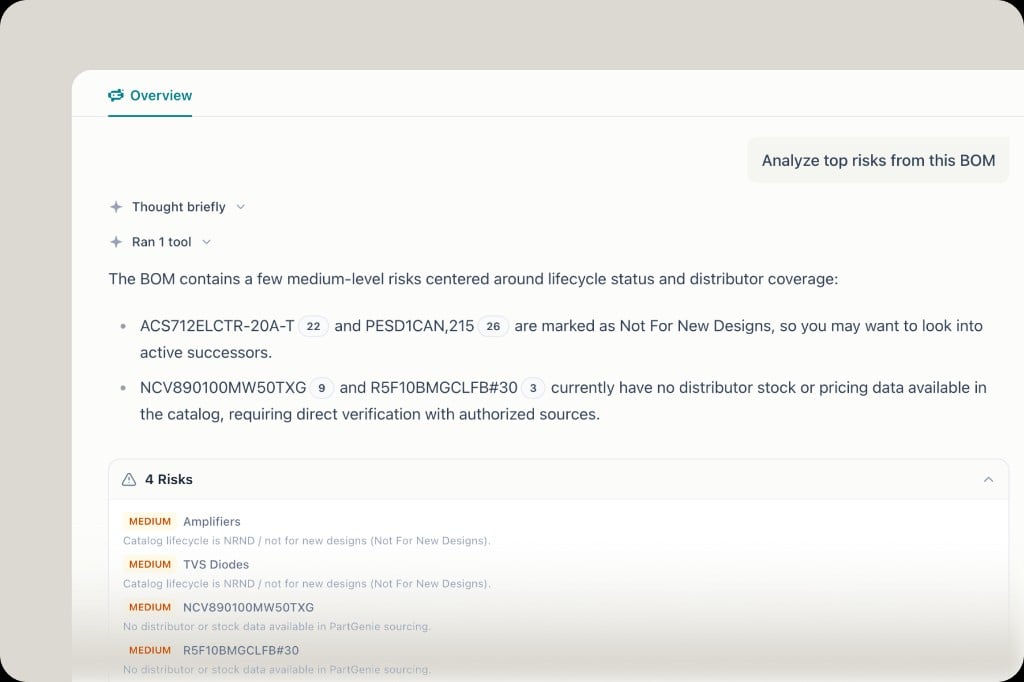
Homepage with Work mode selected, BOM attached, and prompt to analyze top risks
Work chat analyzing BOM risks including NRND lifecycle and missing distributor stock
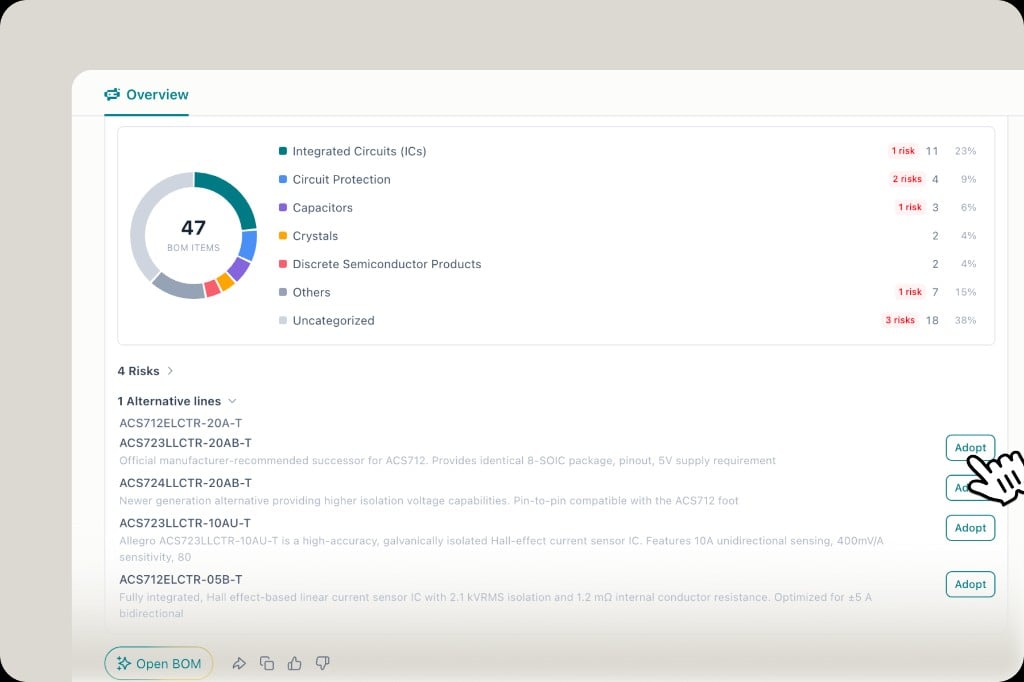
BOM overview with component distribution, risks, and Adopt buttons for alternative suggestions
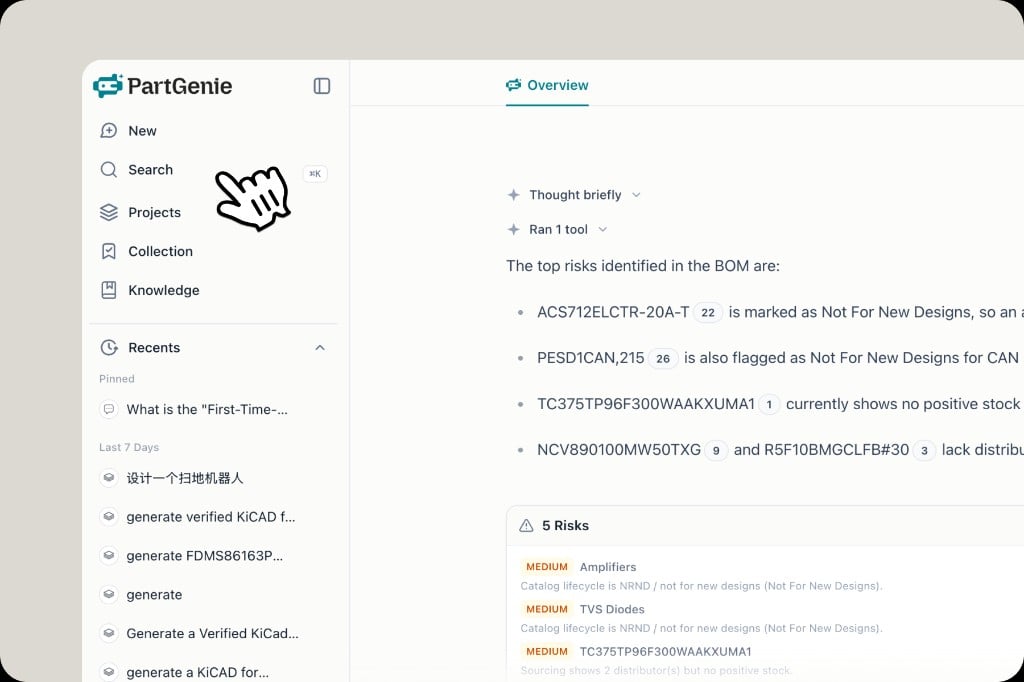
PartGenie Work is live—bring your project into the main chat and go from analysis to action without leaving the conversation.Upload a BOM, paste a part list, or open an existing project, then ask Work to:
  • Analyze risks — lifecycle (EOL/NRND), sourcing gaps, stock and pricing issues
  • Generate a BOM health report — distribution, risk counts, and suggested next steps
  • Recommend alternatives — and Adopt replacements directly into your project
Work also covers Design projects: kick off concept design, generate architecture diagrams, an initial BOM, and a technical proposal—so early hardware ideas become structured deliverables in one thread.
AppAndroidMobile
PartGenie App for Android is live
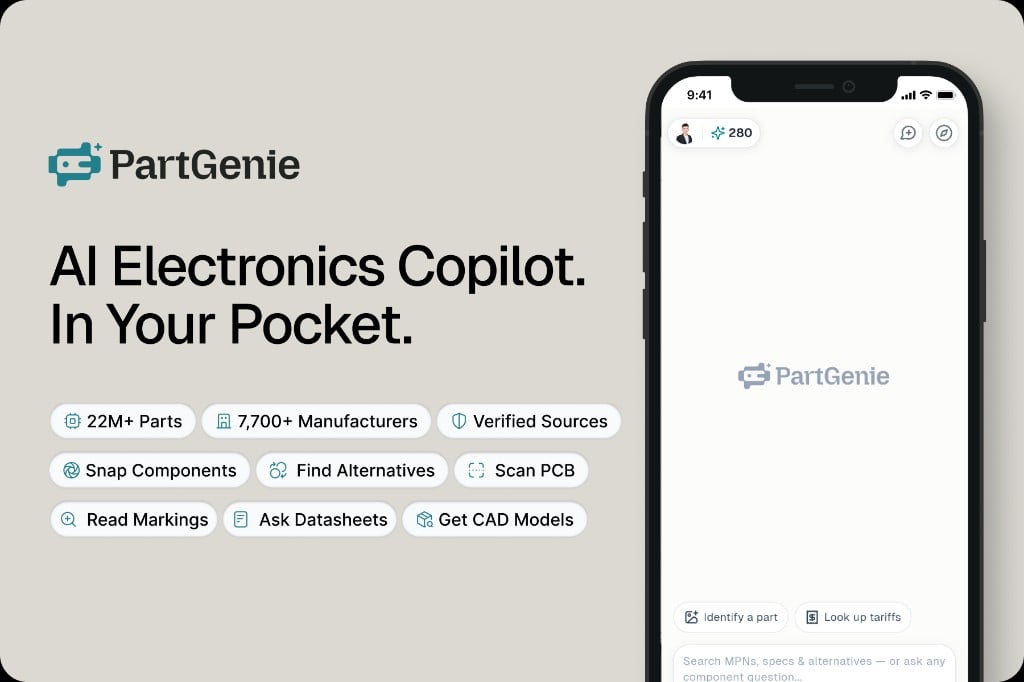
PartGenie Android app promo: AI Electronics Copilot in your pocket, with features like snap components, scan PCB, find alternatives
PartGenie for Android is live. Identify chips, scan PCBs, read markings, look up SMD codes, find datasheets and verified alternatives—with the same AI-powered workflow you use on the web, now in your pocket.Mobile-first scenarios covered:
  • Snap a component to identify markings
  • Scan a PCB to find chips on board
  • SMD code lookup when the full MPN isn’t printed
  • Ask datasheets, find alternatives, get CAD models—aligned with the web experience

iOS is coming soon. Download Android today and take PartGenie with you on the bench.
ProTrialPricing
Try Pro free for 7 days
Banner: Available on the Monthly Pro plan — Try Pro free for 7 days
Try Pro free for 7 days—available on the Monthly Pro plan. Unlock the full Pro experience: smarter search, BOM analysis, Design, live sourcing, table export, and more. Start your trial from billing settings; cancel anytime during the trial period.
SourcingProcurementUX
One-click jump to distributor purchase pages
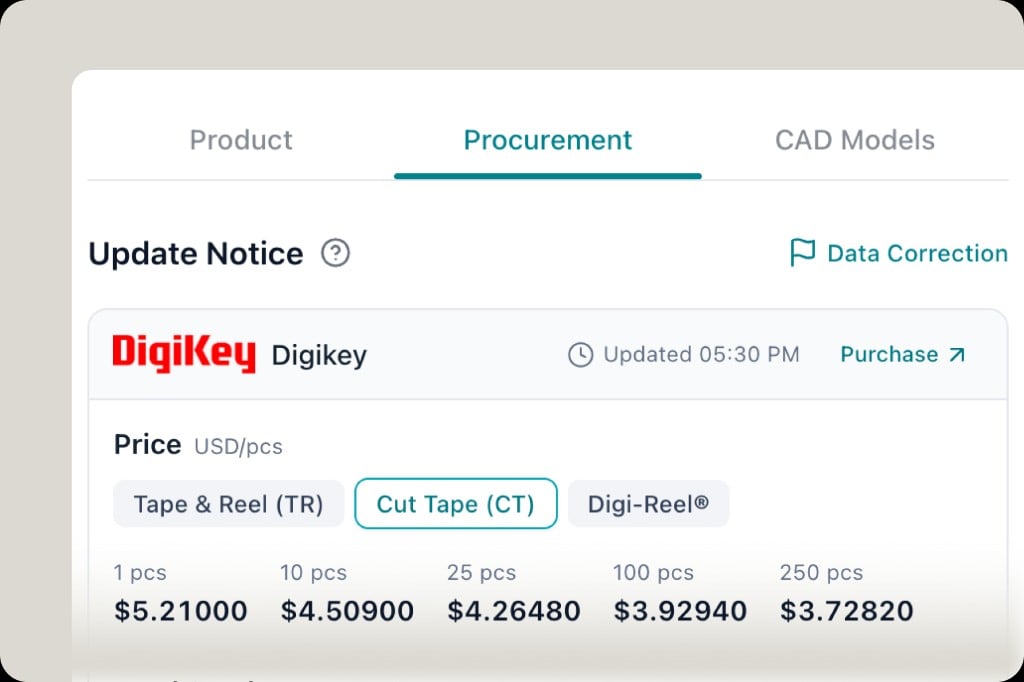
Procurement panel for DigiKey with live price tiers and a Purchase link to jump to the distributor site
Live pricing now comes with a Purchase shortcut. From the Procurement tab on any component, click Purchase to jump straight to that distributor’s listing—DigiKey, LCSC, Arrow, TME, and the rest—ready to order. Check price and stock in PartGenie, buy on the platform that has it.
SourcingLCSCArrow
LCSC & Arrow join live pricing
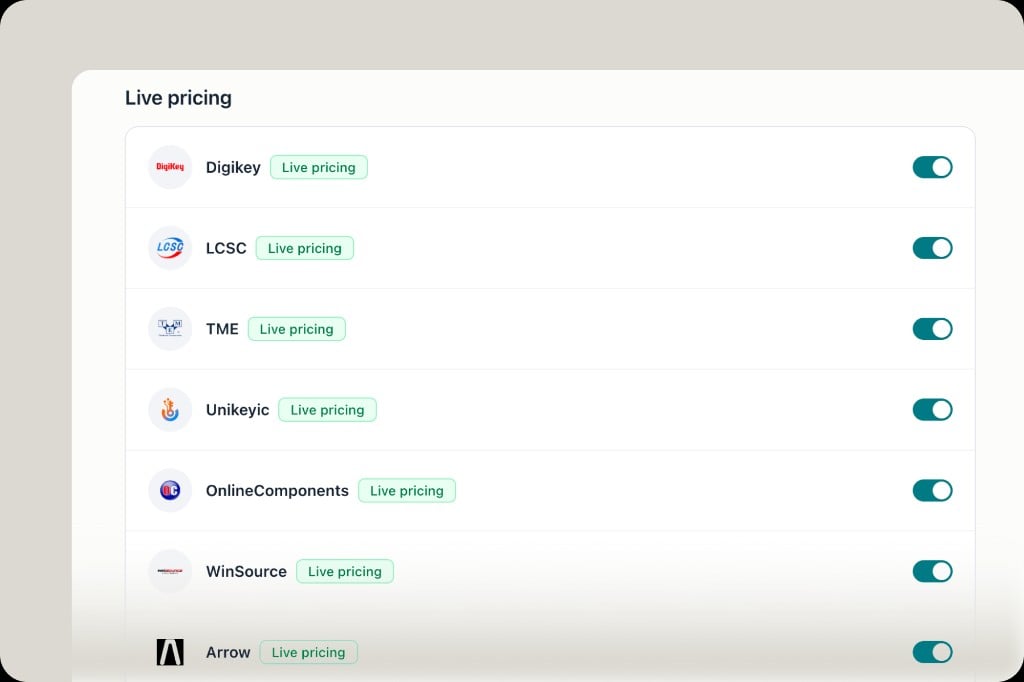
Distributor settings showing DigiKey, LCSC, TME, Unikeyic, OnlineComponents, WinSource and Arrow all with live pricing enabled
LCSC and Arrow are now live pricing sources—real-time price and stock join DigiKey, TME, Unikeyic, OnlineComponents, and WinSource across component detail, BOM, and compare views. Toggle any source under Settings → Distributors. Seven distributors, one view.
CreditsUsage
Usage now measured in credits
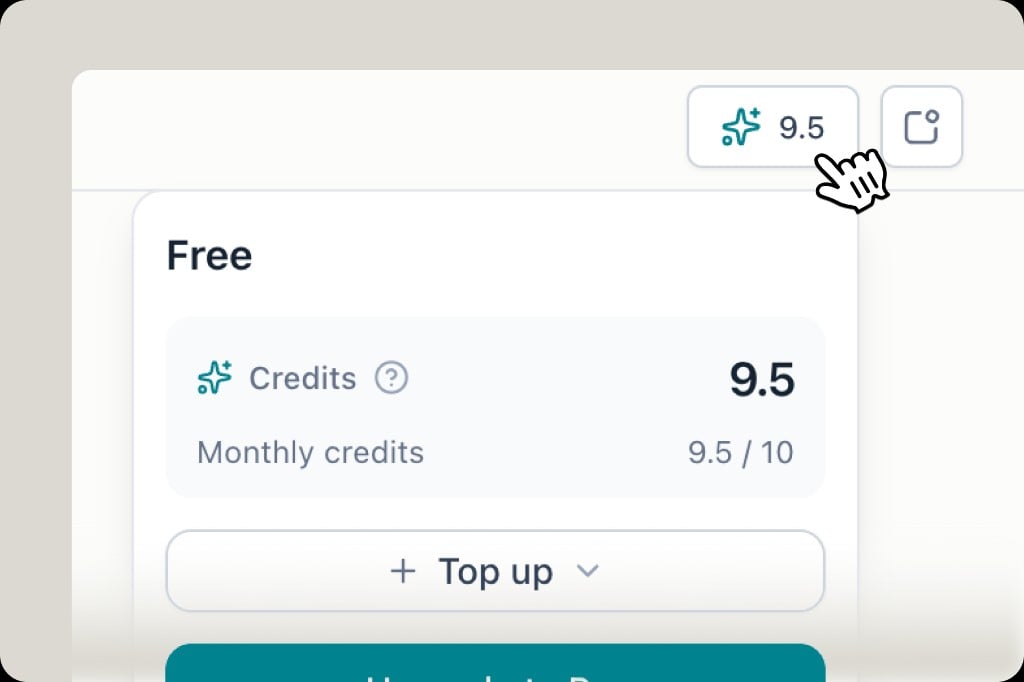
Credits panel showing 9.5 of 10 monthly credits remaining on the Free plan, with a Top up button
Usage is now measured in credits instead of a single search counter. Different workflows—component search, alternative finding, BOM analysis, hardware design—consume credits at different rates, so you get a much clearer picture of where your quota is going.Credits reset monthly. Free plan includes 10 credits/month. You can also Top up anytime to add more without waiting for the reset. Check your balance from the credit indicator in the top bar.
SearchAlternativesSourcing
Live sourcing data in search & alternative results
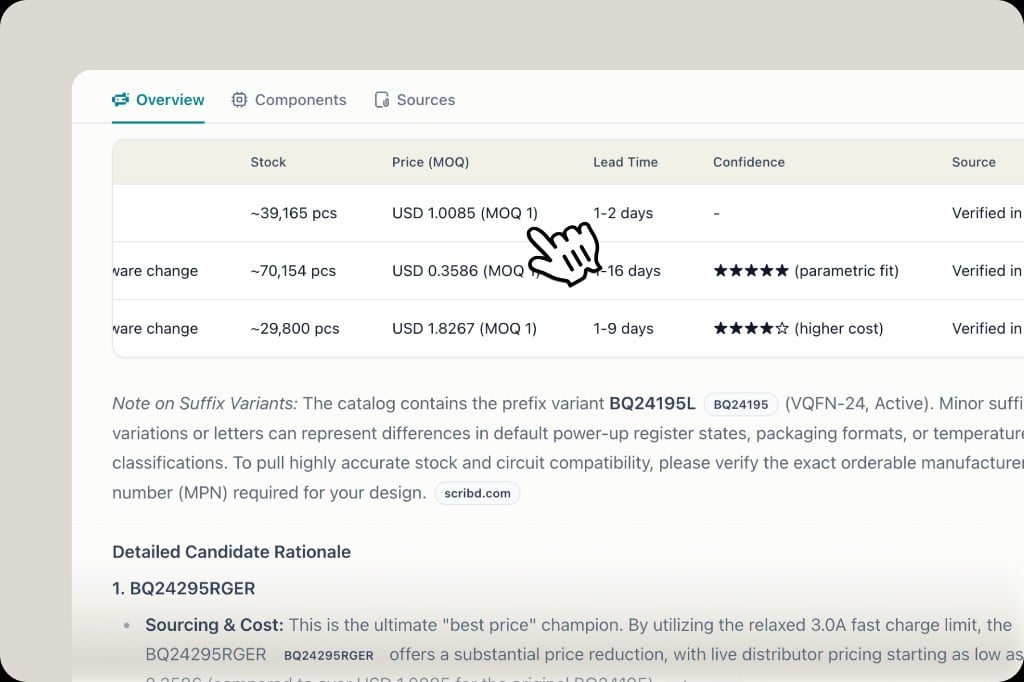
Alternative search results showing stock, price with MOQ, lead time, confidence rating and source for each candidate
Search and alternative results now include live sourcing data pulled from our five distributors—stock, price (with MOQ), lead time, confidence score, and source—right alongside the part recommendations. No need to switch tabs or visit a separate sourcing view; the procurement picture is part of the answer.
SearchDatasheetCitations
Datasheet page-level citations in AI answers
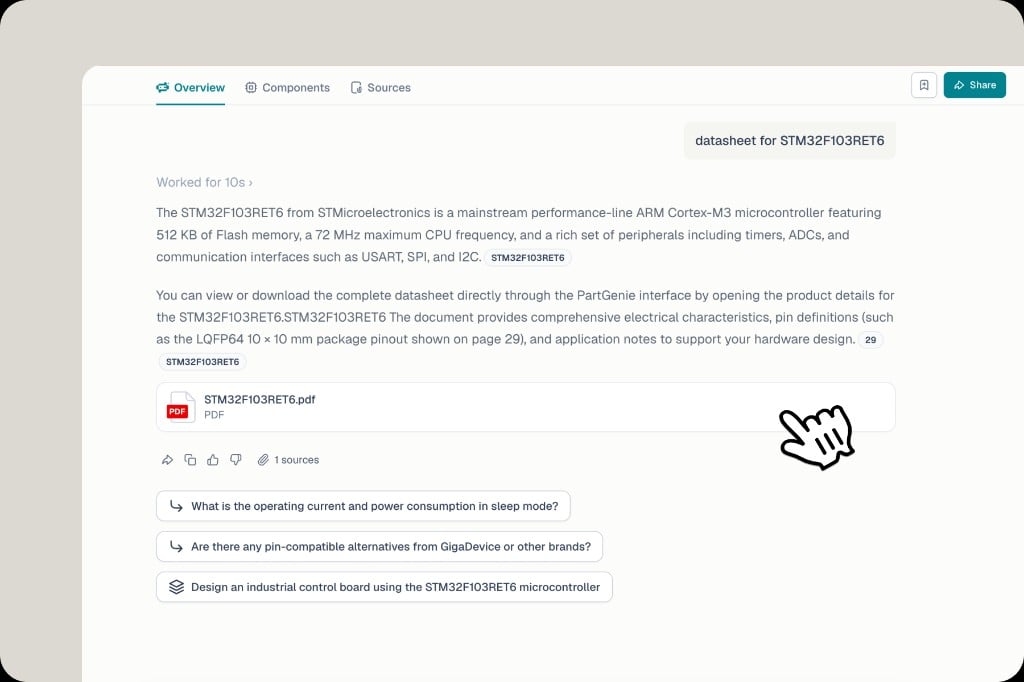
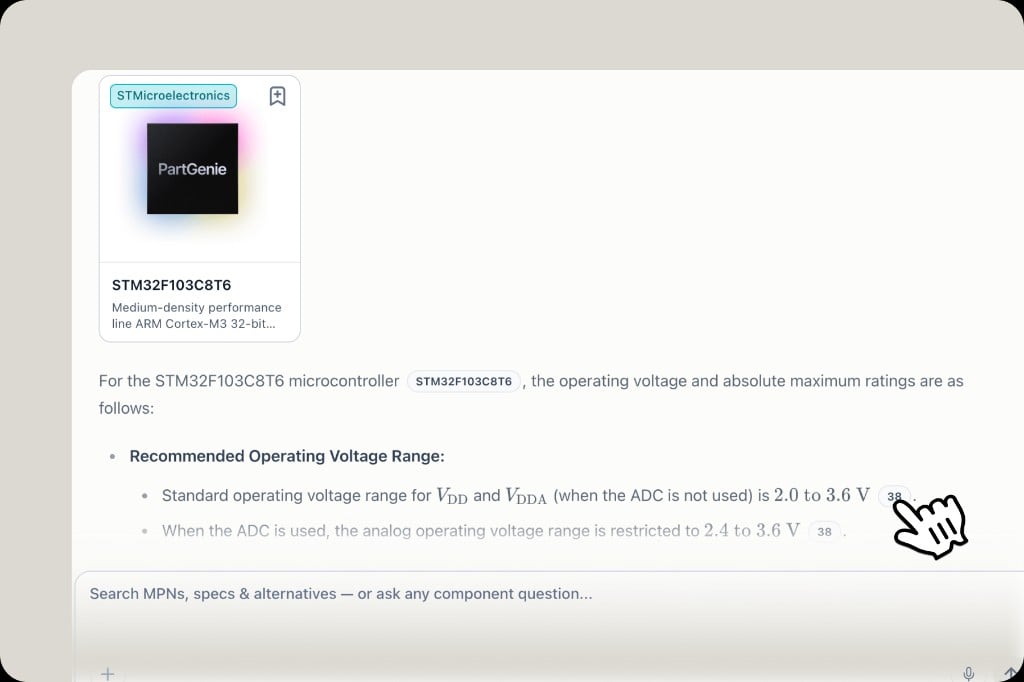
AI answer for STM32F103C8T6 with page number badges inline next to each spec value, linking to the exact datasheet page
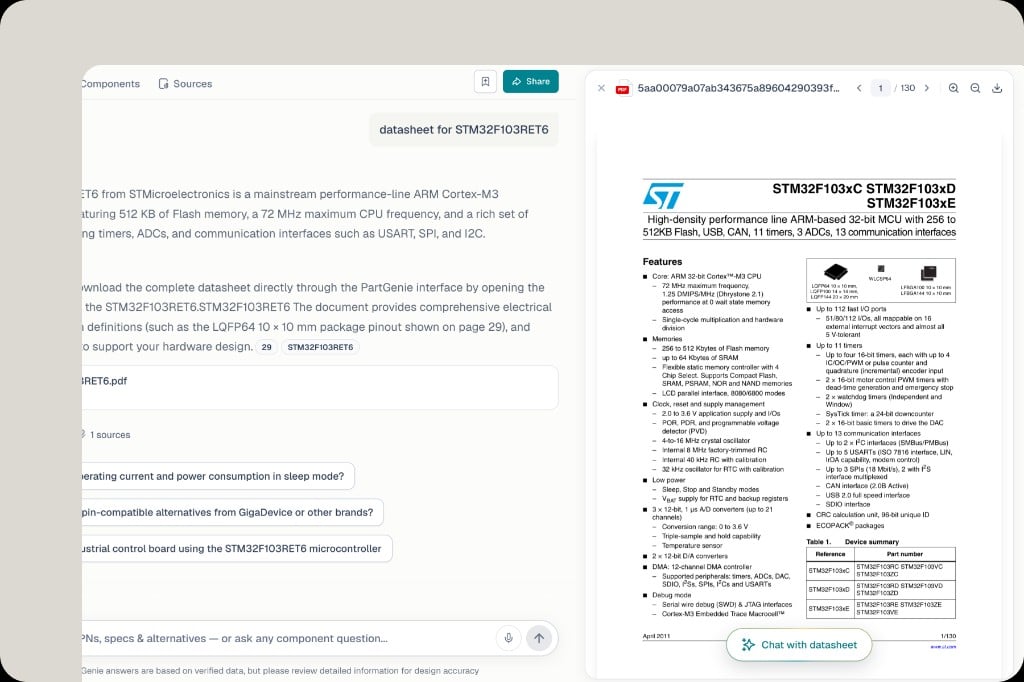
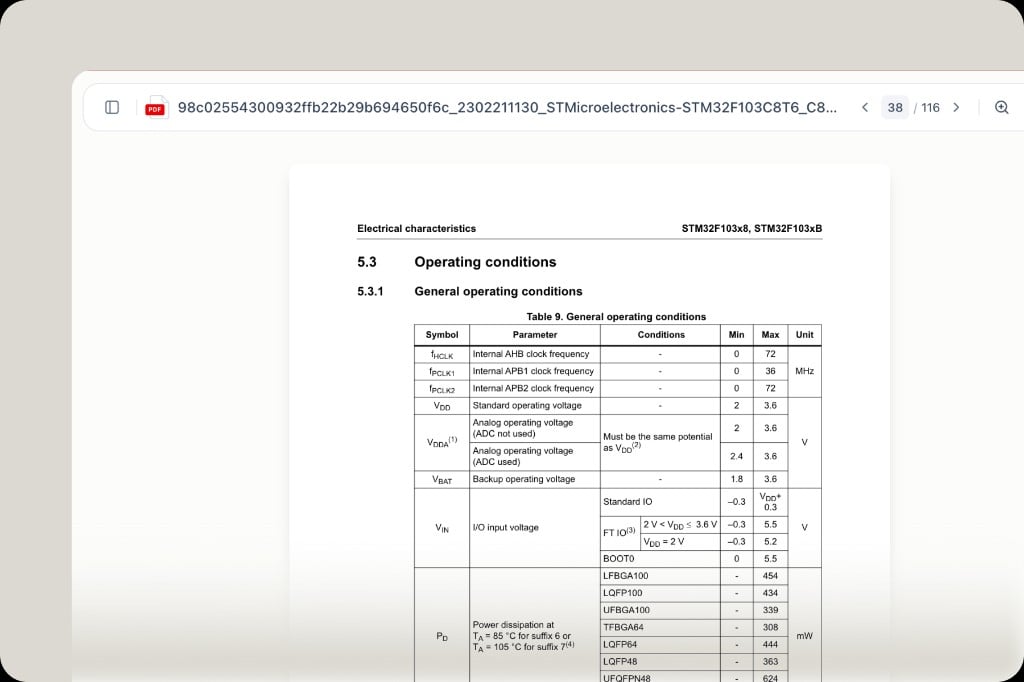
Datasheet PDF opened at page 38 showing the Operating Conditions table referenced by the AI answer
AI answers now show exactly where each claim comes from. Spec values, ratings, and electrical parameters are tagged with the datasheet page they were pulled from. Click any page badge to jump directly to that page in the PDF—read the source, verify the number, ask follow-up questions, all without leaving PartGenie.Every answer is evidence-backed. No more wondering whether the AI got it right.
SourcingLive pricing
OnlineComponents & WinSource live pricing now available
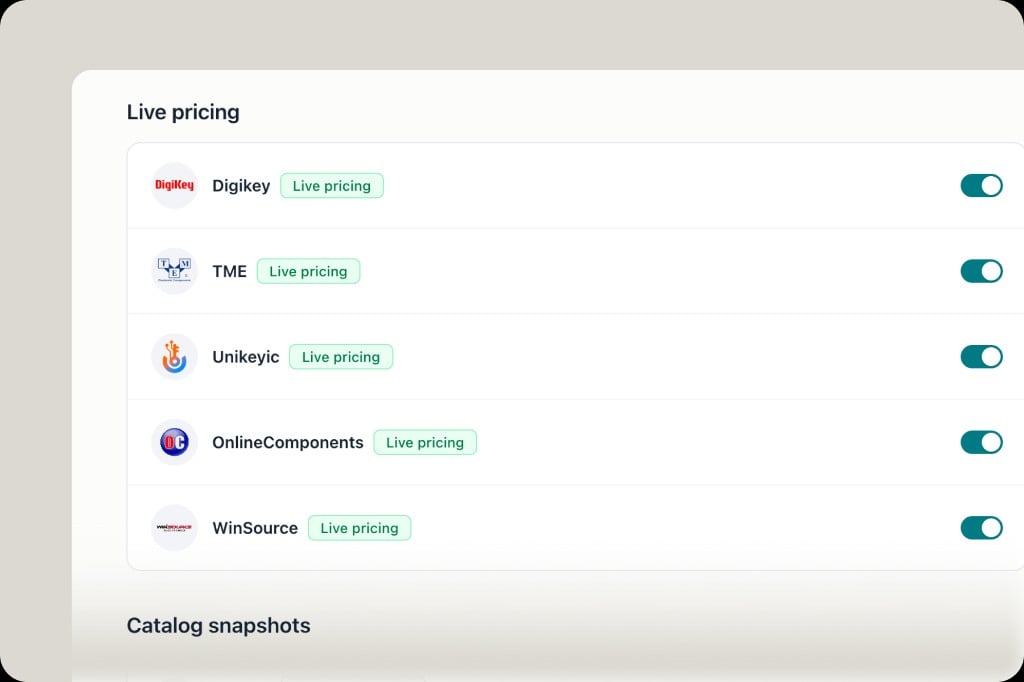
Distributor settings showing DigiKey, TME, Unikeyic, OnlineComponents and WinSource all with live pricing enabled
OnlineComponents and WinSource join the live pricing lineup—real-time price and stock from five distributors now available in component detail, BOM, and compare views. Toggle any source under Settings → Distributors. More on the way—let us know which ones matter to you.
SearchExportPro
Export tables from search answers
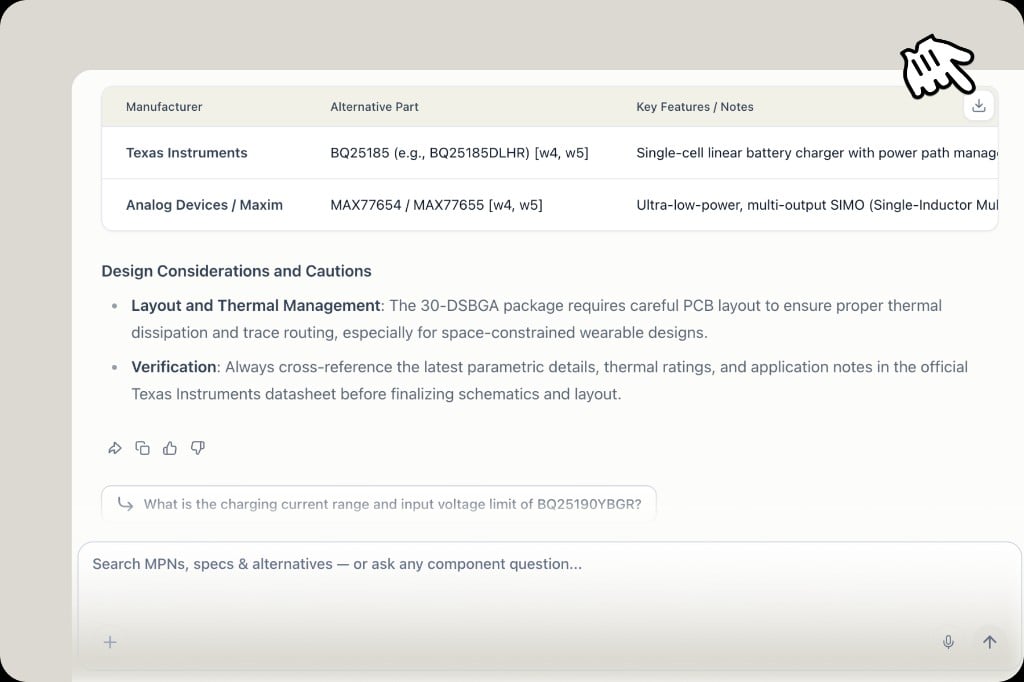
Search answer table with download icon in the top-right corner on hover for export
Tables in search answers can now be exported. Hover the top-right corner of any table to reveal the download button—pull comparison results, alternative lists, or spec summaries into your workflow. Available on Pro.
AlternativesAISearch
Alternative search just got smarter
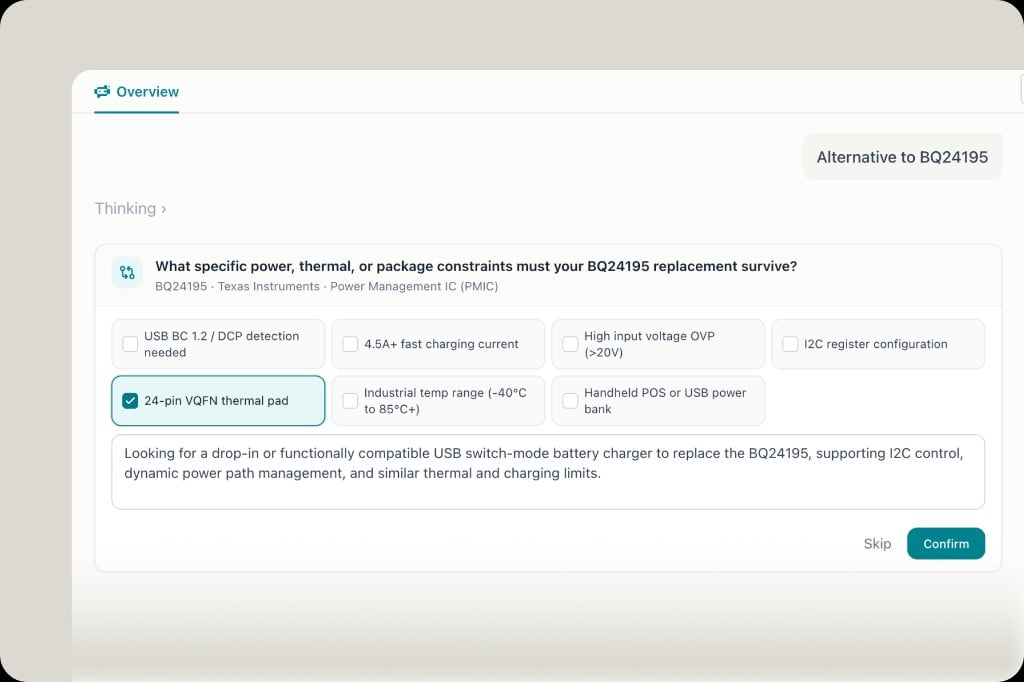
Clarification prompt asking for power, thermal, and package constraints when searching alternatives to BQ24195
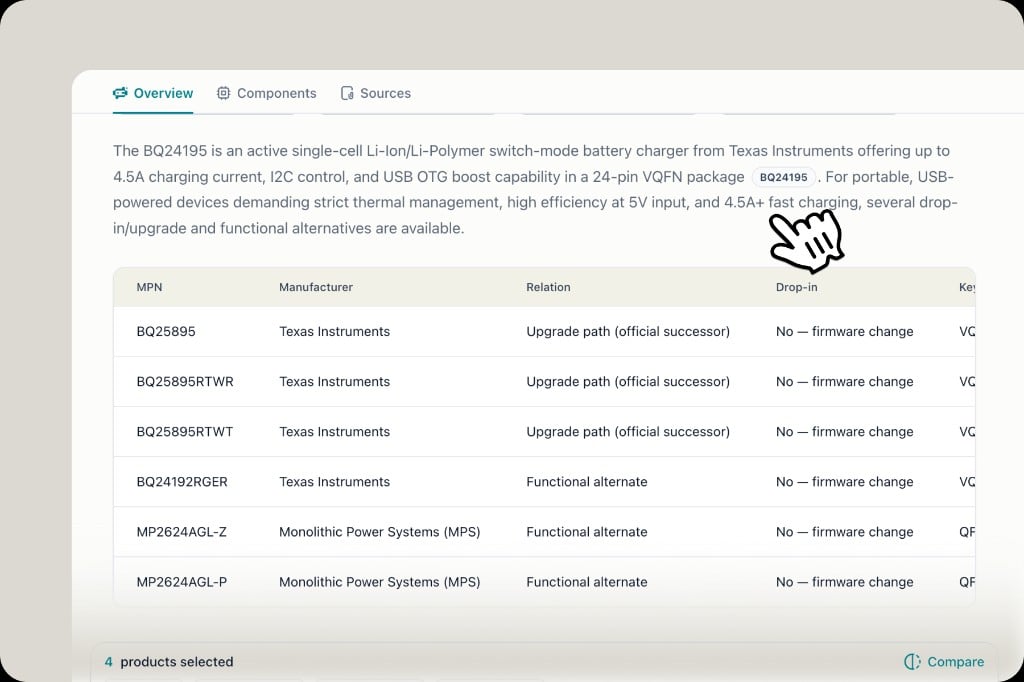
Alternative results for BQ24195 with upgrade path and functional alternates, reflecting confirmed application constraints
Alternative search just got smarter. PartGenie already looked beyond raw specs—now it also asks clarifying questions about your project context (power limits, thermal constraints, package fit, application scenarios) before recommending parts.For example, searching alternatives to BQ24195 prompts you to confirm constraints like 4.5A+ fast charging, VQFN thermal pad, or industrial temp range. Confirm (or skip), and the engine uses that context to surface better-fit options—upgrade paths and functional alternates—tuned to how you actually use the part.
SearchVoiceUX
Search now supports voice input
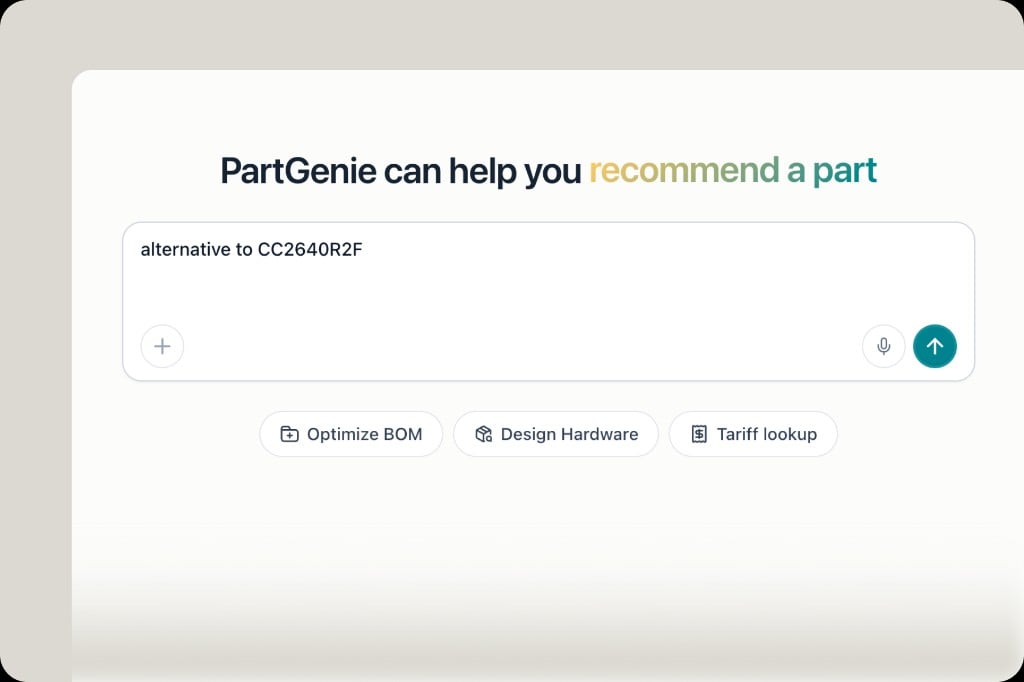
Homepage search bar with microphone icon for voice input
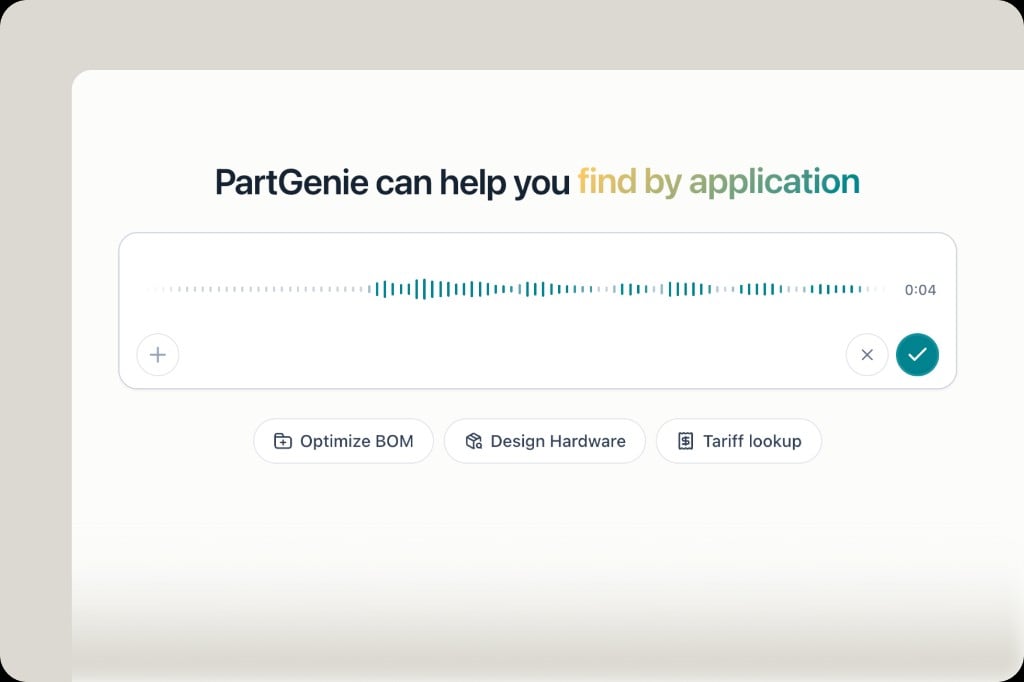
Active voice recording with waveform and duration timer in the search bar
Search now supports voice input. Tap the microphone in the search bar, speak your query—MPN lookups, alternative requests, application questions—and PartGenie transcribes it live. Hands free when you’re at the bench or flipping through a datasheet.
KnowledgeFilesAI
Knowledge — your personal hardware knowledge base
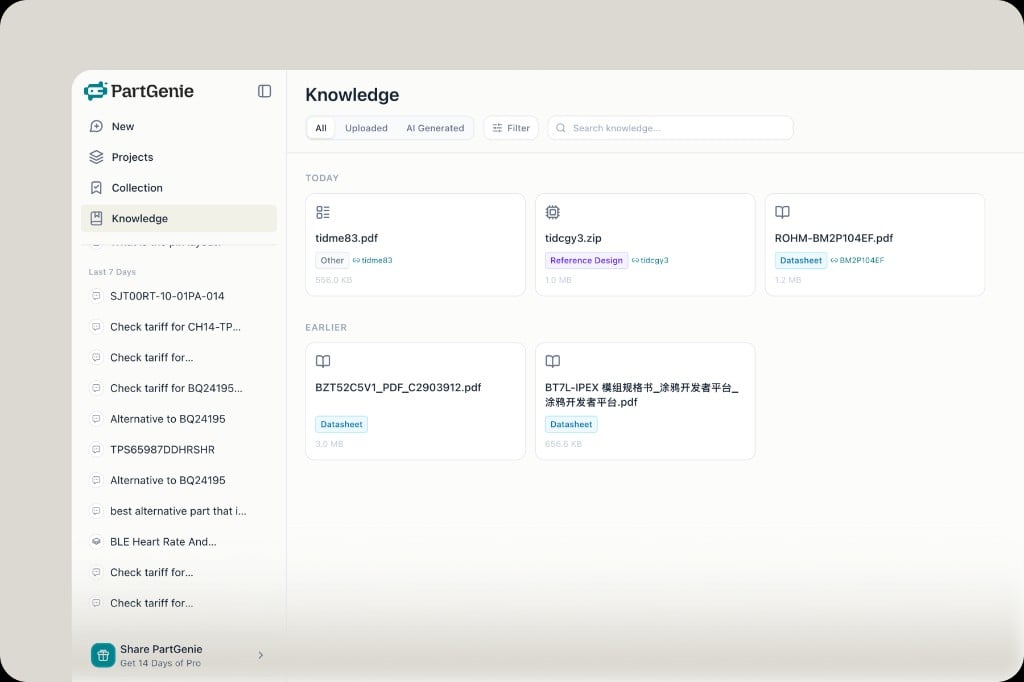
Knowledge library showing uploaded datasheets, reference designs and zip files organized by date with type tags
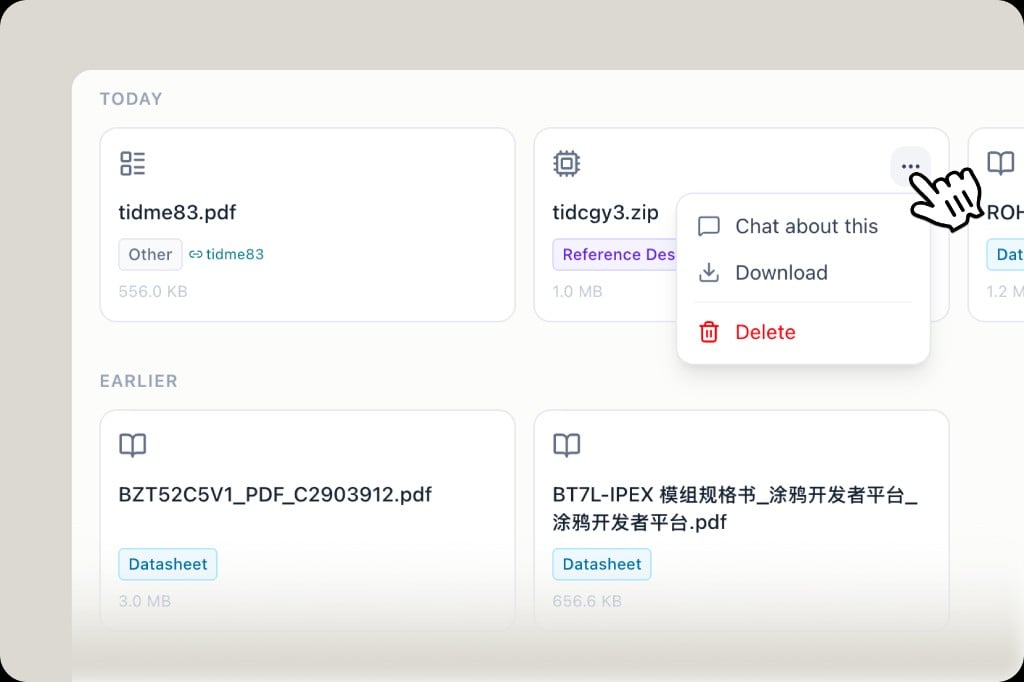
Knowledge file card with context menu: Chat about this, Download, Delete
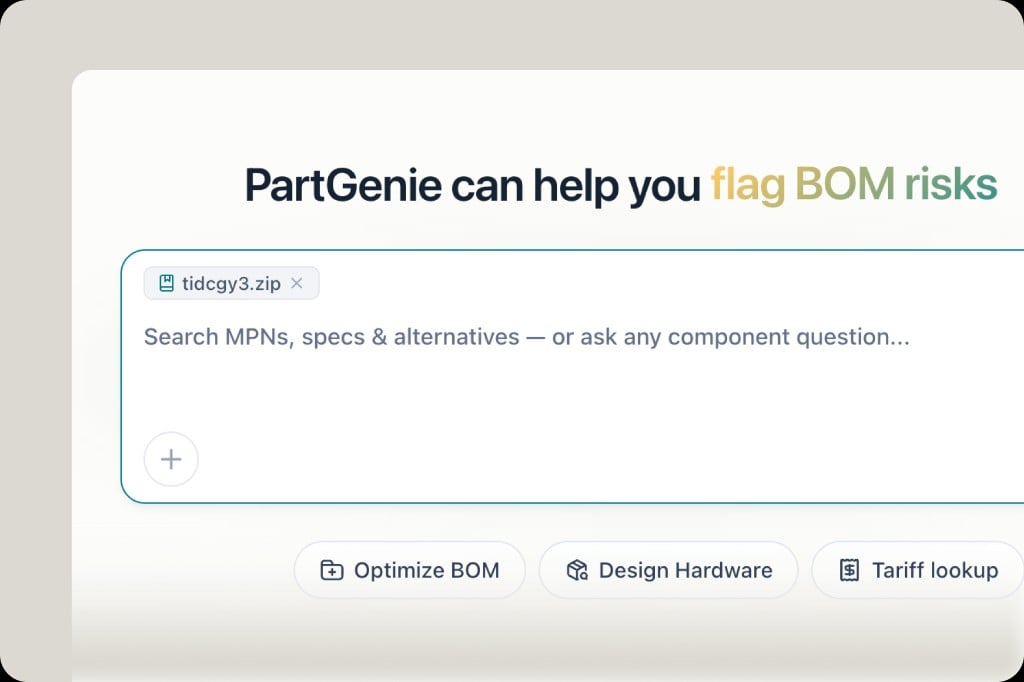
Homepage with a Knowledge file attached to the chat input, ready to ask component questions with full file context
Knowledge is your personal hardware engineering library inside PartGenie. Upload your files and the AI references them alongside our component database—so answers are grounded in your actual engineering context, not just general knowledge.Supported file types include datasheets (MPN auto-detected and linked), reference designs, app notes, schematics, Gerbers, and more. Files are organized by date and type, with tabs for Uploaded and AI Generated content.AI-generated artifacts—such as alternative reports, BOM analysis summaries, and other outputs produced during your sessions—are automatically saved here too, so nothing gets lost between conversations.Once in your library, you can chat about any file directly—attach it to a new conversation from the Knowledge page, or pull it into search to ask questions, compare alternatives, or run BOM optimization with your own documents as context.
SearchCitationsUX
Cleaner citation badges — source type at a glance
Citation badges in different colors: gray for MPN and general web, green for OEM manufacturer sites, orange for distributors, purple for community forums
Citation badges in AI answers now carry color-coded source labels so you know exactly where information is coming from—and how much weight to give it:MPN badges are also clickable—tap one to open the component drawer directly from the answer.
SourcingUnikeyicLive pricing
Unikeyic live pricing now available
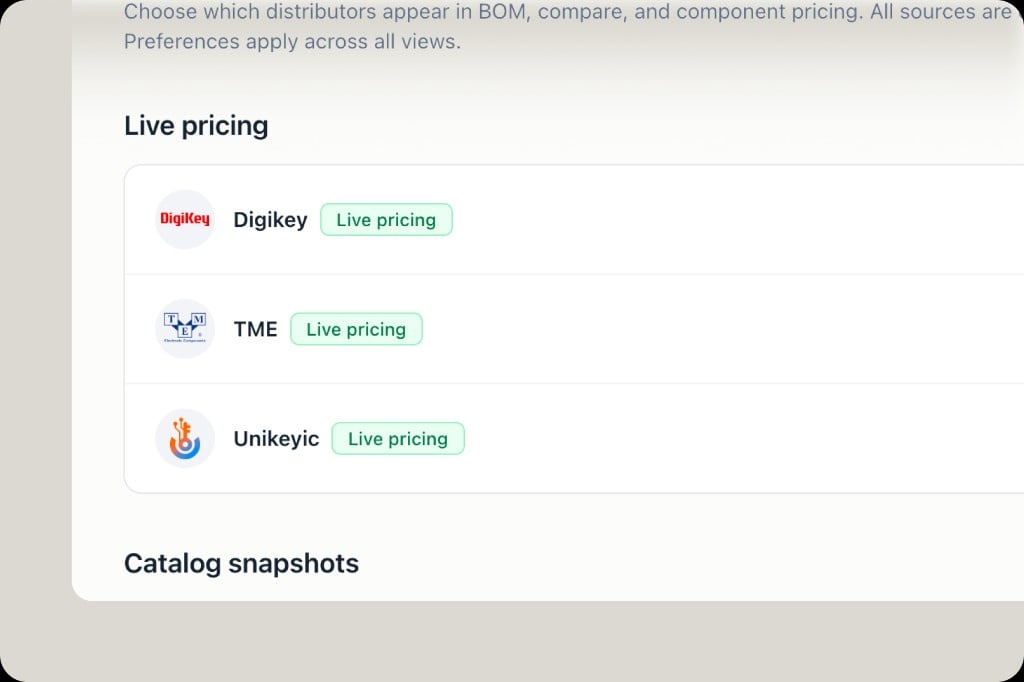
Distributors settings showing DigiKey, TME and Unikeyic all with live pricing enabled
Unikeyic joins DigiKey and TME as a live pricing source—real-time price and stock now available across component detail, BOM, and compare views. Toggle it under Settings → Distributors. More distributors are on the way; let us know which ones matter to your workflow.
BOMRiskAlternatives
BOM Health Report — distribution, risks & bulk alternatives
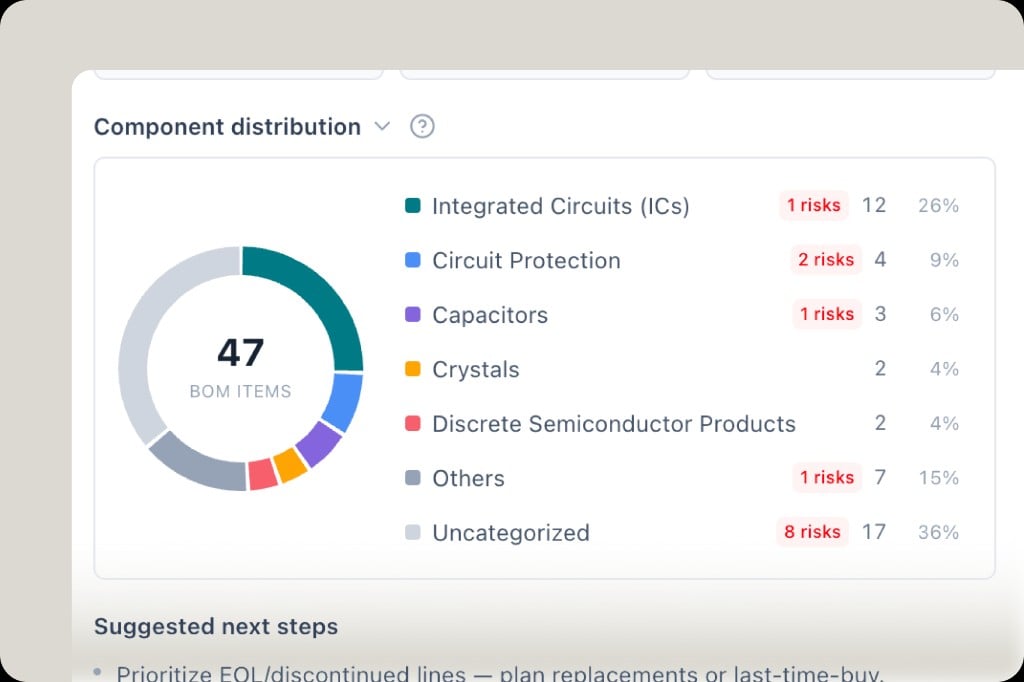
BOM component distribution donut chart by category with per-category risk counts
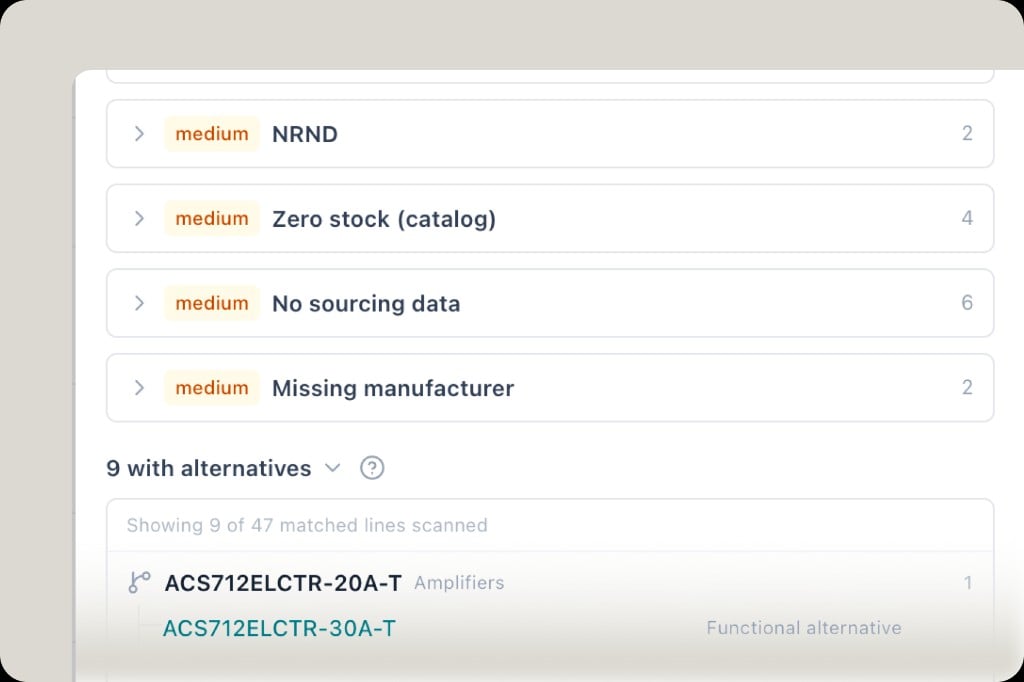
BOM risk breakdown showing NRND, zero stock, no sourcing data and missing manufacturer, plus 9 lines with functional alternatives
The BOM Health Report is now more actionable. Upload your BOM and get:
  • Component distribution — see how your BOM breaks down by category (ICs, passives, discrete semiconductors, etc.), with risk counts surfaced per category at a glance
  • Risk analysis — EOL/NRND, zero stock, missing sourcing data, unrecognized manufacturers—each flagged by severity so you know what to tackle first
  • Bulk alternative suggestions — for lines with supply risk, PartGenie automatically scans and surfaces functional alternatives, ready to review and swap
TariffComplianceBeta
Tariff lookup — MPN-level US import tariff (Beta)
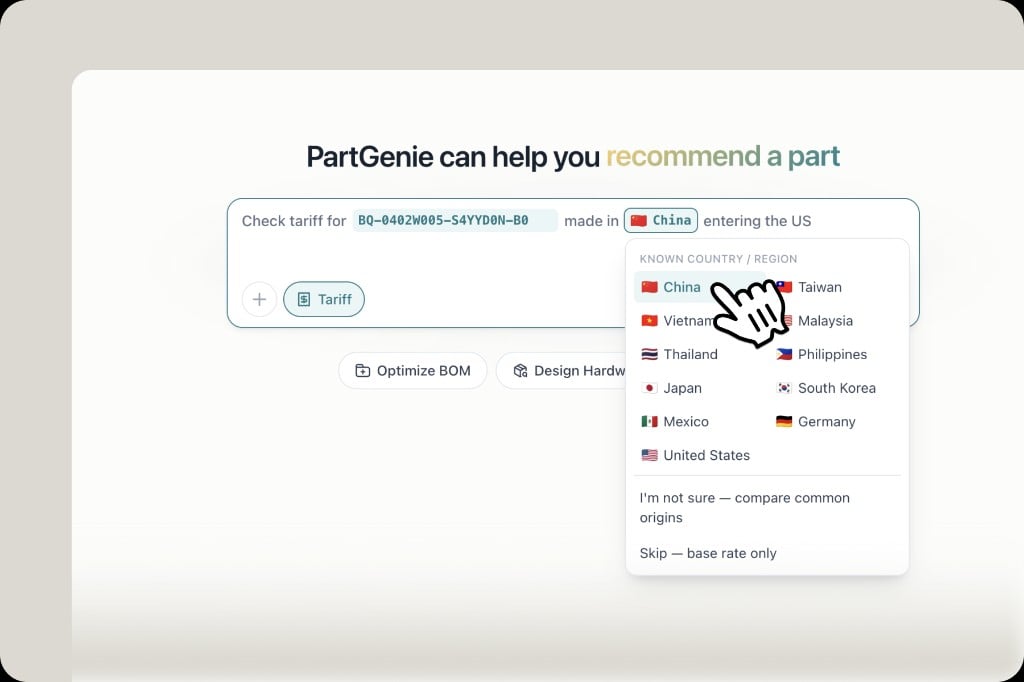
Tariff lookup homepage input with country of origin selector showing China, Taiwan, Vietnam and other major origins
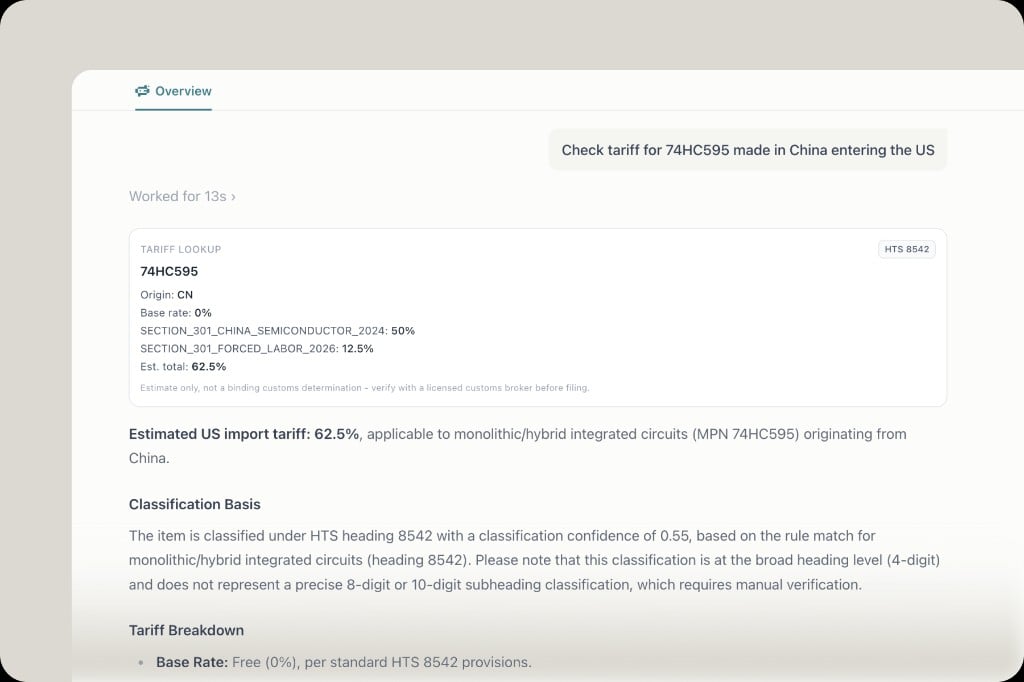
Tariff result for 74HC595 made in China: HTS 8542, base rate 0%, Section 301 China semiconductor 50%, forced labor surcharge 12.5%, estimated total 62.5%
Tariff Lookup is now in Beta.In 2026, supply chain decisions can’t ignore trade policy. Tariffs are shifting fast—and for electronics, the complexity is real: thousands of part numbers, ambiguous HTS classifications, and layered surcharges that stack on top of each other. Getting it wrong affects sourcing decisions, cost models, and compliance.PartGenie now lets you check the estimated US import tariff for a specific MPN by country of origin. Enter a part number, select where it’s made, and get a full tariff breakdown—base rate, applicable Section 301 surcharges, UFLPA rates, and an estimated total—all in one place.
Estimate only — not a binding customs determination. Verify with a licensed customs broker before filing.
Currently supports US import tariff lookup. More destination countries are on the way—tell us which you need most.
SearchAIMPN
Search answers now cite specific MPNs
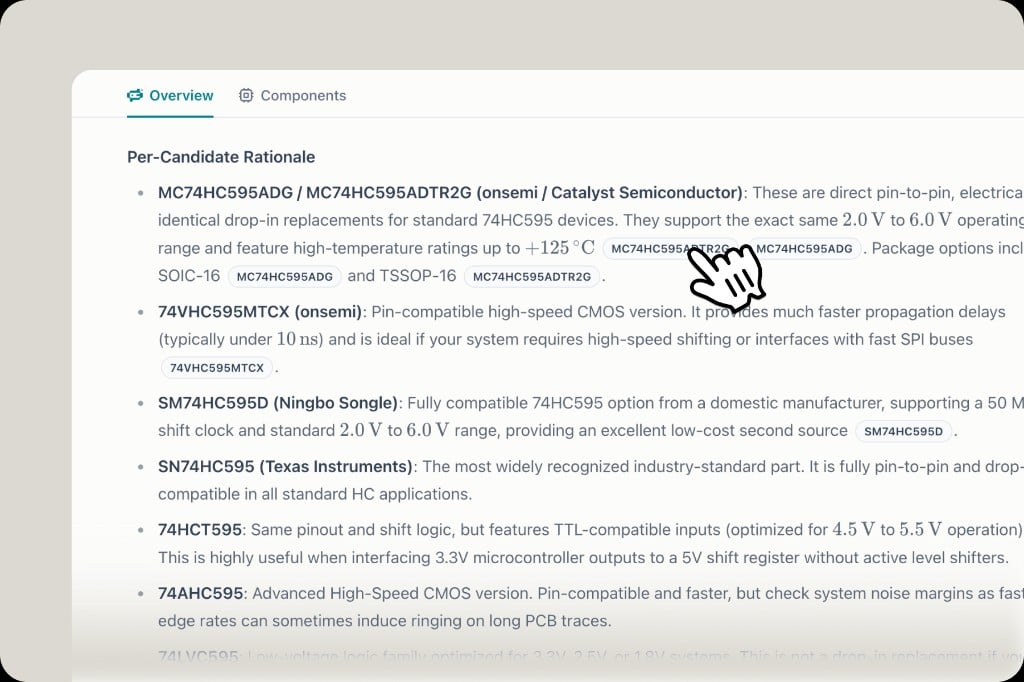
AI search response listing alternative MPNs as inline clickable badges for quick component drawer access
Most AI tools give you text. PartGenie gives you verifiable answers. Every component recommendation now cites the exact MPN inline—click any badge to open the component drawer and cross-check specs, pricing, and stock against live data. No blind trust required.
SearchWebSourcing
Search now supports web lookup
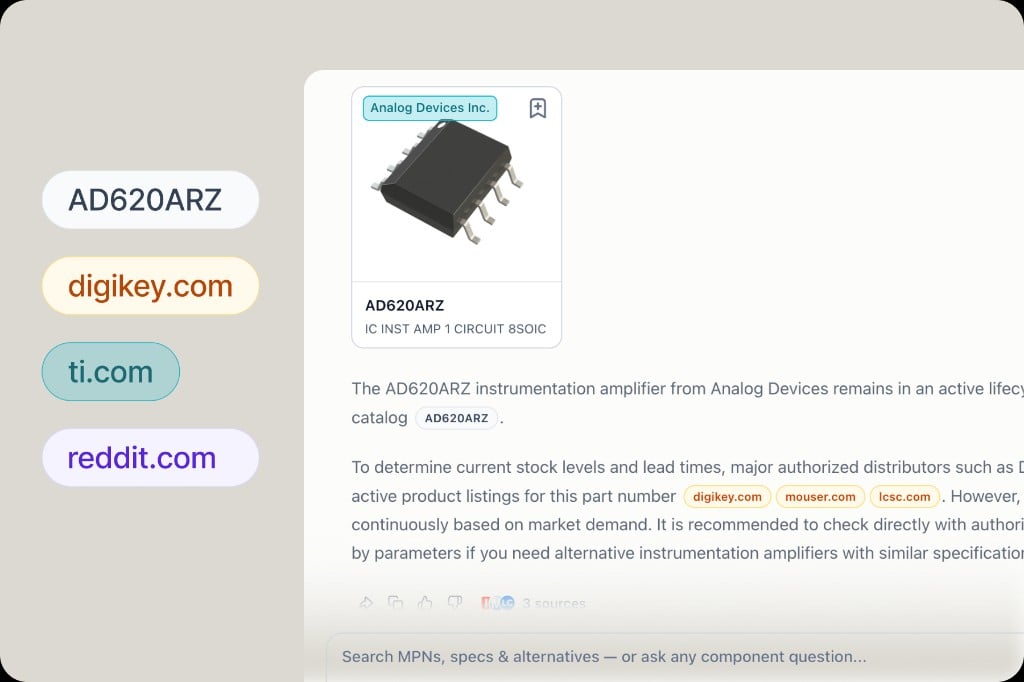
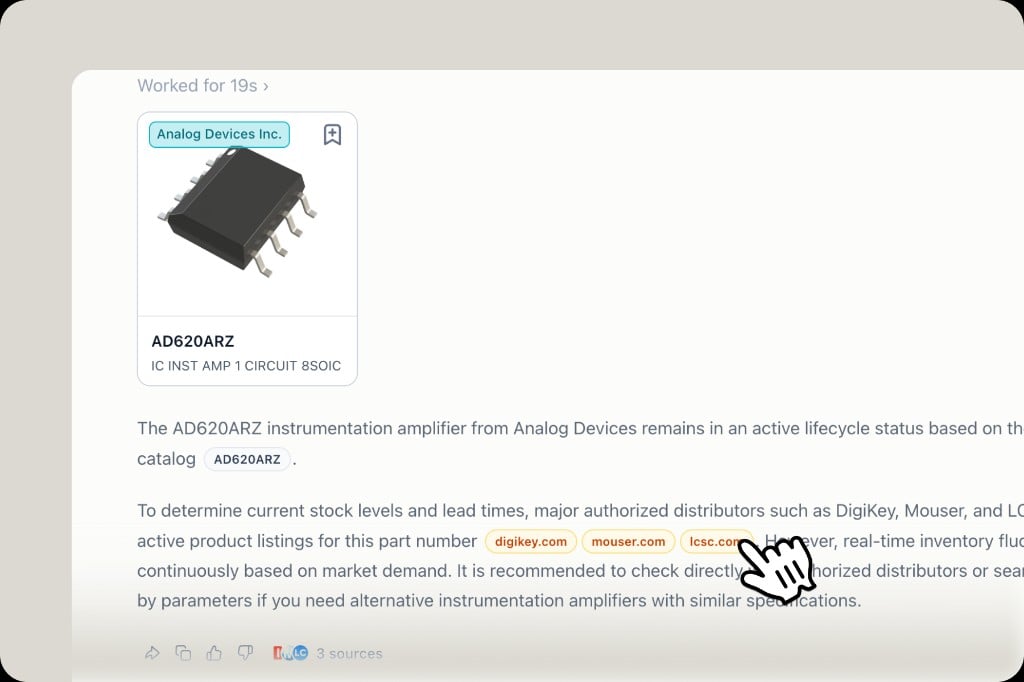
AI search response with distributor links to digikey.com, mouser.com and lcsc.com shown as source badges
PartGenie answers are grounded, not guessed. When a query goes beyond the built-in database—such as procurement data from distributors not yet directly integrated—the engine searches the web and surfaces cited sources. Every claim links back to the original listing, so you can verify before you buy.
BOMSourcingCompare
BOM MPN compare & agent context
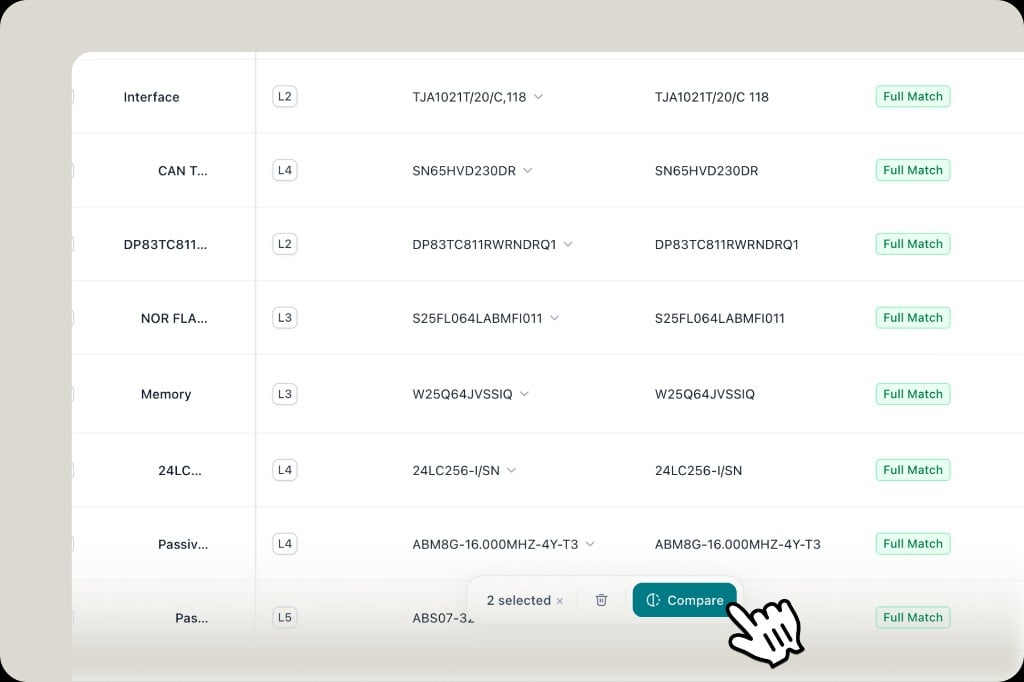
BOM table with rows selected and a Compare button to compare MPNs side by side
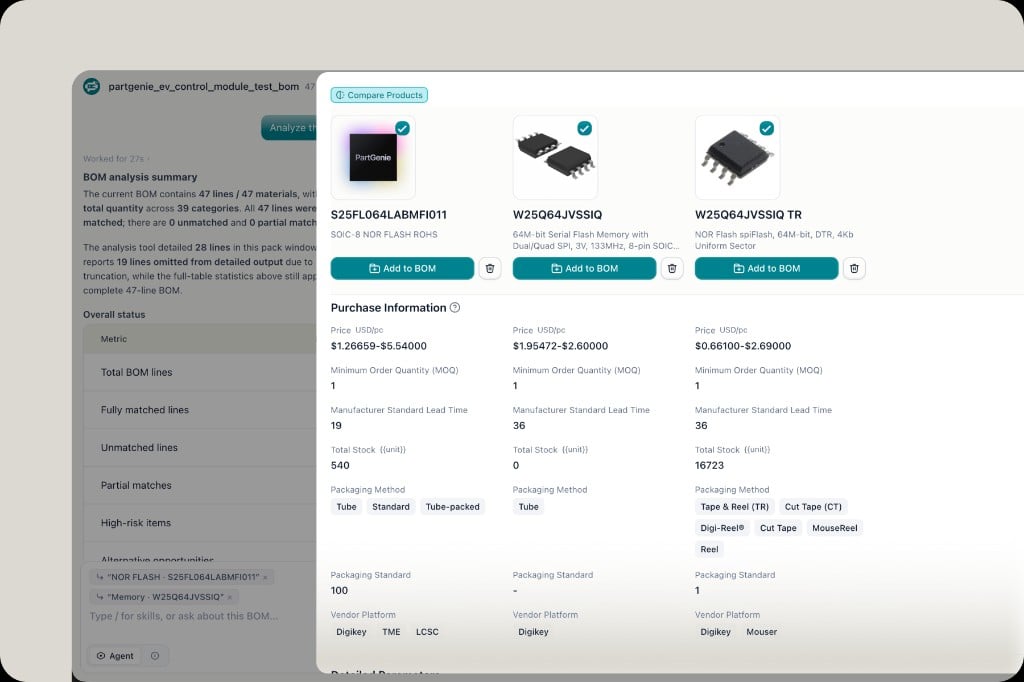
Compare Products panel showing pricing, stock, MOQ, lead time and vendor platforms for multiple MPNs
Select multiple MPNs in your BOM and hit Compare to see price, stock, MOQ, lead time, and packaging side by side across distributors. You can also reference specific BOM lines in the agent chat—select one or more lines and ask the AI for sourcing advice, risk analysis, or substitution recommendations with full context.
DesignAIHardware
Design from chat — one click to hardware design
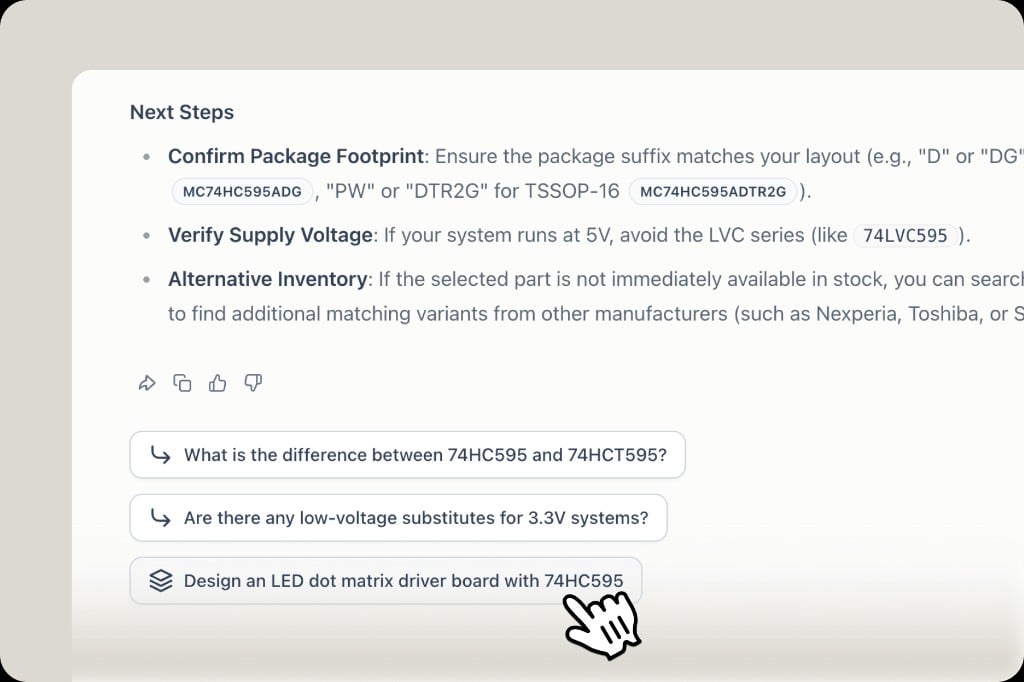
AI chat follow-up suggestions including a one-click option to design an LED dot matrix driver board with 74HC595
After getting an AI answer on any component, follow-up suggestions now include a Design shortcut. Click it to jump straight into hardware design with that part—no need to start from scratch. Works from component search, AI answers, and detail pages.
SourcingTMEDigiKey
TME live pricing + sourcing settings
Component detail and BOM with live DigiKey and TME pricing, stock and MOQ
Sourcing settings showing DigiKey and TME as live pricing sources and Mouser, LCSC as catalog snapshots
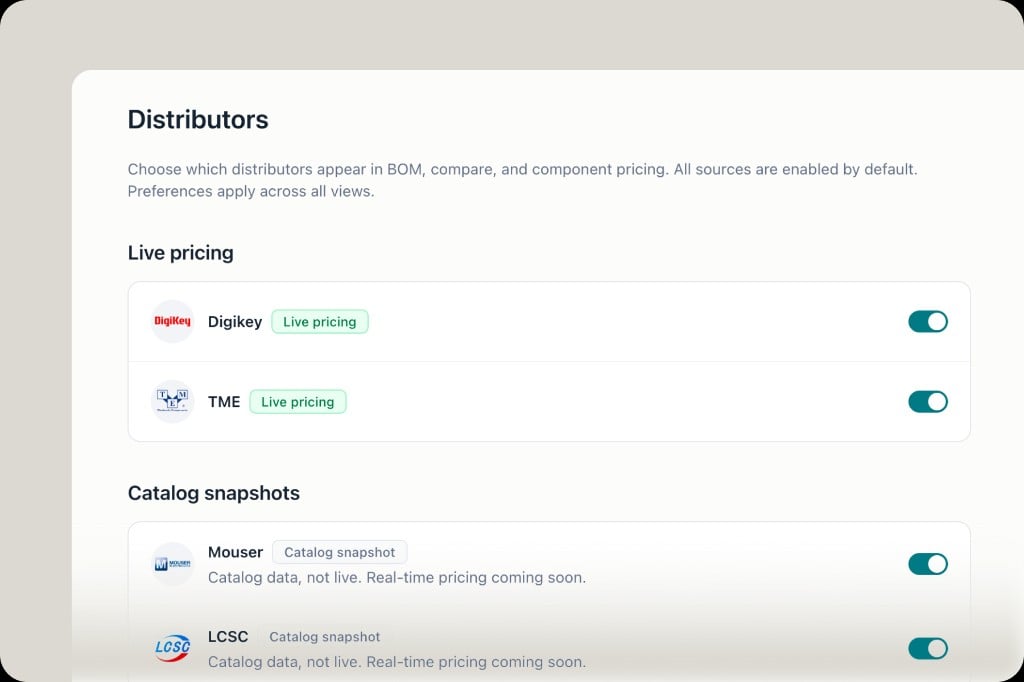
TME is now live—real-time pricing and stock from DigiKey and TME in component detail and BOM. Toggle which distributors appear under Settings → Distributors; preferences apply across all views. Mouser and LCSC are available as catalog snapshots, with live pricing coming soon.Want a distributor added? Tell us. If you’re a manufacturer and want to connect directly, reach out—a Manufacturer Program is on the way.
NotificationsEnrichmentUX
Notifications rebuild
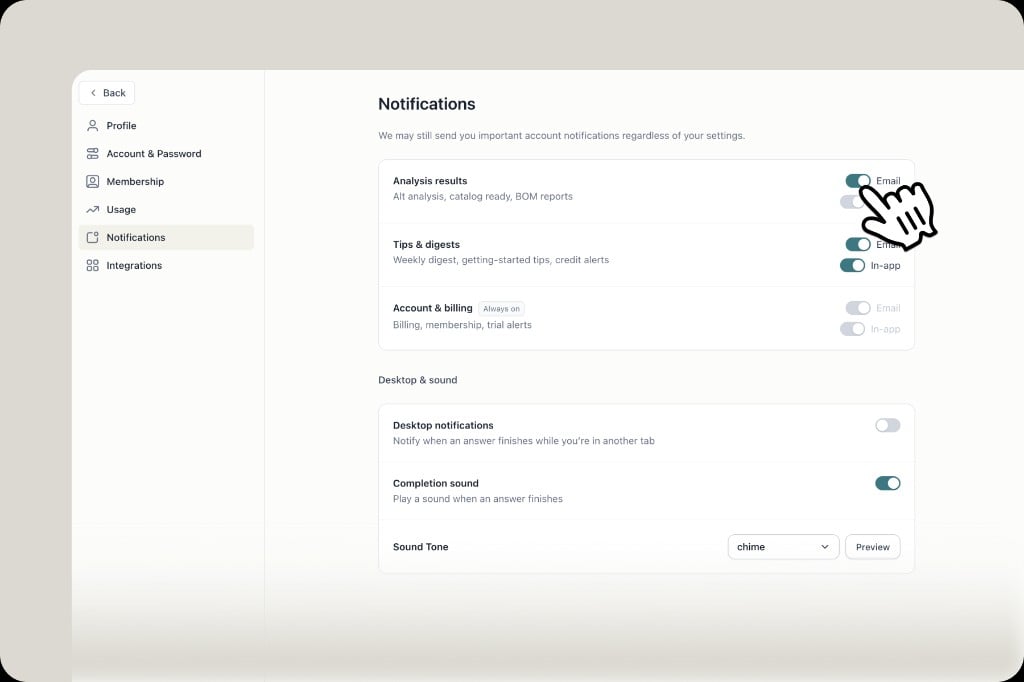
Notifications settings with email and in-app toggles plus completion sound and tone
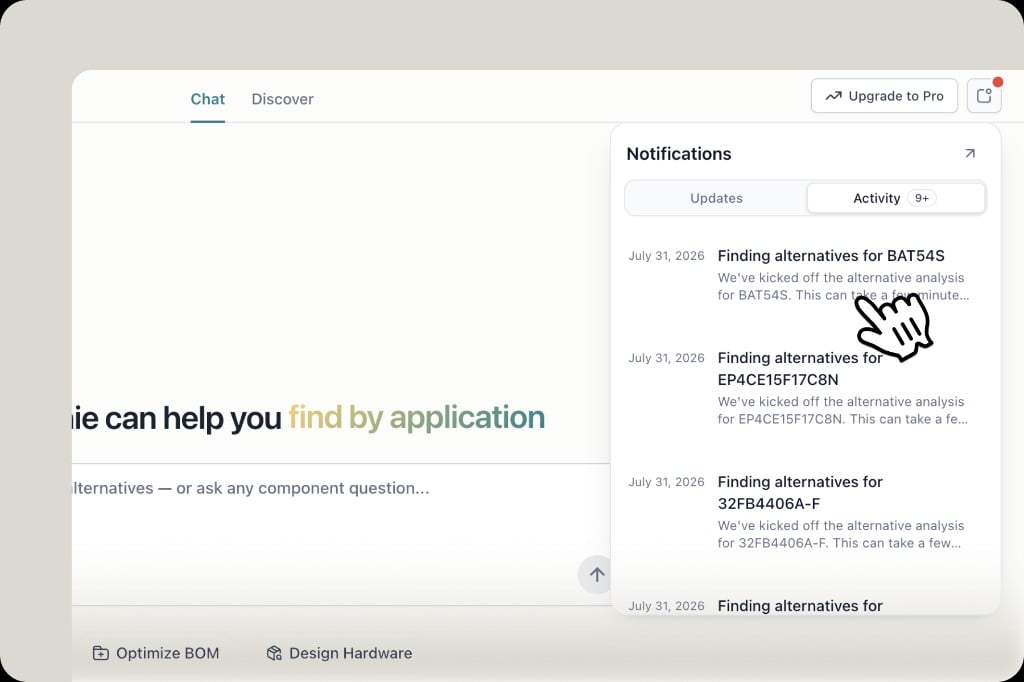
Notifications Activity tab showing alternative analysis enrichment tasks in progress
Notifications, rebuilt:
  1. Search-complete alerts — play a sound when an answer finishes, with tone switching and preview in Settings.
  2. Smart enrichment — when an MPN or alternatives aren’t in our catalog yet, we kick off an enrichment job and notify you when it’s done. Demand is high; jobs often take tens of minutes today—we’re working to finish them within 24 hours.
  3. In-app + email — choose channels for analysis results, tips, and more under Settings → Notifications.
Component DetailShareUX
Clearer specs & shareable part pages
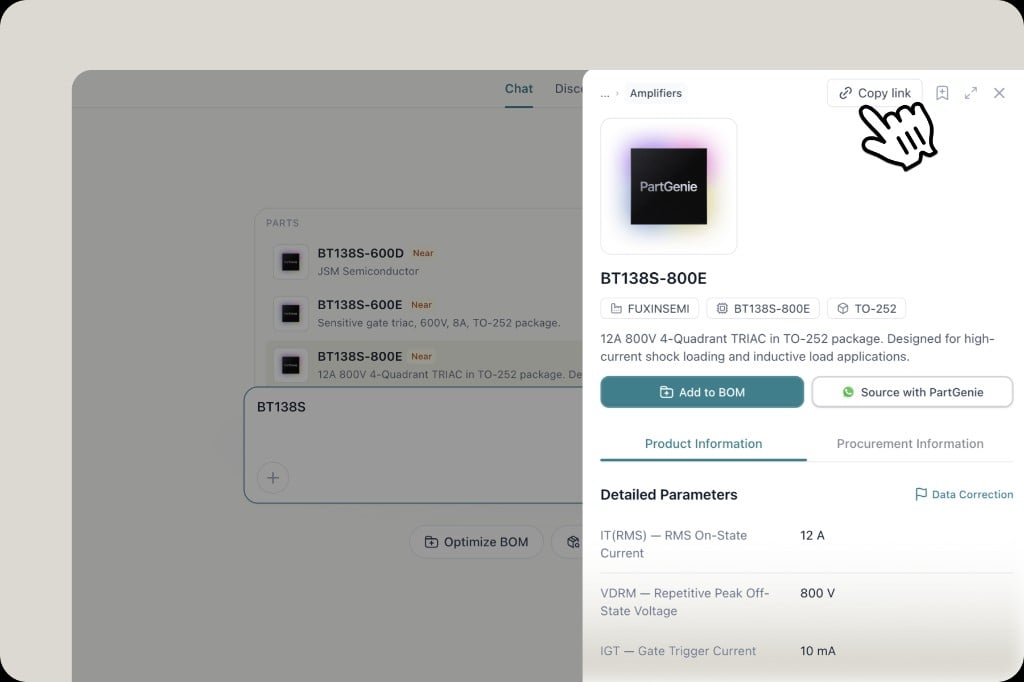
Component detail drawer with Copy link, detailed parameters showing abbreviations and full names
Component detail pages are easier to read—parameters now show clearer labels with English abbreviations where it helps (e.g. VCEO, VCBO alongside full names). You can also share a part page with colleagues via Copy link—including full device info, alternatives, and datasheet context in one place.
ProcurementDigiKeyRealtime
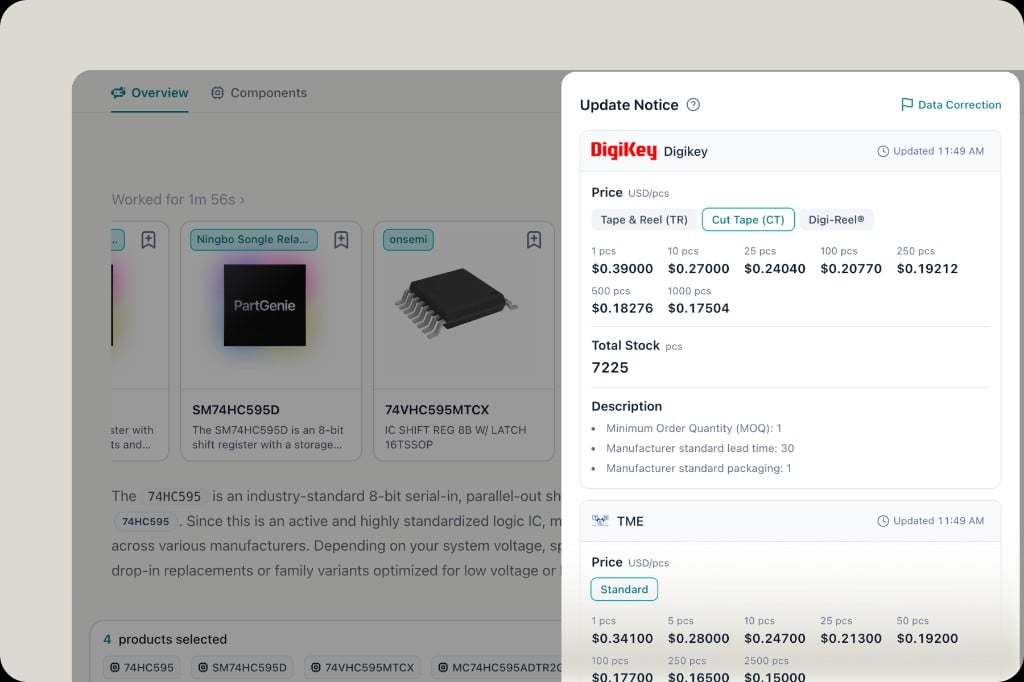
Live DigiKey pricing & stock
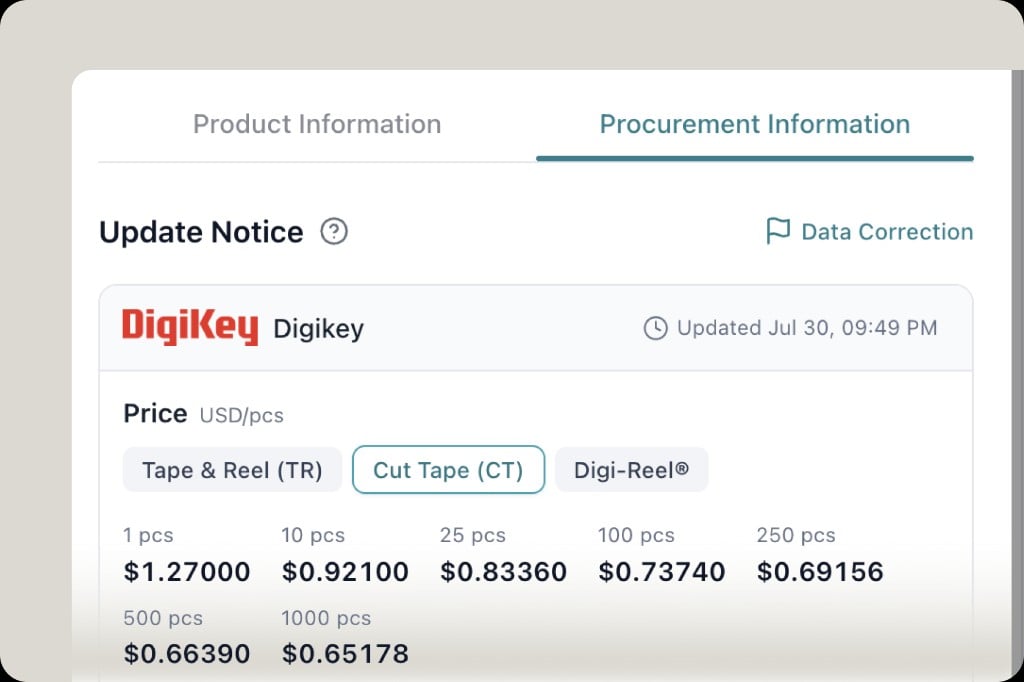
Procurement Information tab with live DigiKey price tiers and update timestamp
Procurement data is now live—real-time price and stock from DigiKey, available in the component drawer and in BOM. More distributors are on the way; if there’s a source you need, reply and tell us—we’ll prioritize it.
SearchPerformanceSpeed
Search, faster
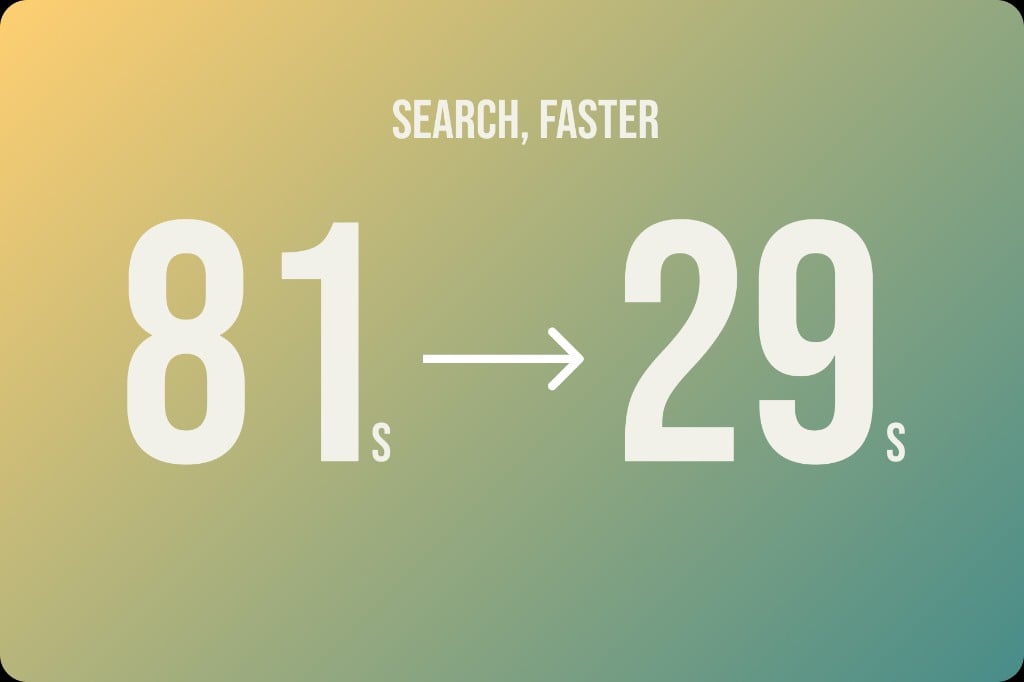
Search, faster — median search time from 81s to 29s
Search is ~64% faster (median). Median search time dropped from 81s → 29s, and over half of searches now finish in under 30 seconds (~22% → ~57%). MPN-style lookups are especially snappy—median ~147s → ~16s.
BOMAgentAlternatives
BOM Agent
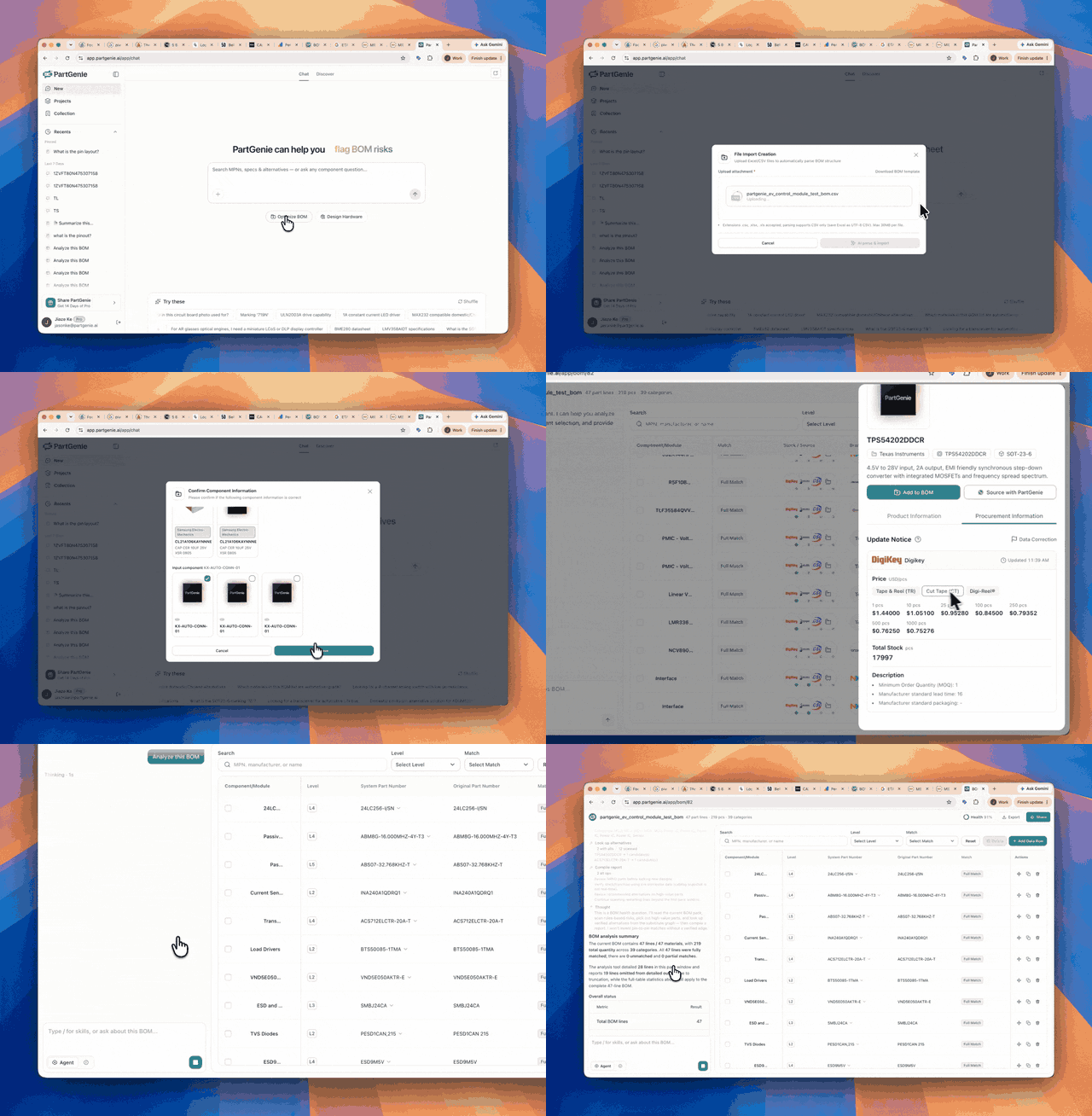
BOM Agent — Optimize BOM from homepage with paste or upload, health report, and chat
BOM Agent is live—bring your bill of materials into PartGenie and work it end to end:
  • Parse automatically — paste BOM text or upload CSV / Excel
  • Normalize MPNs — clean and match manufacturer part numbers
  • Risk analysis — spot EOL, high-risk, and other issues across the list
  • Alternatives — get substitute recommendations, including bulk suggestions
  • Health report — a clear BOM Health view of overall status
  • Chat to act — ask the agent to analyze and execute replacements in conversation
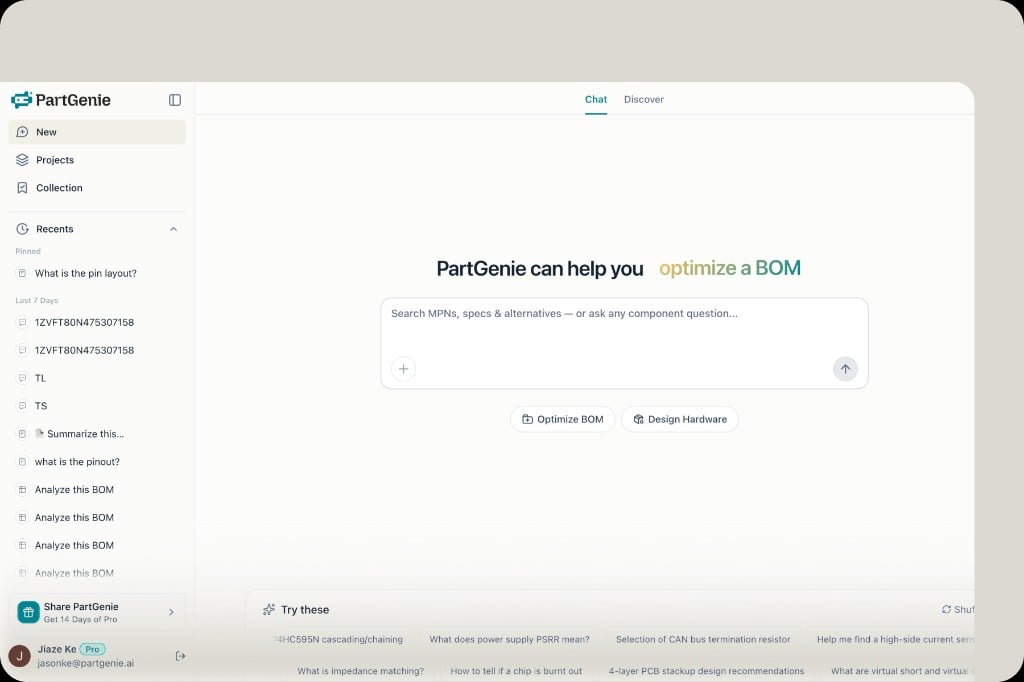
Start from the homepage with Optimize BOM, or upload from the home input.
HomepageBOMDesign
Homepage input
Homepage input with Optimize BOM and Design Hardware chips plus file upload
Homepage input, updated—upload a BOM from the home screen to enter the BOM agent for risk analysis, bulk alternative recommendations, and more. Tap Design Hardware to jump into Design mode, or type normally for everyday MPN / specs / alternatives search.
ProjectsBOMDesign
Projects workspace
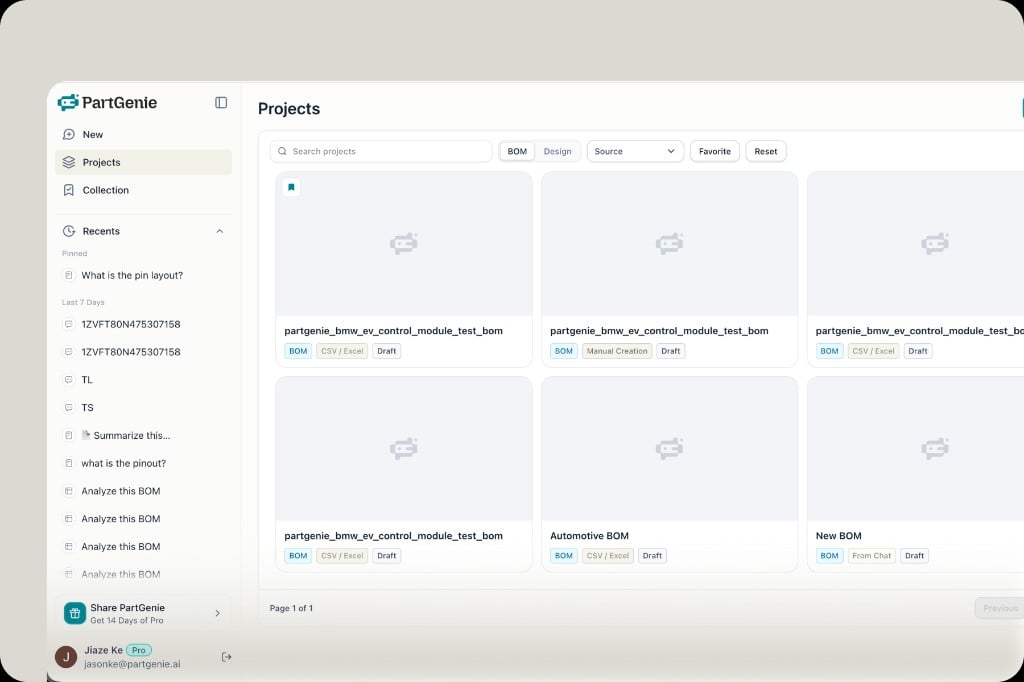
Projects dashboard with BOM and Design filters as a hardware project workspace
BOM and Design now live under Projects—your future hardware project workspace. Whether you upload a BOM for review or design hardware from scratch, find and reopen everything in one place with filters for type, source, and favorites.
SearchMPNSuggestions
Search suggestions
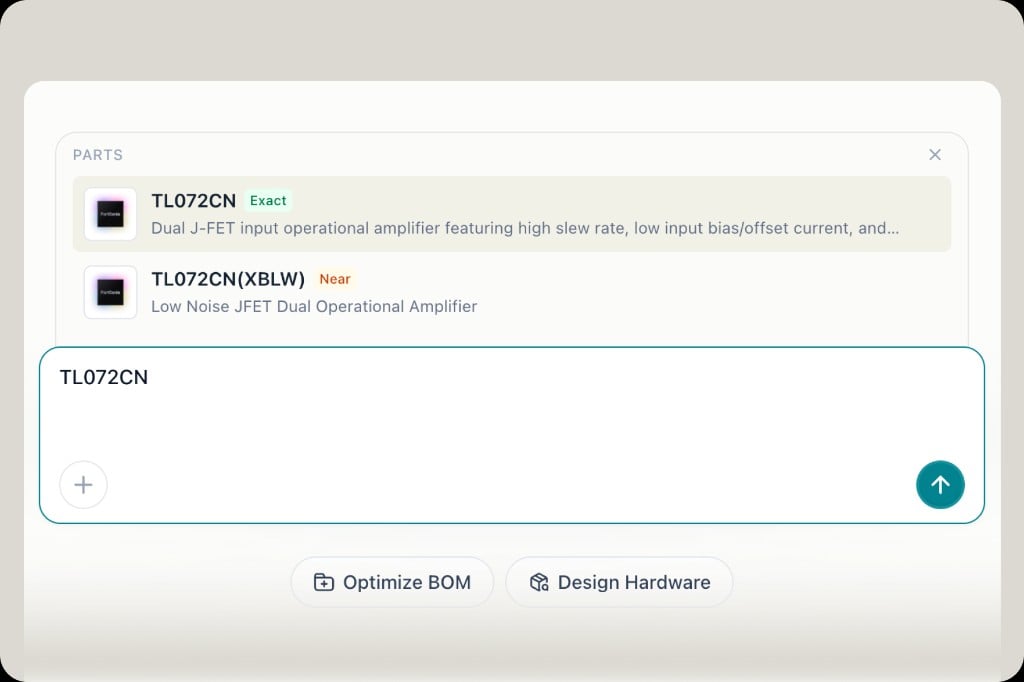
Search suggestions for MPN with Exact and Near matches while typing
Search suggestions as you type—MPN lookups with Exact and Near matches, plus manufacturer suggestions. Select a result to open component or manufacturer details in one click, jump into datasheet chat, and reach procurement data faster without running a full search first.
DesignBetaHardware
Design mode Beta
Design mode home — natural language prompt and My Projects gallery
Design mode architecture diagram with BOM, technical solution, build guide, and reference image views
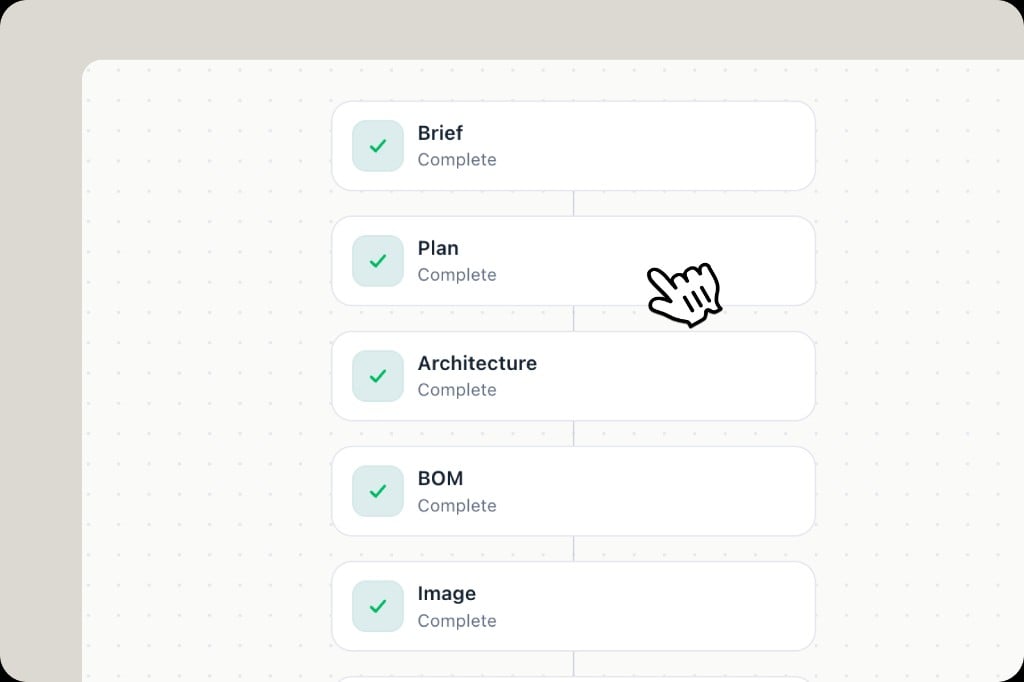
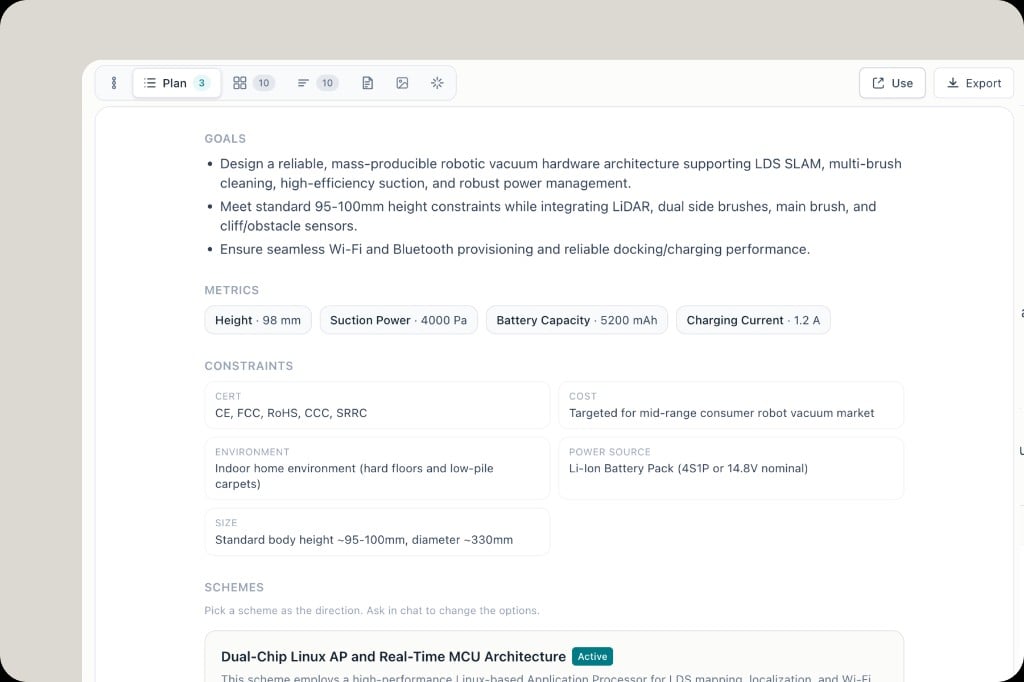
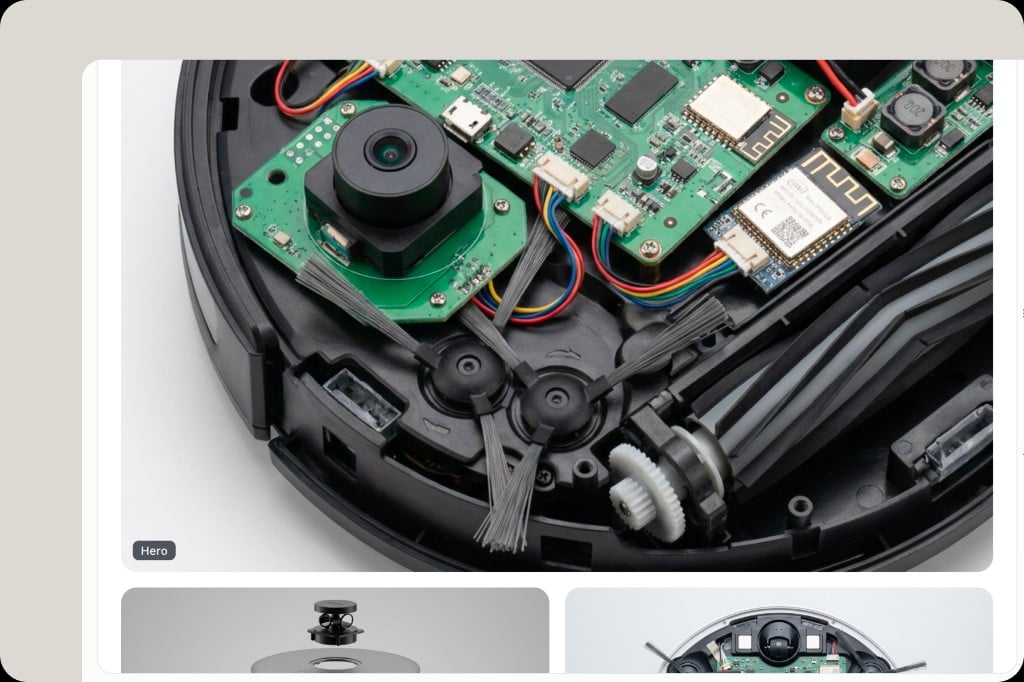
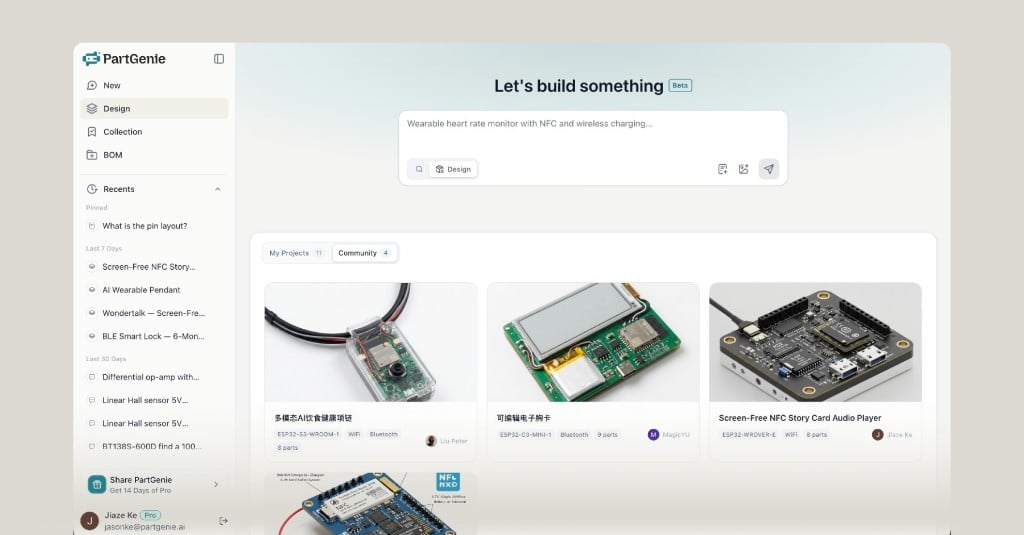
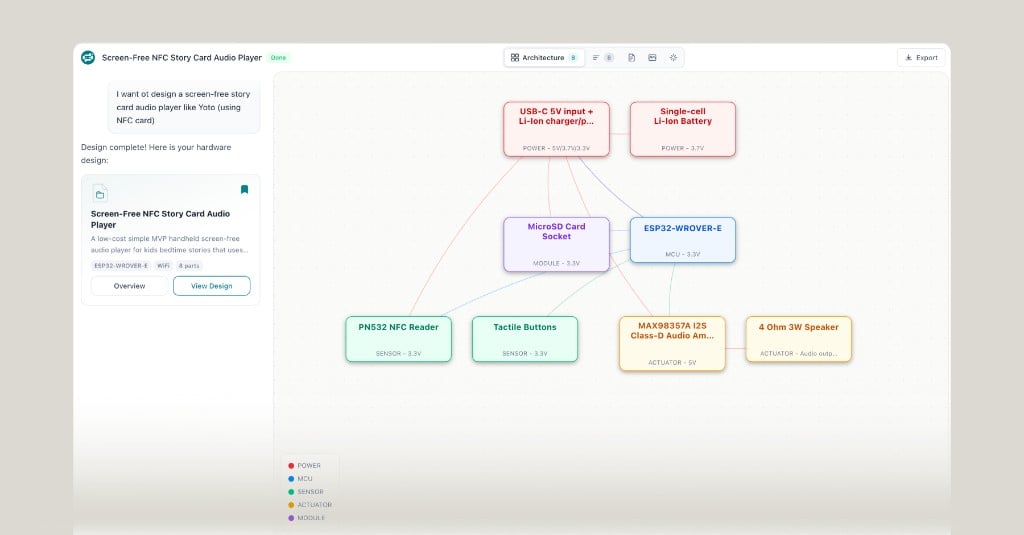
Design mode (Beta) is live—describe a product in natural language and generate an initial hardware pack, including:
  • Architecture — block diagram of your design
  • BOM — parts list for the build
  • Technical solution — how the system works
  • Build guide — steps to assemble and bring up
  • Reference image — visual concept for the hardware
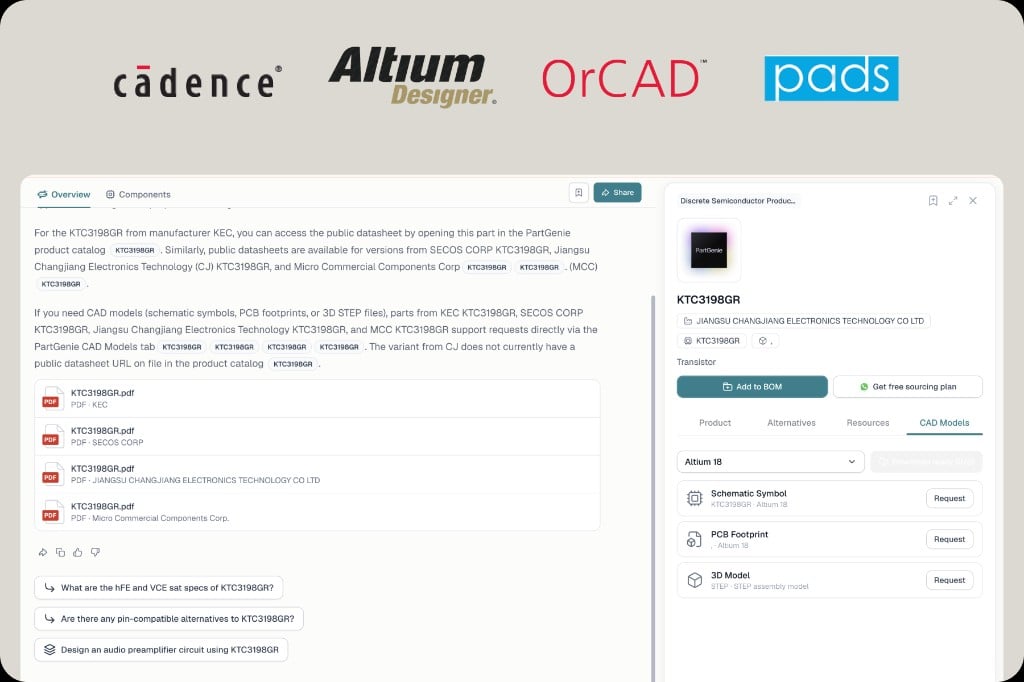
You can also ask the agent to modify the design or substitute parts as you iterate.Design is included on all plans—Pro gets up to 15 designs. Modifications count as general search credits. ECAD library is coming soon (download footprints / schematics for your EDA).
EducationProStudents
Education program
PartGenie for Education — 12 months Pro free for hardware and EE students
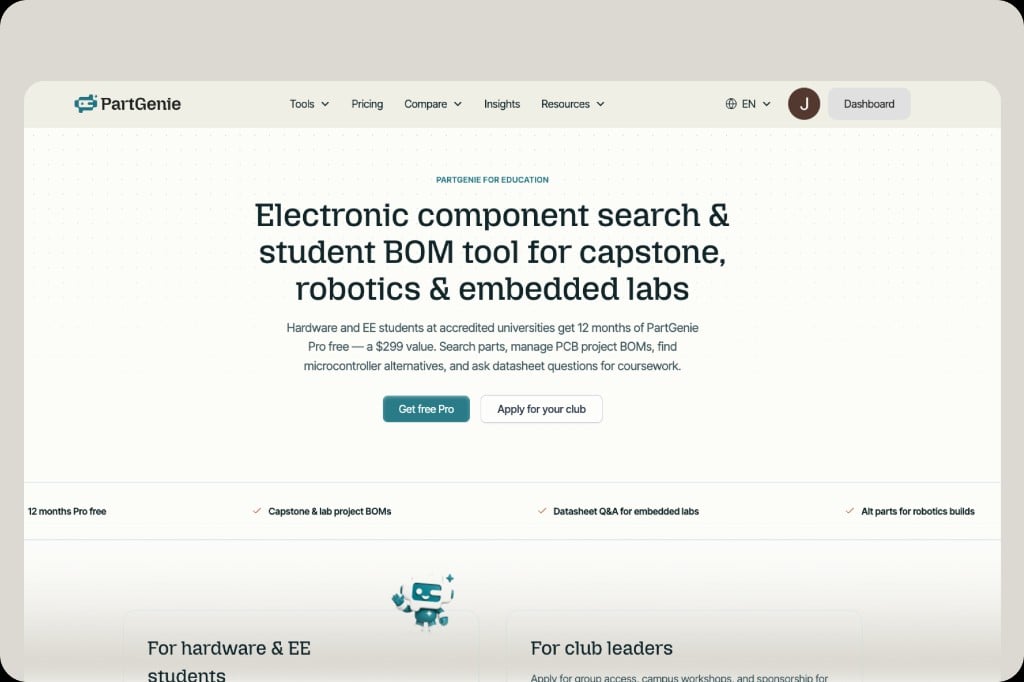
PartGenie for Education is live at partgenie.ai/education12 months of Pro free ($299 value) for hardware and EE students at accredited universities. Search parts, manage capstone and lab BOMs, find MCU alternatives, and use datasheet Q&A for coursework. Get free Pro as a student, or apply for your club.
Component DetailAlternativesData
v1.0.23 Release
Component detail page with application scenarios and alternative parts including pin-compatible and parametric options
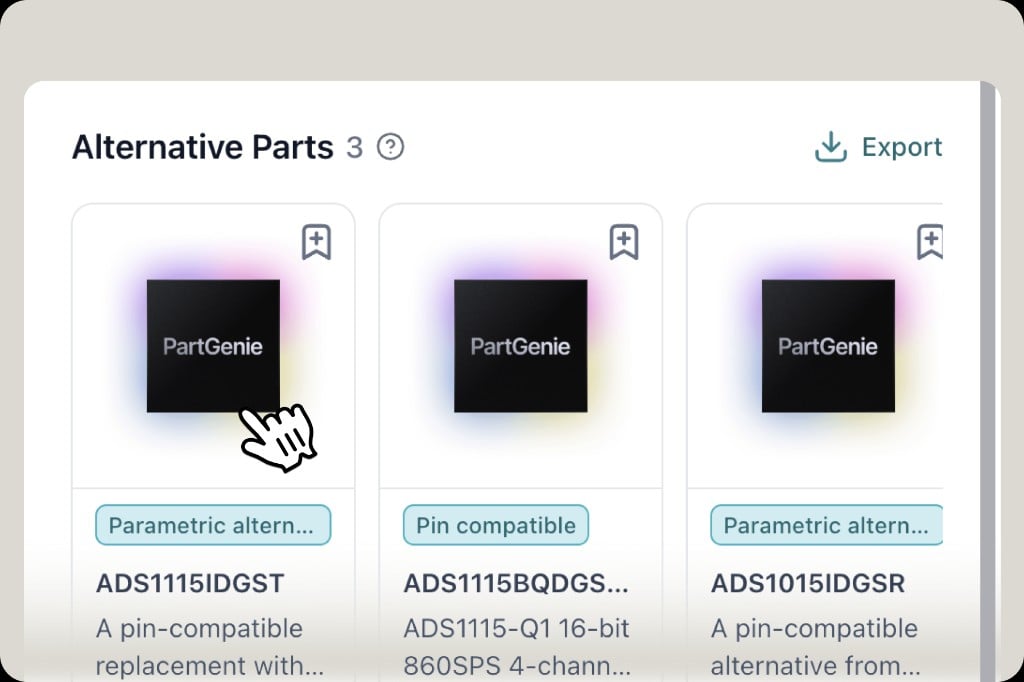
Component detail pages from search are being enriched—see application scenarios and alternative parts where available (e.g. pin-compatible and parametric alternates), with export for your shortlist. Data coverage is rolling out gradually across the catalog; more parts gain these fields over time.
AI AnswerTransparencyUX
v1.0.22 Release
AI answer shows Thinking duration with live timer during response generation
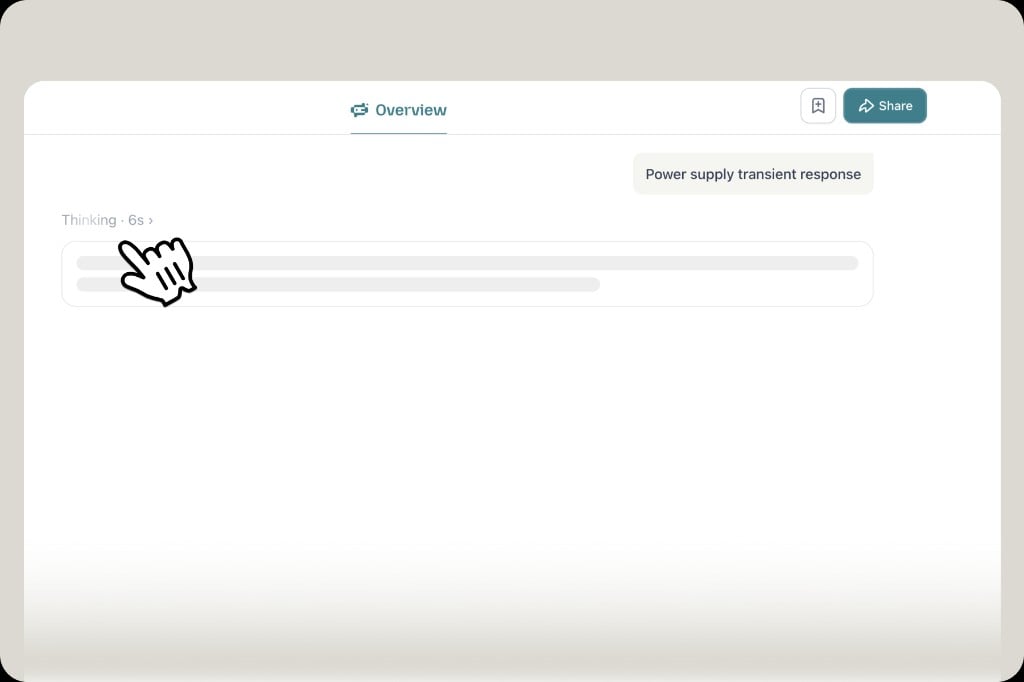
AI answers now show thinking time while PartGenie works—e.g. Thinking · 6s—so you see progress instead of a blank wait. We’re also optimizing response speed behind the scenes to cut down latency over time.
HomepageInsightsUX
v1.0.21 Release
Redesigned PartGenie homepage with Your AI Hardware Companion and navigation including Insights
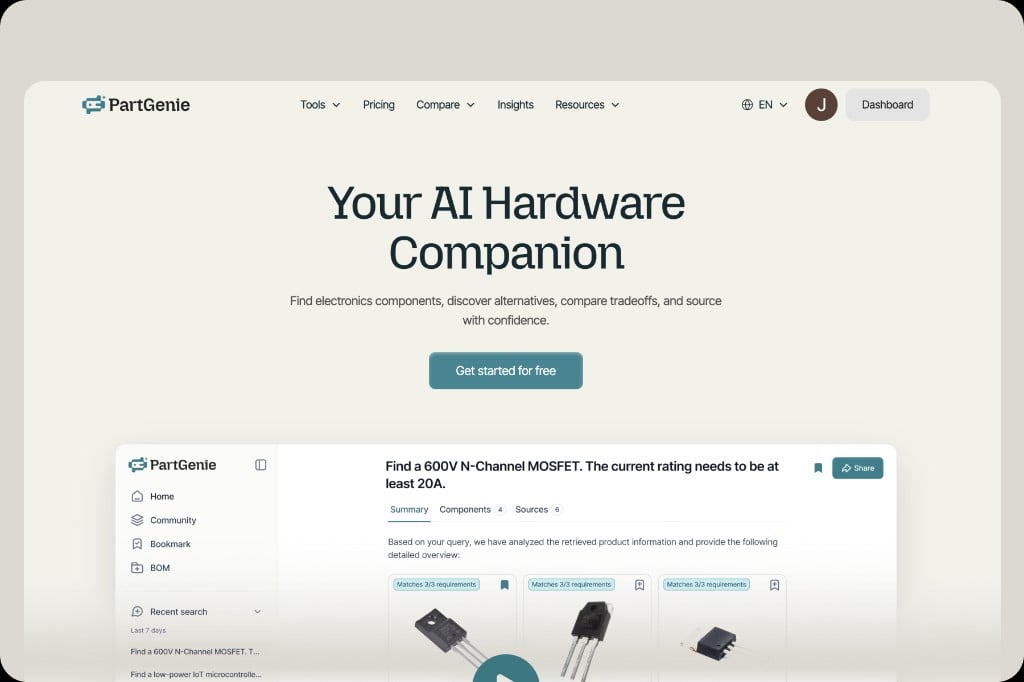
New homepageYour AI Hardware Companion with clearer entry to search, tools, and directories. Insights (formerly Discover) lives in the top nav for semiconductor & EE news, trending parts, and market context—alongside Tools, Compare, and Resources.
ManufacturerDirectoryBrowse
v1.0.20 Release
Connected manufacturer intelligence directory with category browse, A-Z list, and AI search
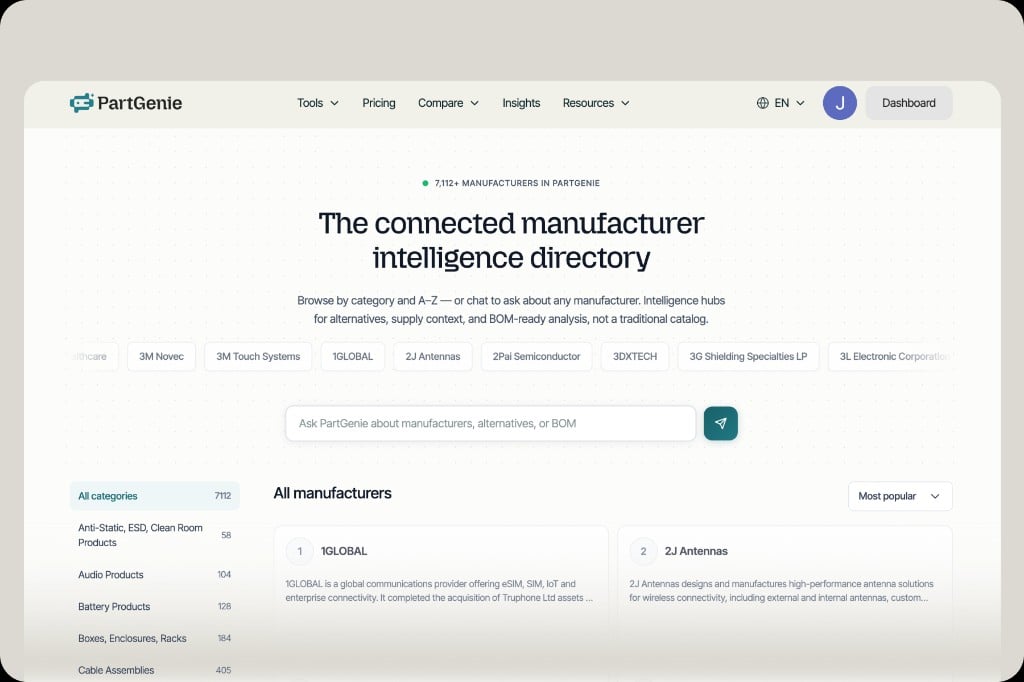
Manufacturer directory is live—7,112+ manufacturers in one connected hub. Browse by category or A–Z, open profiles with descriptions and catalog context, or ask PartGenie about manufacturers, alternatives, or BOM—intelligence for sourcing and cross-reference, not a static vendor list.
CategoryDirectoryBrowse
v1.0.19 Release
Connected component category directory with A-Z browse, category cards, and AI search
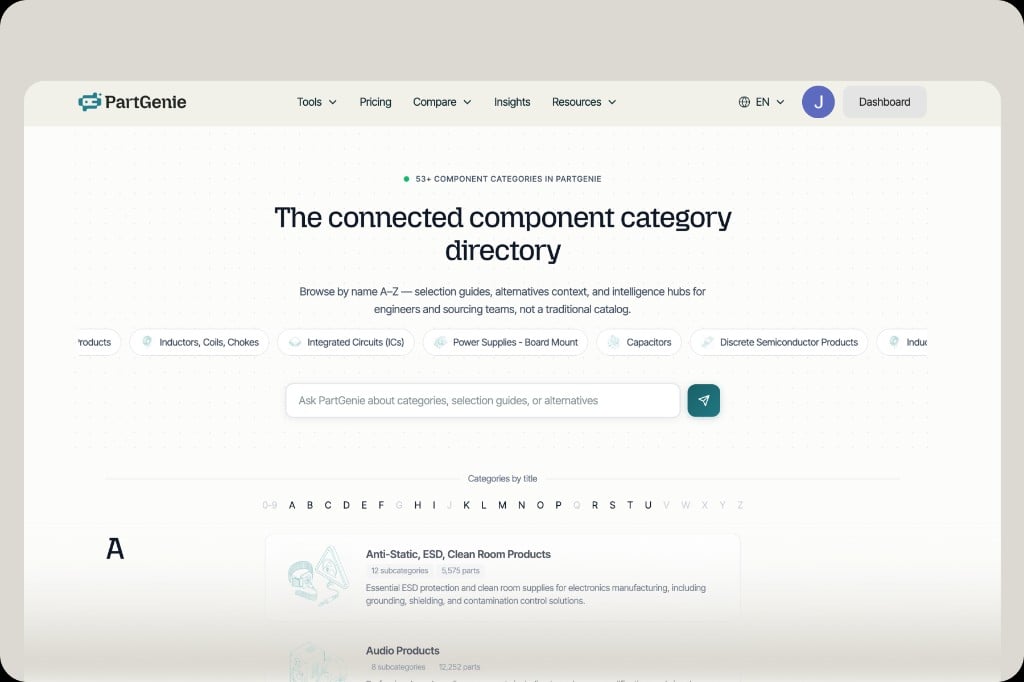
Category directory is live—53+ component categories in one connected hub. Browse A–Z, jump from category chips, and open cards with subcategory counts, part totals, and short guides. Ask PartGenie about categories, selection guides, or alternatives from the search bar—built for engineers and sourcing teams, not a static catalog.
DiscoverNewsTrends
v1.0.18 Release
Discover tab with semiconductor news, category filters, most searched and fastest rising parts
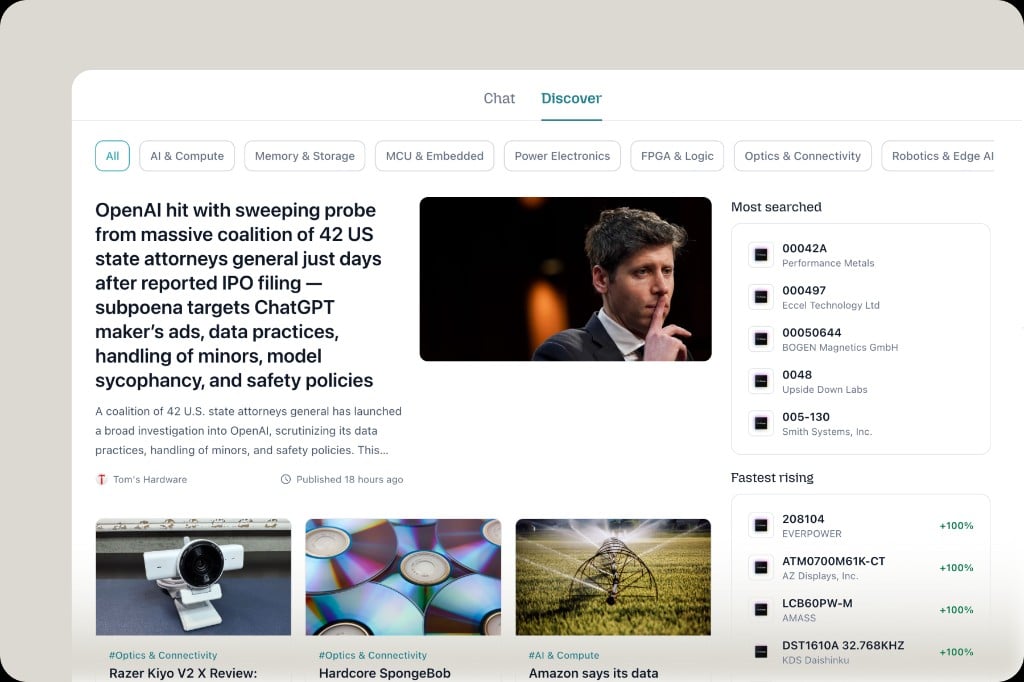
Discover is live—a new tab beside Chat for curated semiconductor and EE news, filtered by topics like AI & compute, memory, MCUs, and power. See what’s most searched and fastest rising on PartGenie, with AI analysis of how each story ties to parts, manufacturers, and supply impact—so you can spot trends and make better sourcing decisions.
AIPlansDatabase
v1.0.17 Release
PartGenie powered by advanced models including GPT-5.5, Gemini, and Claude, with a richer component database
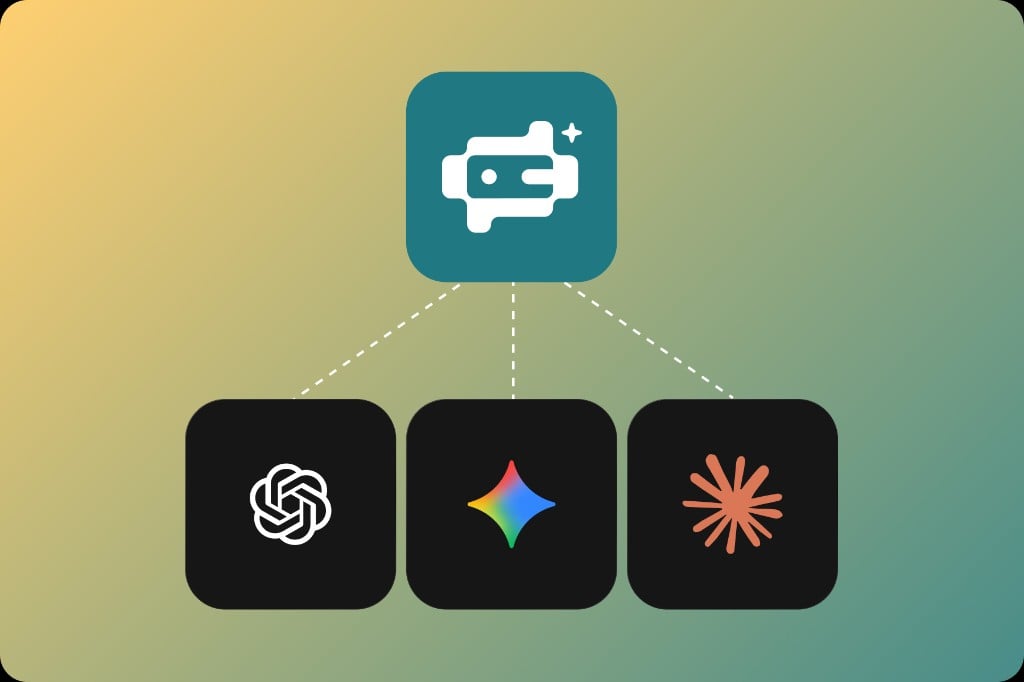
Smarter AI, more quota. Plans now include 5 uses on Free and 500 on Pro—with answers powered by advanced models including OpenAI GPT‑5.5, Google Gemini, Anthropic Claude, and more, backed by a richer component database for search, cross-reference, and vendor workflows.
ManufacturerVendorCompare
v1.0.16 Release
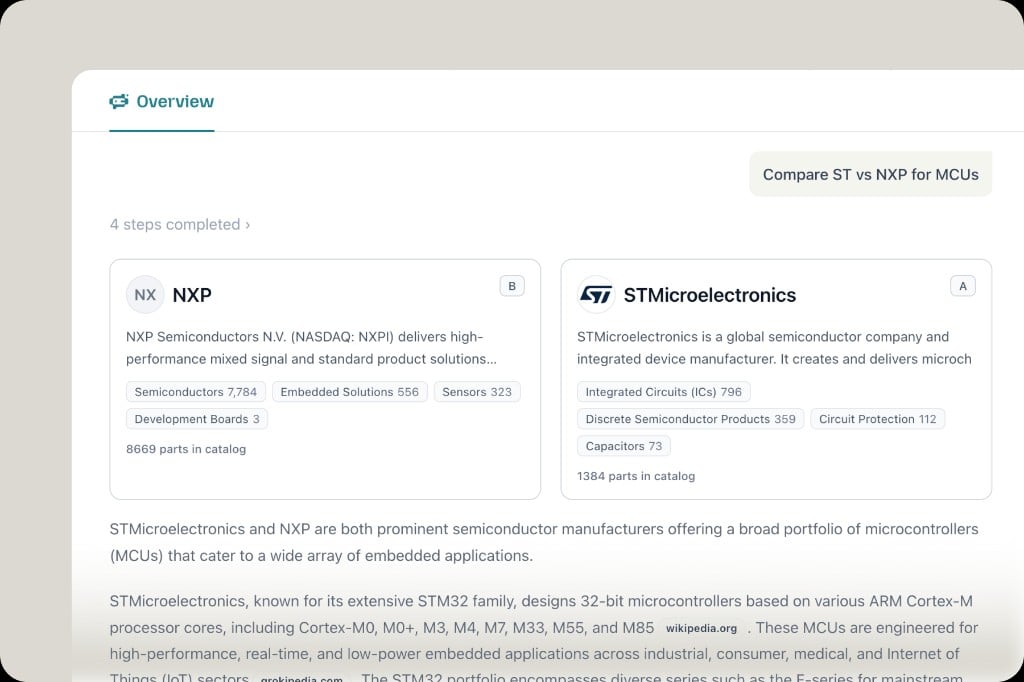
Vendor comparison: NXP vs STMicroelectronics MCU profiles, catalog stats, and AI analysis
Manufacturer lookup is here—three workflows in one chat:
  • Category recommendation — get vendor suggestions by product category
  • Vendor profile — company overview, catalog breakdown, and part counts for a single manufacturer
  • Vendor compare — side-by-side profiles and AI analysis (e.g. ST vs NXP for MCUs)
Start from AI Manufacturer Finder on the homepage, or ask in natural language.
ToolsAIGetting Started
v1.0.15 Release
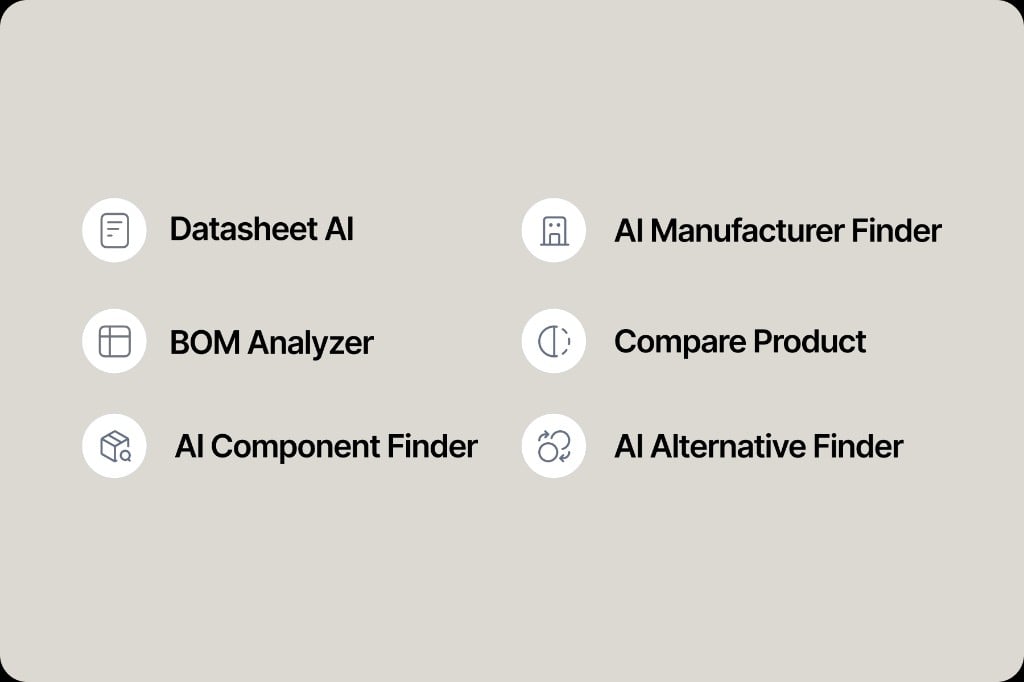
Homepage Tools entry points for six PartGenie workflows in one chat
Six workflows, one chat. PartGenie still starts from a single conversation—we route you through the right path for your task. On the homepage, Tools offers a clear entry for each workflow:
  • Datasheet AI — chat with datasheets and documents
  • BOM Analyzer — upload and analyze your bill of materials
  • AI Component Finder — search parts by requirements
  • AI Manufacturer Finder — discover manufacturers and brands
  • Compare Product — side-by-side parameter comparison
  • AI Alternative Finder — find cross-references and substitutes
Pick a tool on the homepage when you know the job—you land in the same PartGenie chat, on the workflow built for it, not a blank prompt.
NotificationsUpdatesUX
v1.0.14 Release
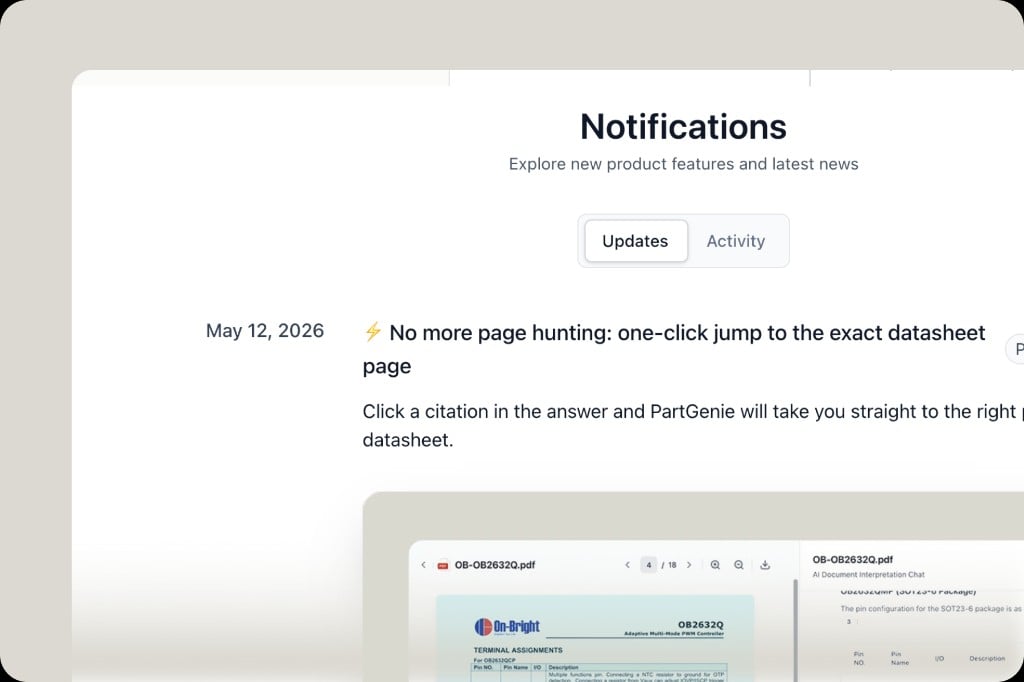
Notifications center with Updates and Activity tabs for product news and account activity
The Notifications center is redesigned: browse Updates for new features and product news, and Activity for your account—so you catch what shipped and what matters to you without digging through email.
UsageSettingsBilling
v1.0.13 Release
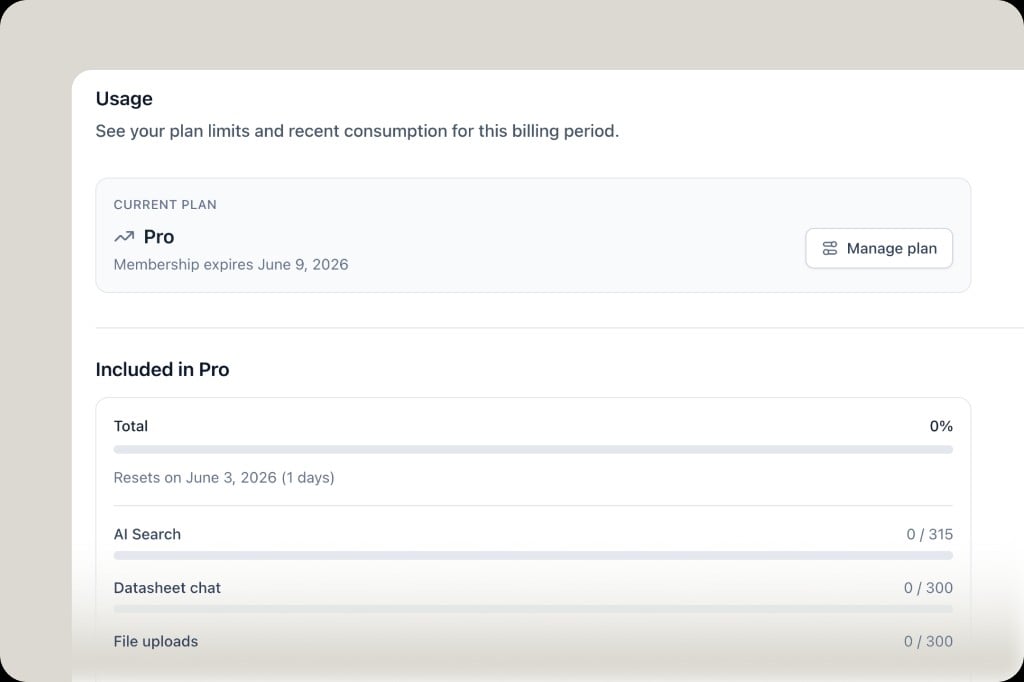
Settings Usage page showing plan limits for AI Search, Datasheet chat, file uploads, and more
Open Settings → Usage to see plan limits and consumption for this billing period—AI Search, Datasheet chat, file uploads, BOM, and other included features, with reset dates and progress at a glance.
OnboardingGetting StartedUX
v1.0.12 Release
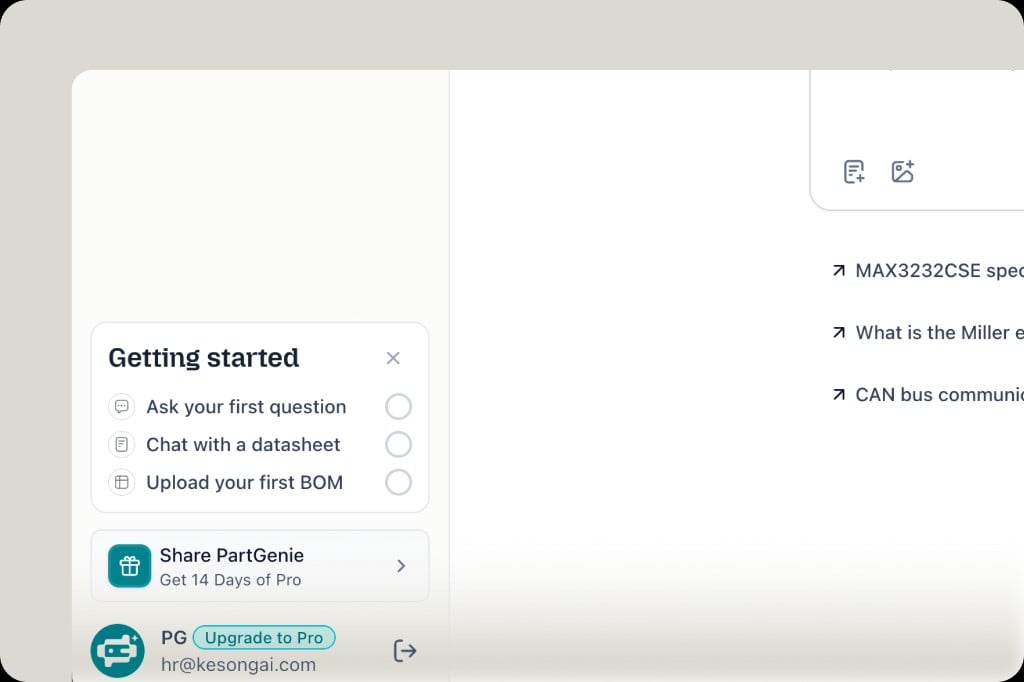
Getting started checklist for new users: first question, datasheet chat, first BOM upload
New onboarding guides you from day one: a Getting started checklist in the sidebar—ask your first question, chat with a datasheet, and upload your first BOM—so you can try core workflows step by step.
ExportUXProducts
v1.0.11 Release
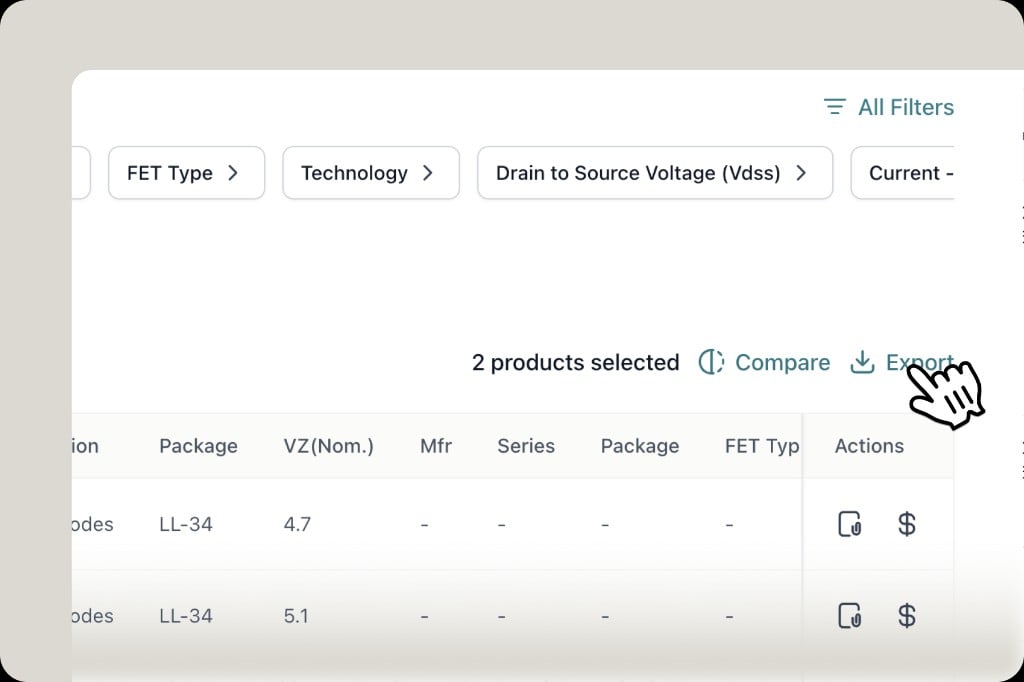
Select products and export from a cleaner action bar with Compare and Export
Product export is cleaner: select parts from search results, then Export from the same action bar as Compare—fewer steps to download the data you need for review or sharing.
AI AnswerMPNComponent Detail
v1.0.10 Release
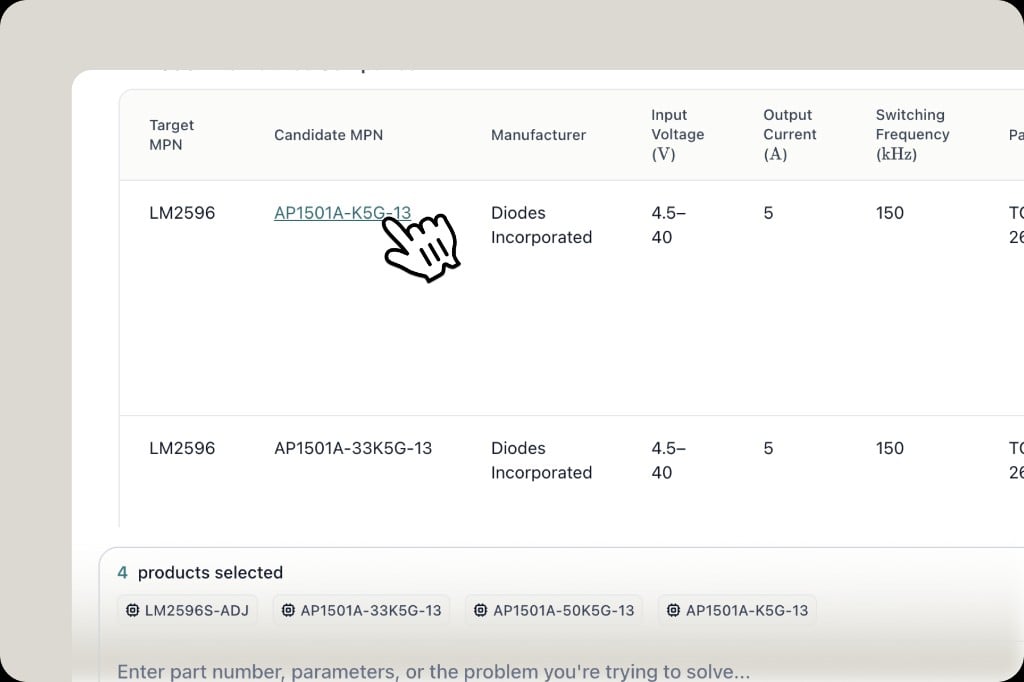
Click a candidate MPN in an AI answer comparison table to open component details
In AI answers, click any part number—target or candidate MPN—in tables and comparisons to open component details: confirm parameters, review specs, and start datasheet chat without leaving your session.
CompareAlternativeOverview
v1.0.9 Release
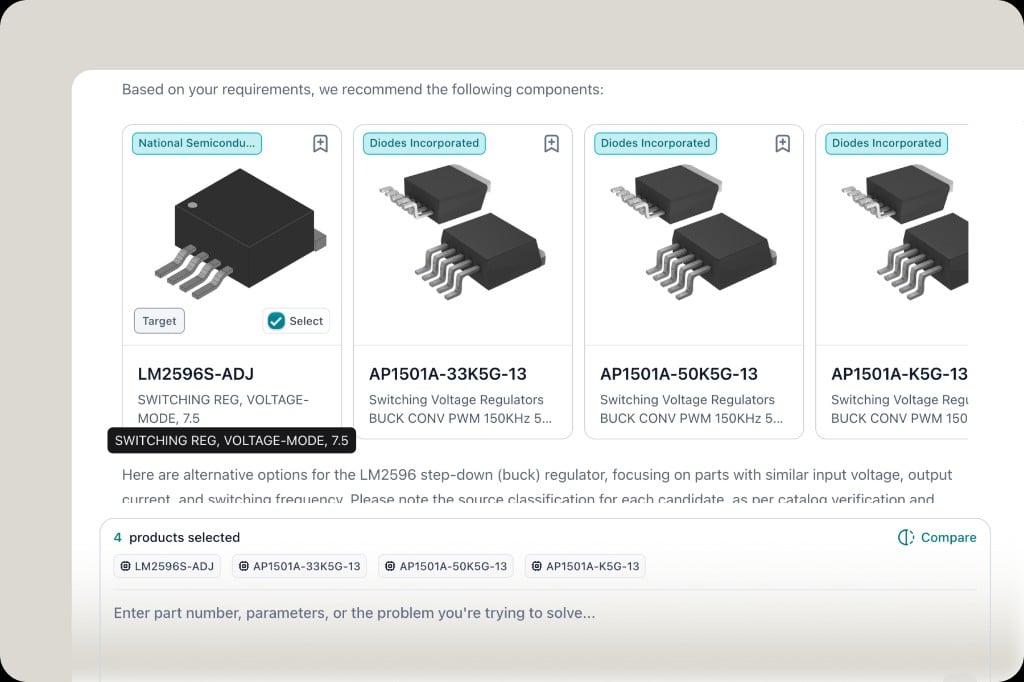
Overview: select target and candidate parts, then Compare side by side
In Overview, pick a target part and candidate alternatives, then hit Compare for a side-by-side view—built for cross-reference and substitute selection without leaving the answer page.
AI AnswerUXAI Task
v1.0.8 Release
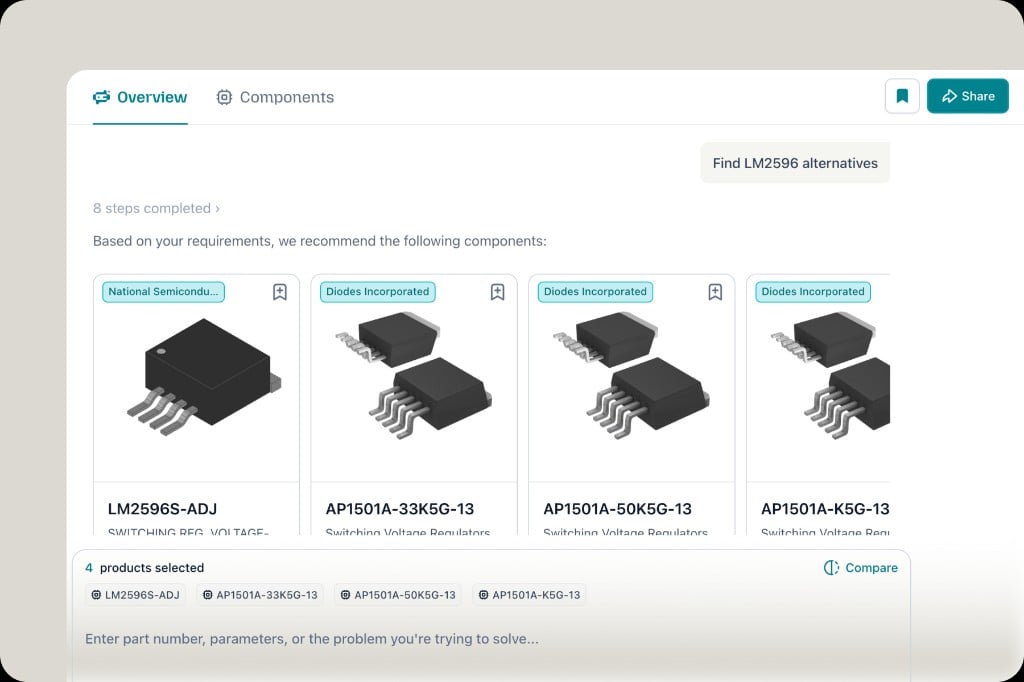
AI answer Overview tab with recommended components and completed steps
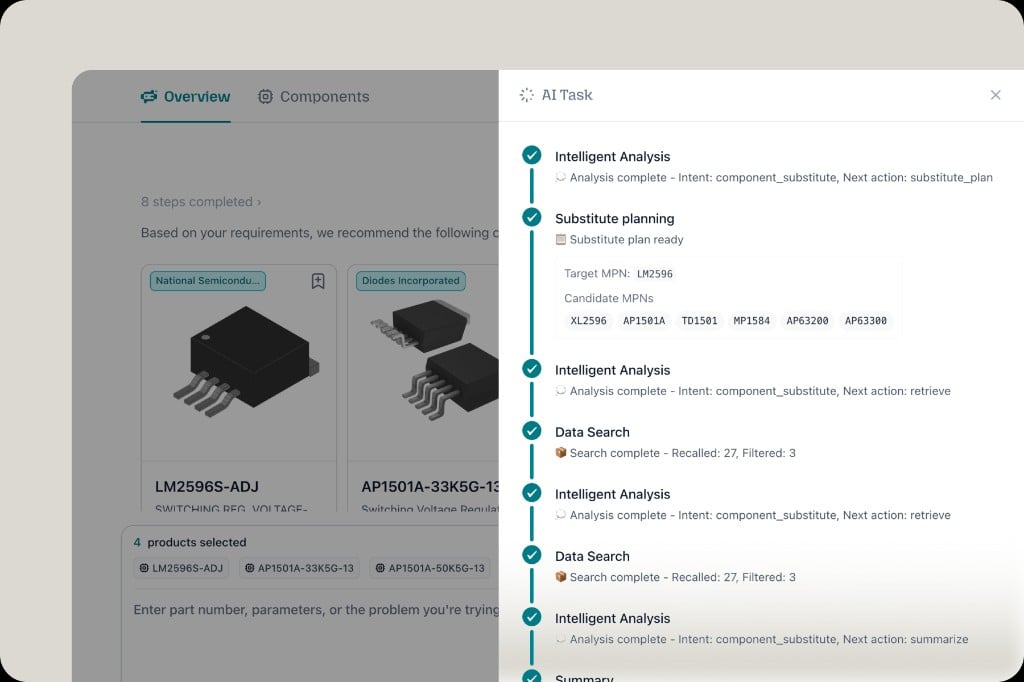
AI Task tab showing step-by-step thinking process from analysis to data search
The AI answer page is easier to scan: Overview lays out recommended parts in a cleaner structure, and AI Task shows the full thinking process—intent, substitute planning, data search, and more—so you can follow how PartGenie reached each result.
ManufacturerBrandProducts
v1.0.7 Release
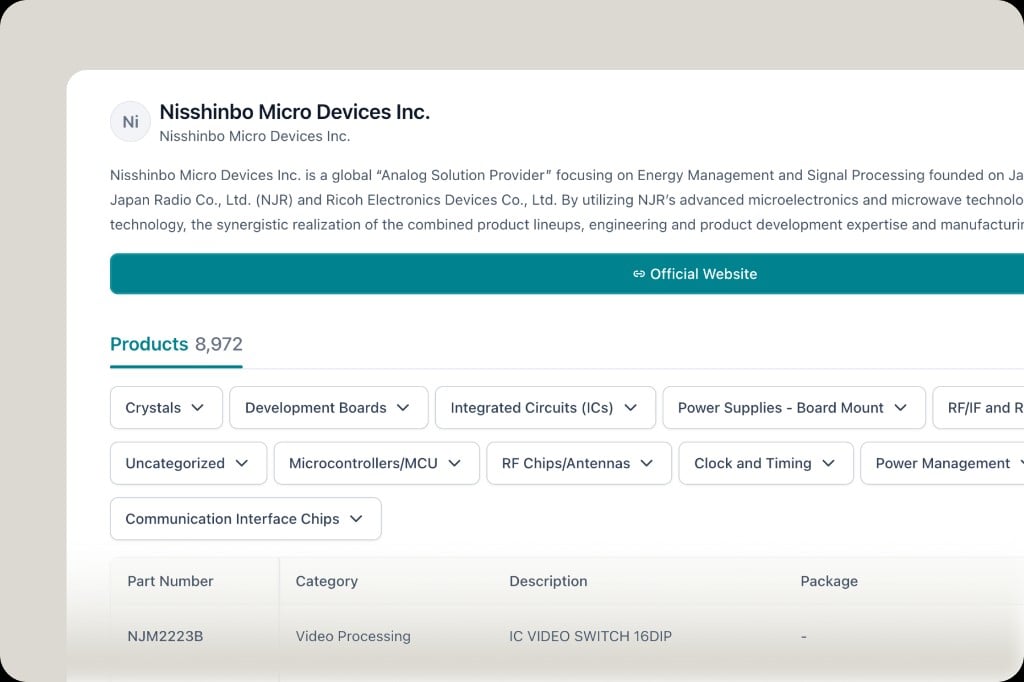
Manufacturer brand page with associated products, category filters, and product table
Manufacturer brand pages now show associated products for each brand—browse by category, see part numbers, descriptions, and packages, and explore the full catalog from one place (with a link to the official site when available).
BOMUpload
v1.0.6 Release
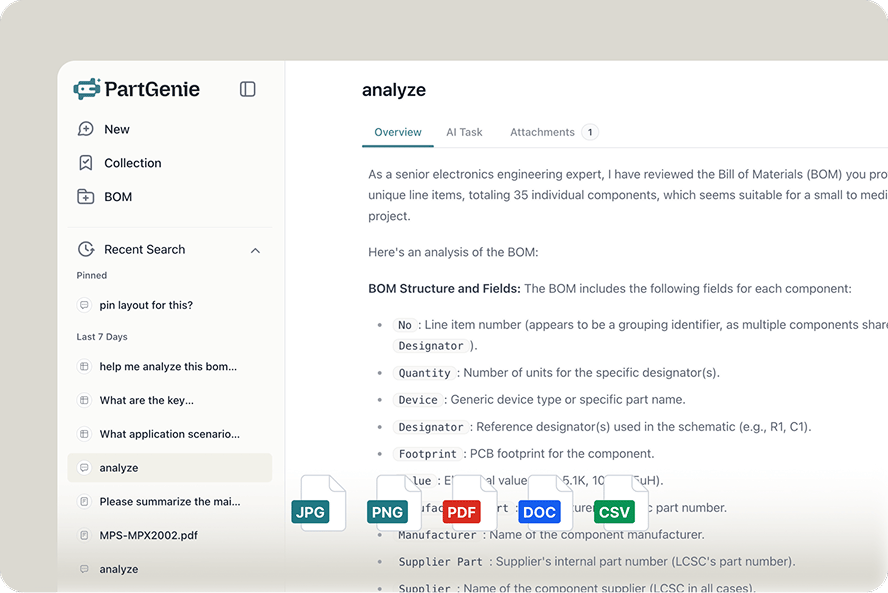
Upload a BOM as CSV or Excel and get AI field analysis
Upload your bill of materials as CSV or Excel (.xlsx, .xls). PartGenie parses structure and fields—quantity, designator, MPN, manufacturer, supplier, and more—so you can review and work from a structured BOM in one place.
BOMBOM Assistant
v1.0.6 Release
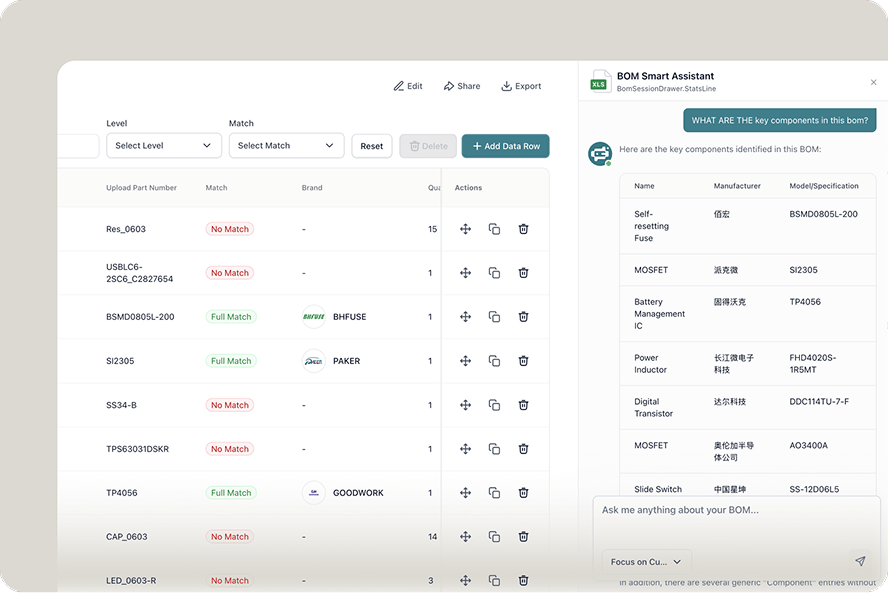
BOM Smart Assistant chat beside the BOM table with match status and key components
Chat with your BOM in the BOM Smart Assistant: ask about key components, match status, brands, and specs—answers appear next to your table with structured summaries you can act on.
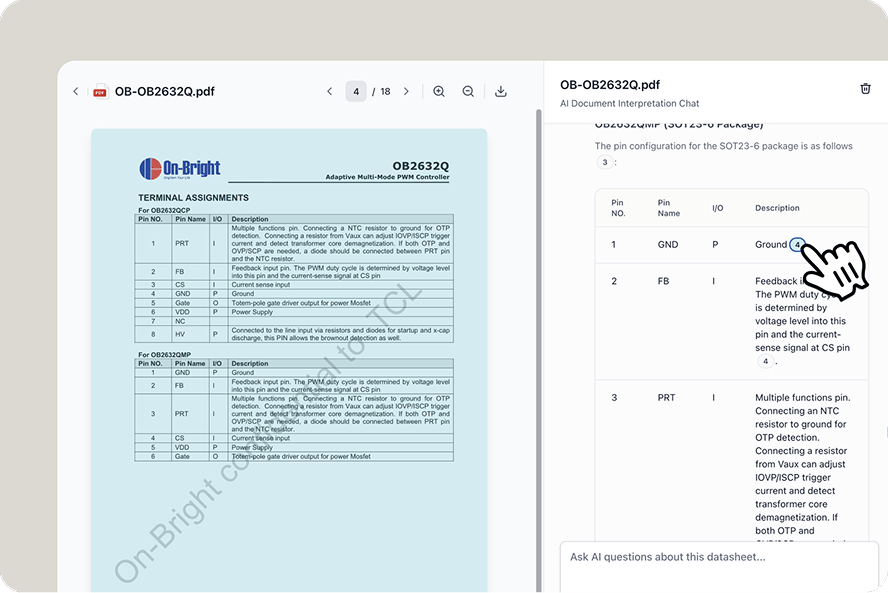
DatasheetCitationPDF
v1.0.5 Release
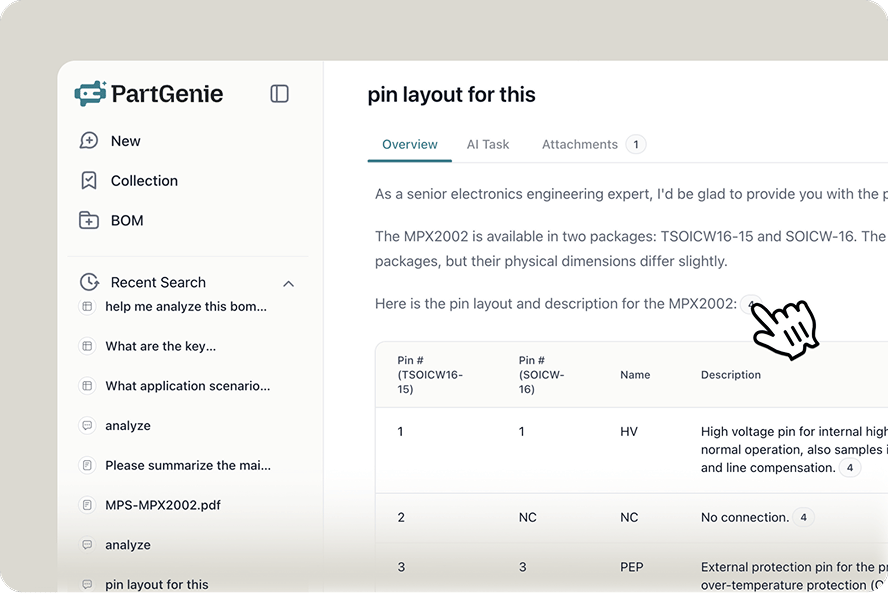
In-page citation badges in answers link to the uploaded datasheet
Upload a PDF datasheet (or other document) and get answers with in-page citations—numbered markers you can click to open the source in datasheet chat, right on the page behind each claim (pin layouts, tables, specs, and more).
Chat HistorySearchBOMDatasheet
v1.0.5 Release
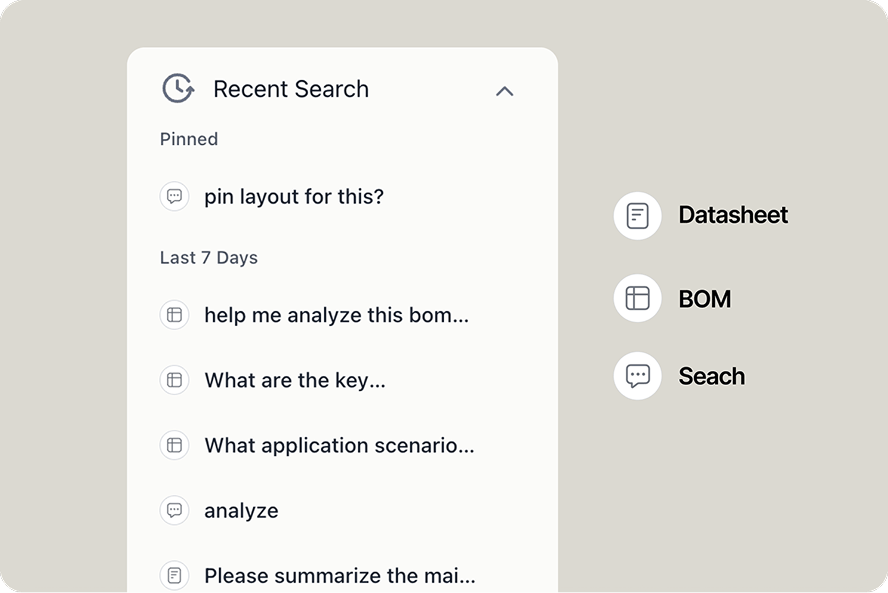
Recent Search sidebar with icons for Search, BOM, and Datasheet conversations
Recent Search is cleaner and easier to scan: pinned and recent threads are grouped, and each entry shows one of three message typesSearch, BOM, or Datasheet—so you can reopen the right kind of conversation at a glance.
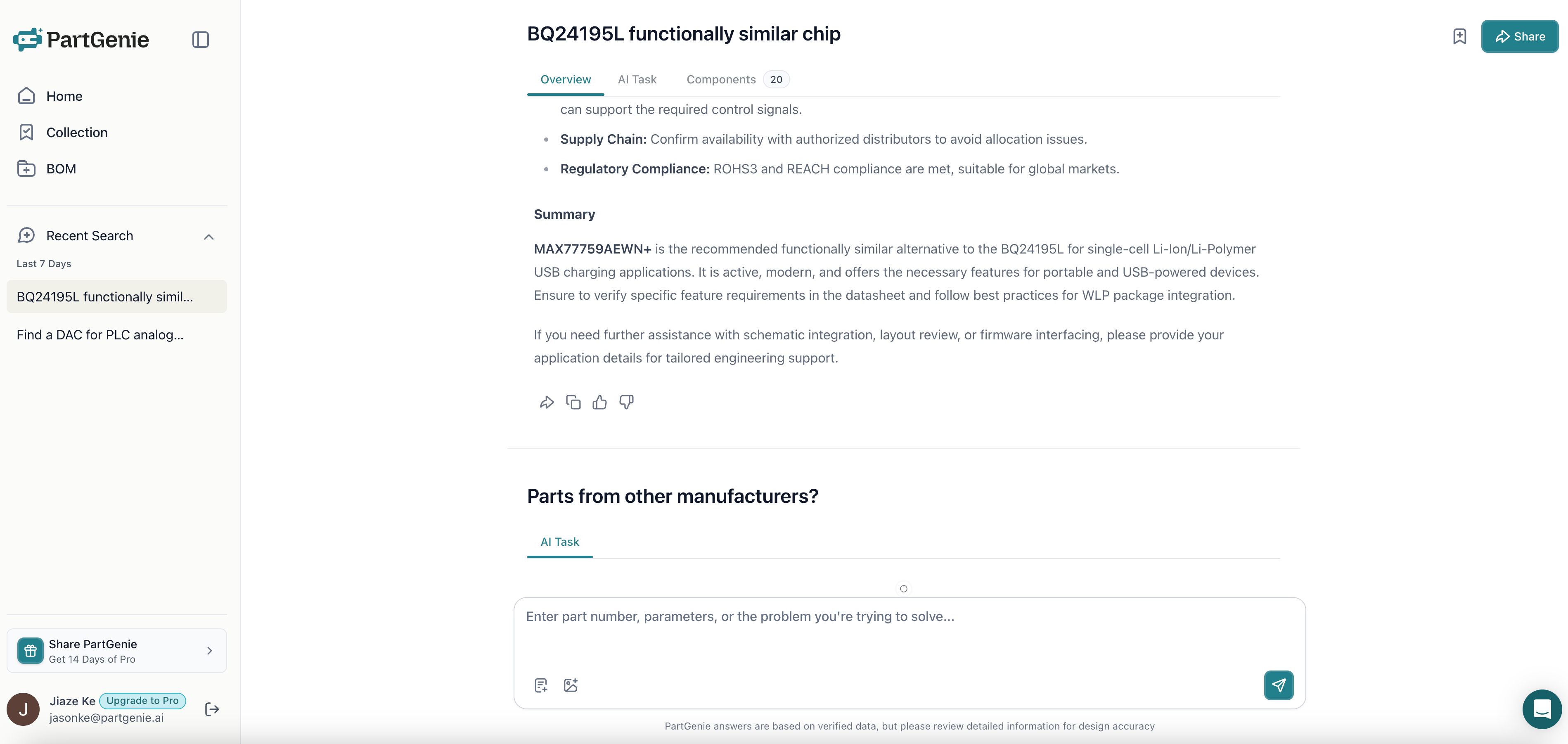
AI FAEAlternative
v1.0.4 Release
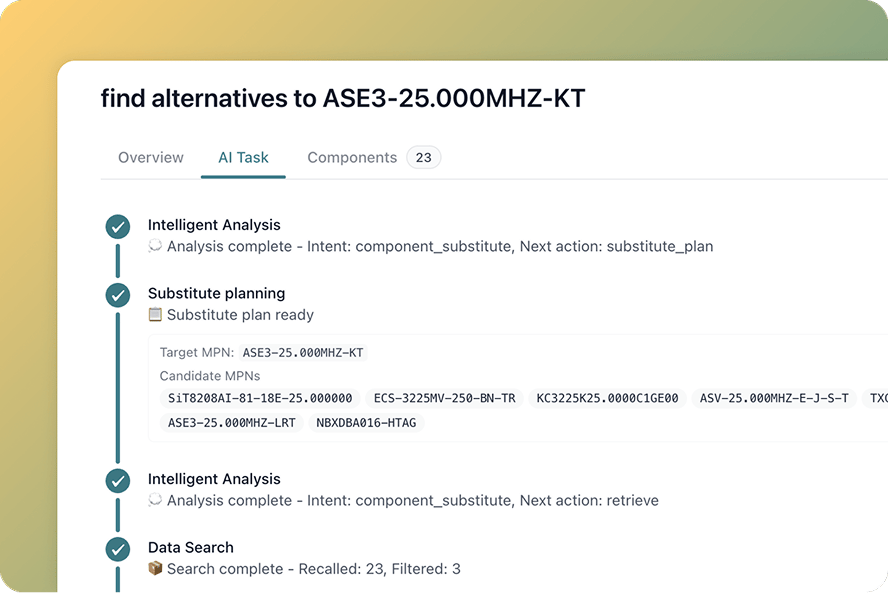
Smarter alternative component search: AI Task timeline for substitute planning and retrieval
A smarter alternative-component search engine is live: the AI FAE workflow walks you from intent and substitute planning through retrieval—with a clear AI Task timeline so you can see how each alternative was found, not just a flat list of MPNs.
Verified Web Search
v1.0.3 Release
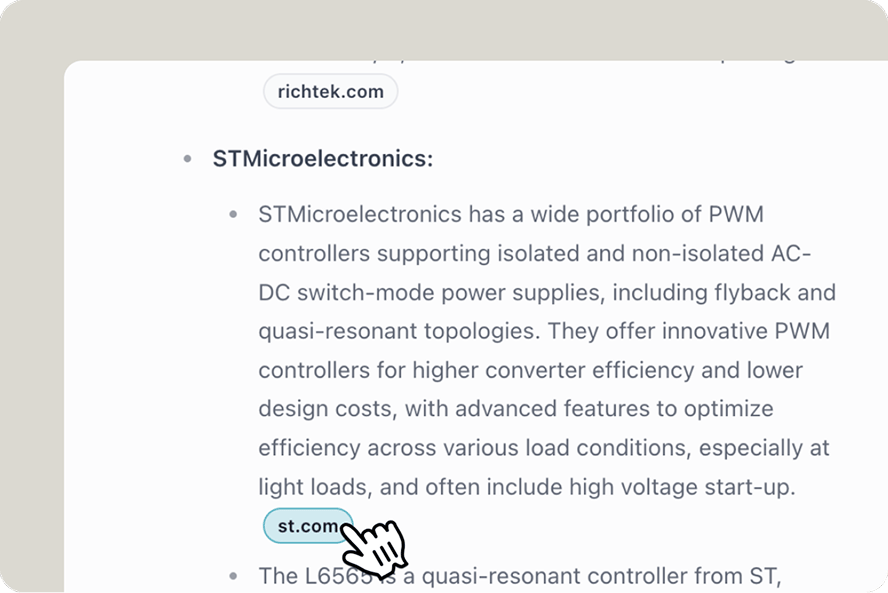
PartGenie Websearch
Web Search is automatically enabled for real-time market/industry data, and every AI response now includes direct citations. Click any reference to see exactly where the data came from.
Page-Mapping
v1.0.3 Release
PartGenie Datasheet
Now, every answer PartGenie provides includes an Instant Reference to the exact page where the answer exists when chatting with datasheet/files, even in documents with 500+ pages.
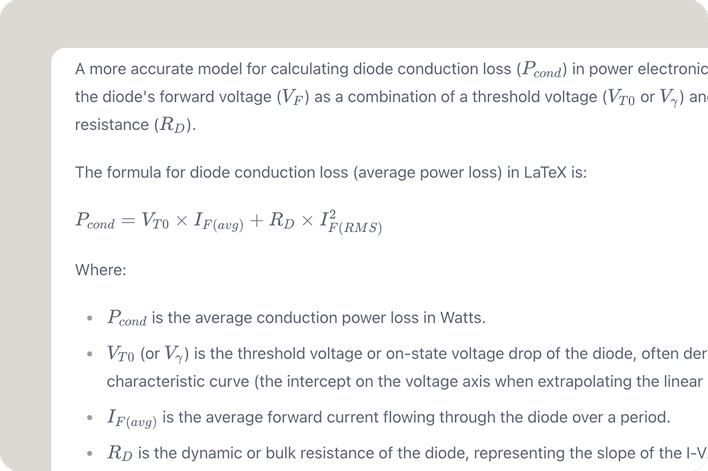
LaTeX
v1.0.2 Release
PartGenie Beta Version OverviewPartGenie Beta Version Overview
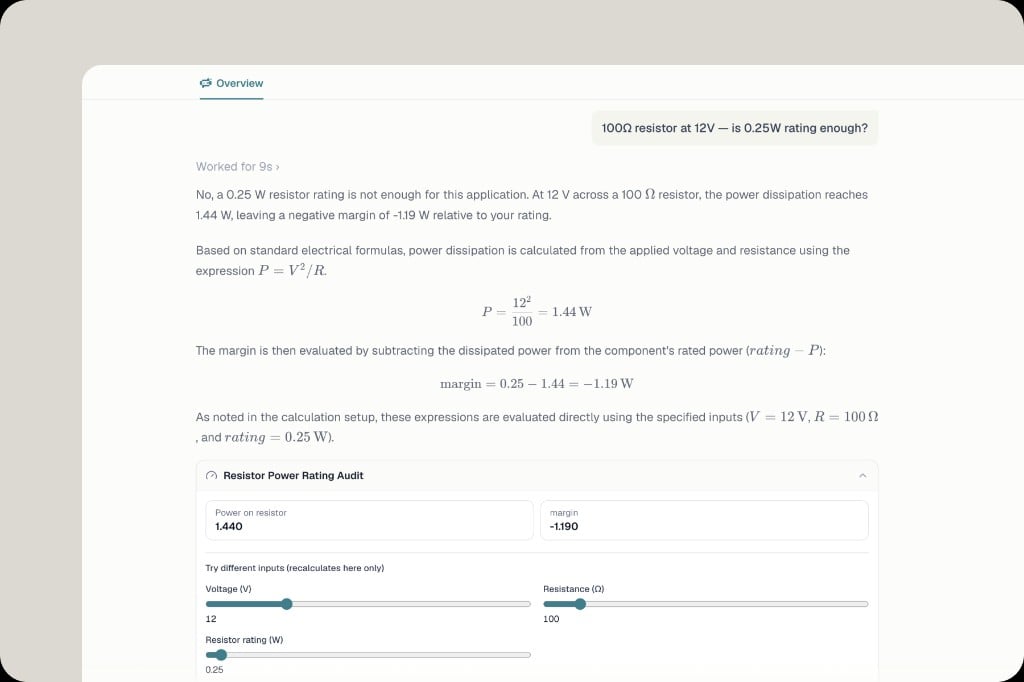
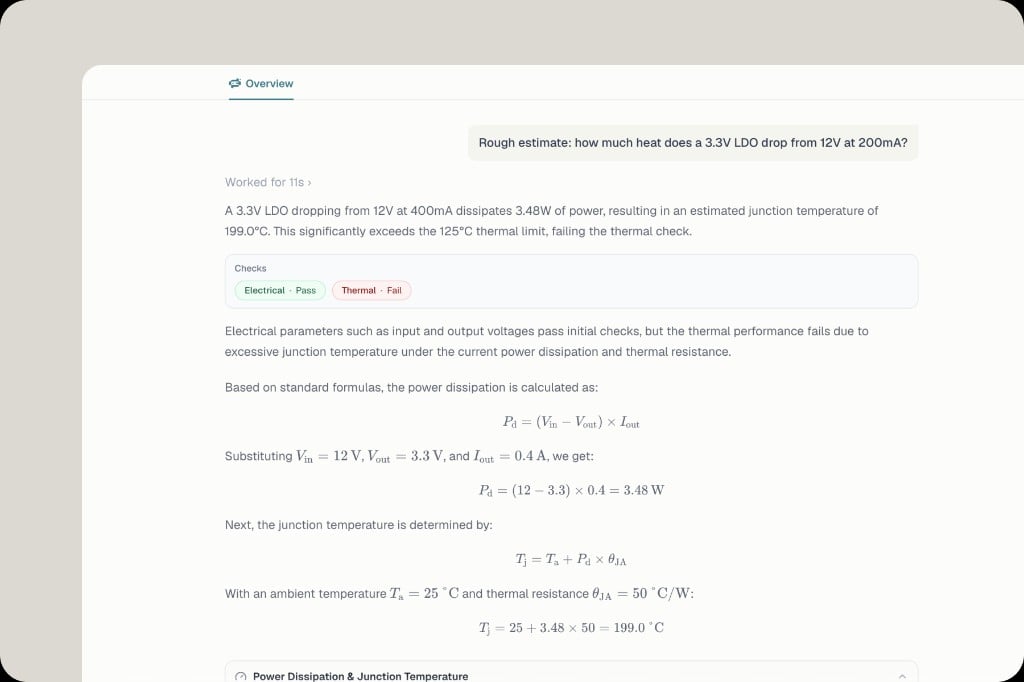
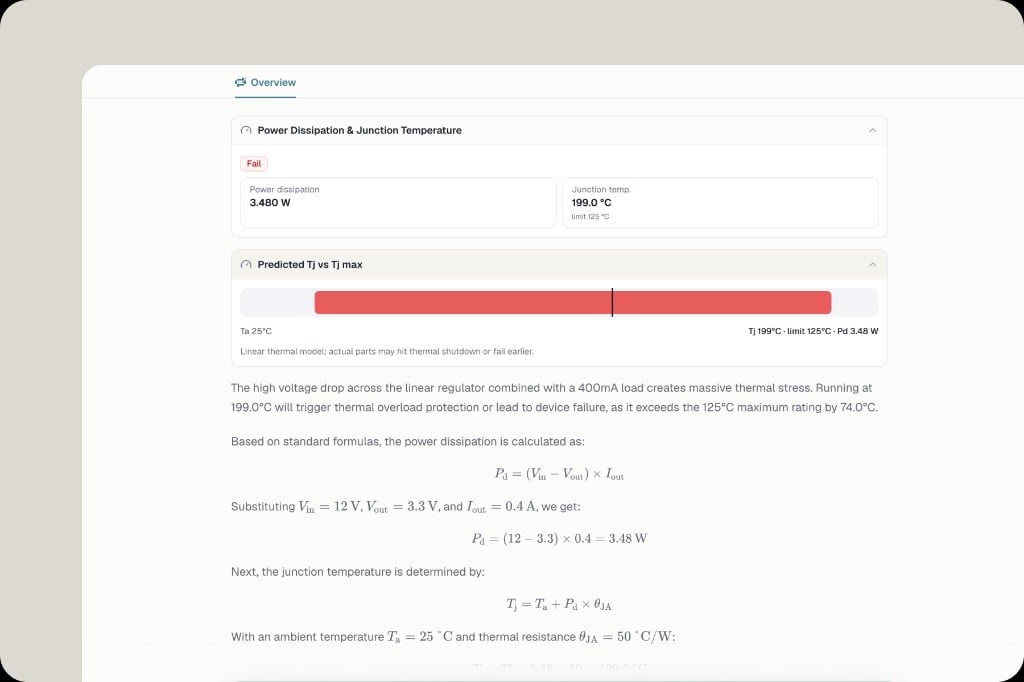
Now you can see better rendering of LaTeX formulas and electrical symbols in AI answer.
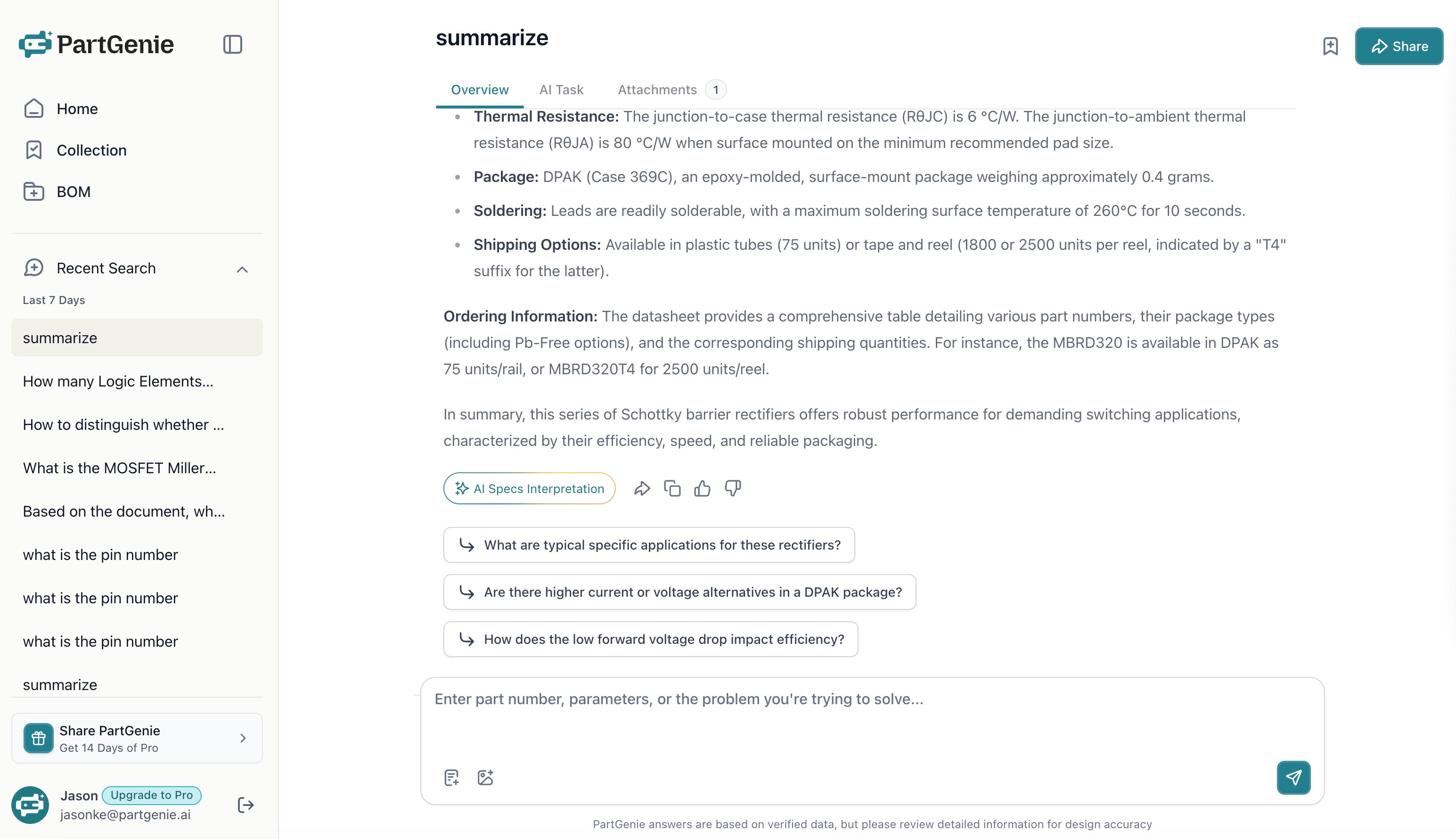
AI Follow-up
v1.0.1 Release
PartGenie Beta Version OverviewPartGenie Beta Version Overview
You will now see 3 follow up questions after receiving query summary at the answer page.
Mobile
v0.2.0 Release
PartGenie Beta Version OverviewPartGenie Beta Version Overview
You can now search on mobile at partgenie.ai.
BetaAI SearchBOM Management
v0.1.0 Beta Release
PartGenie Beta Version Overview
PartGenie officially enters the Beta testing phase! We’ve launched core AI smart search and BOM management features, supporting natural language-based component search, datasheet chat, and material list management. Welcome to experience and provide valuable feedback.