ワンクリック購入
1
Open the drawer
Click an MPN badge in an answer, or a part row in the BOM.
2
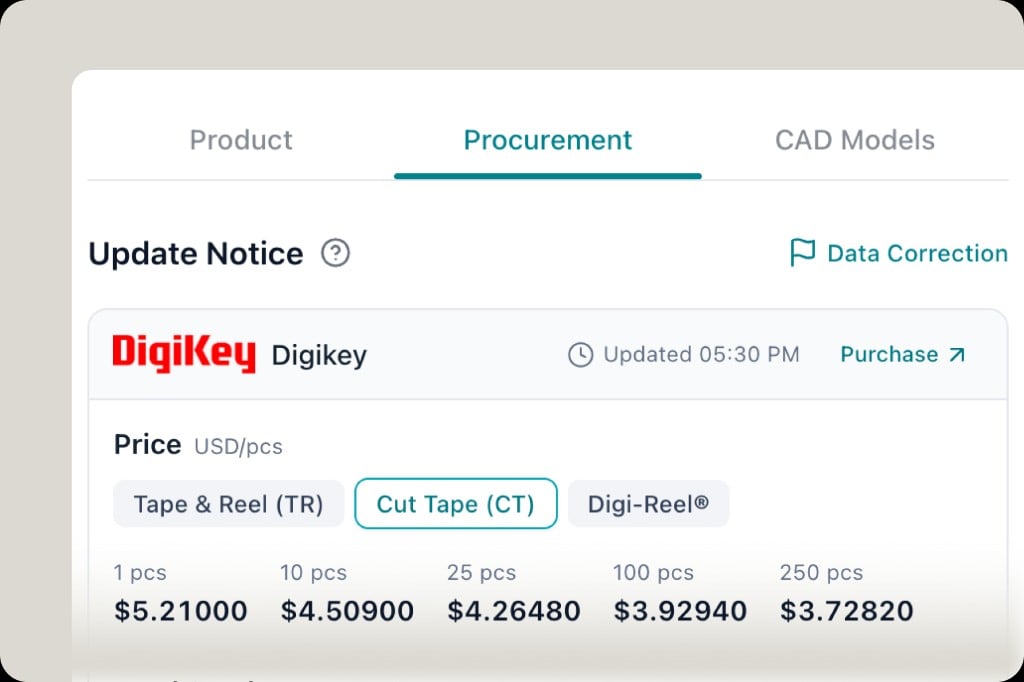
Open Procurement
The drawer tabs are Product, Procurement, and CAD Models. Stay on Procurement for price and stock. CAD Models is the footprint library — see ECAD & footprints.
3
Pick a package break
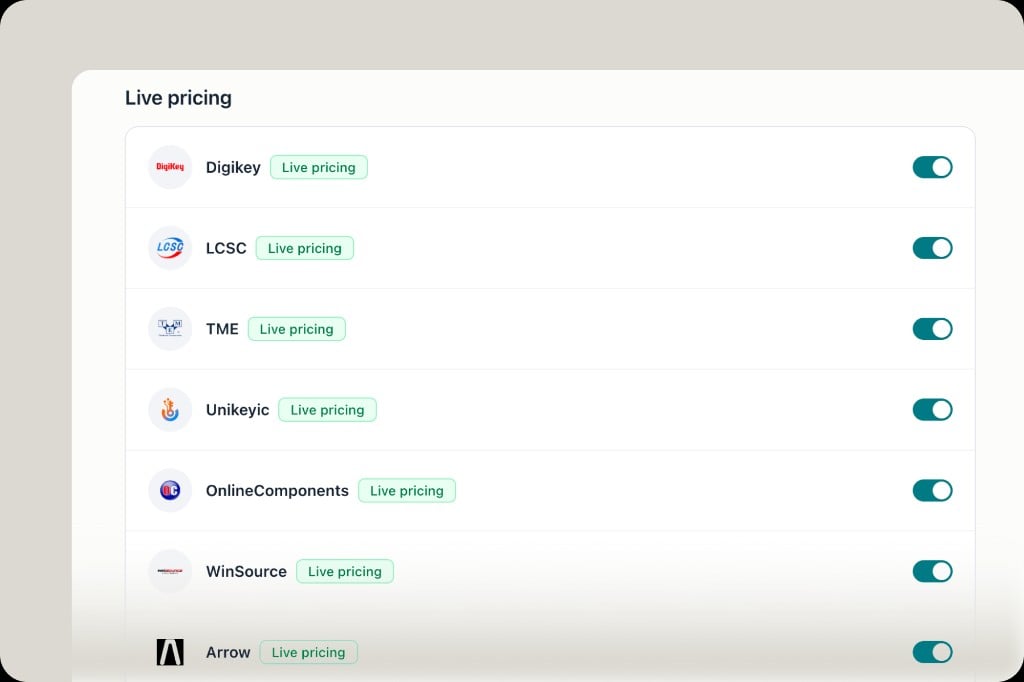
Under the distributor name (DigiKey, TME, LCSC, and so on), switch Tape & Reel, Cut Tape, or the equivalent the distributor offers. The price grid updates by quantity.
4
Purchase
Click Purchase to open that distributor’s product page. The timestamp next to it is when PartGenie last refreshed the quote.