1
Open Design
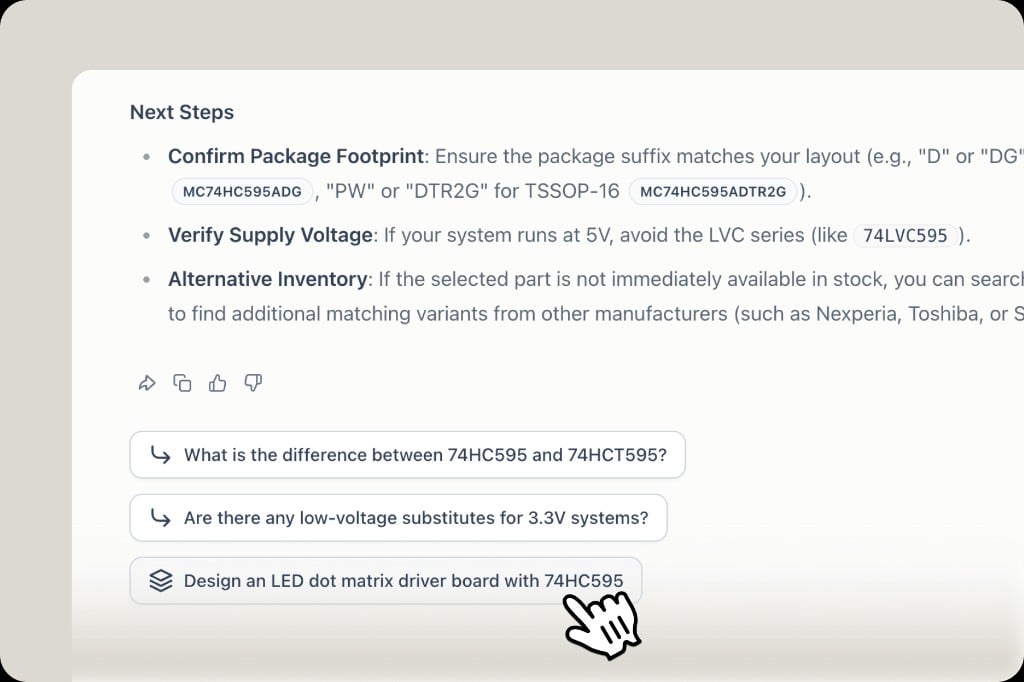
On the homepage, click Design Hardware, or choose Work and describe the product. You can also use a Design follow-up under a component answer to start from that part.
2
Describe the product
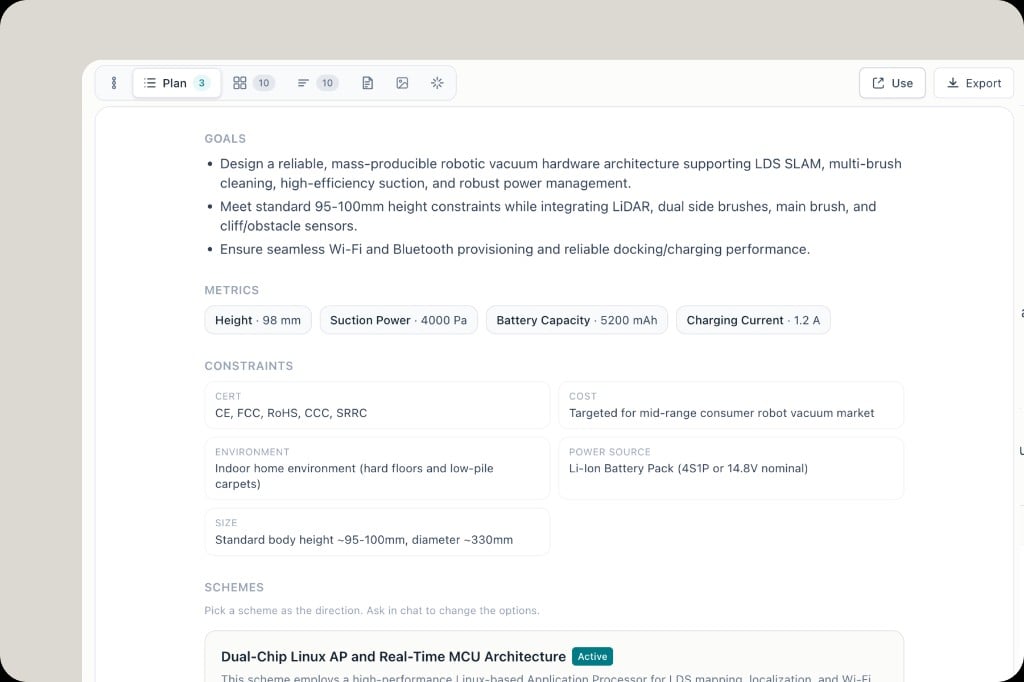
Say what it is, the constraints that matter, and who it is for. Example: a robot vacuum with a height limit, LiDAR, and a mid-range cost target.
3
Follow the stages
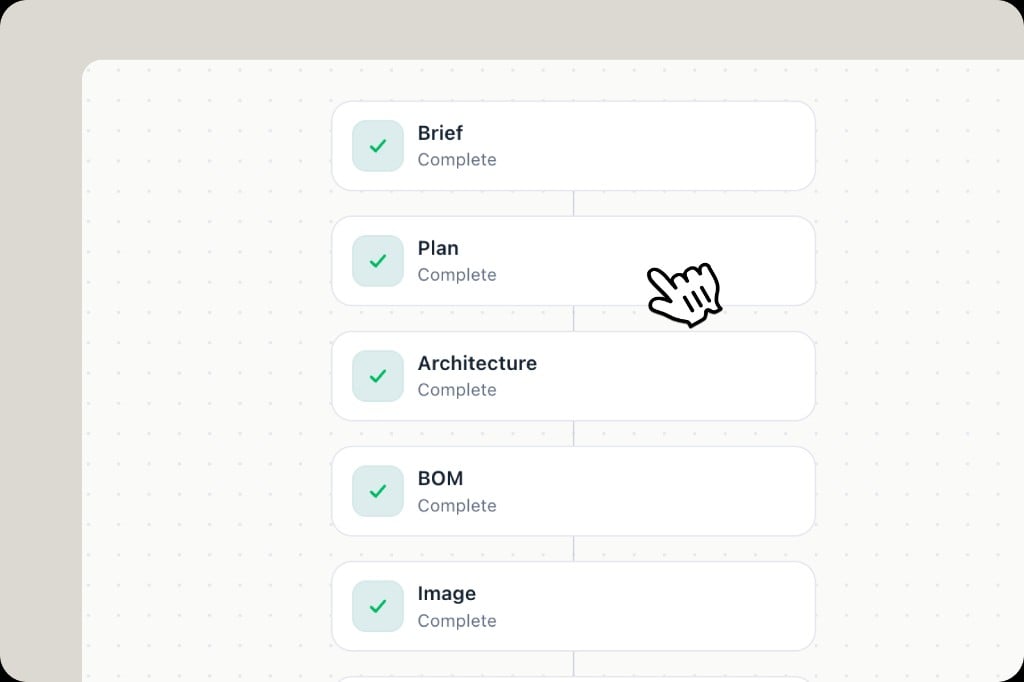
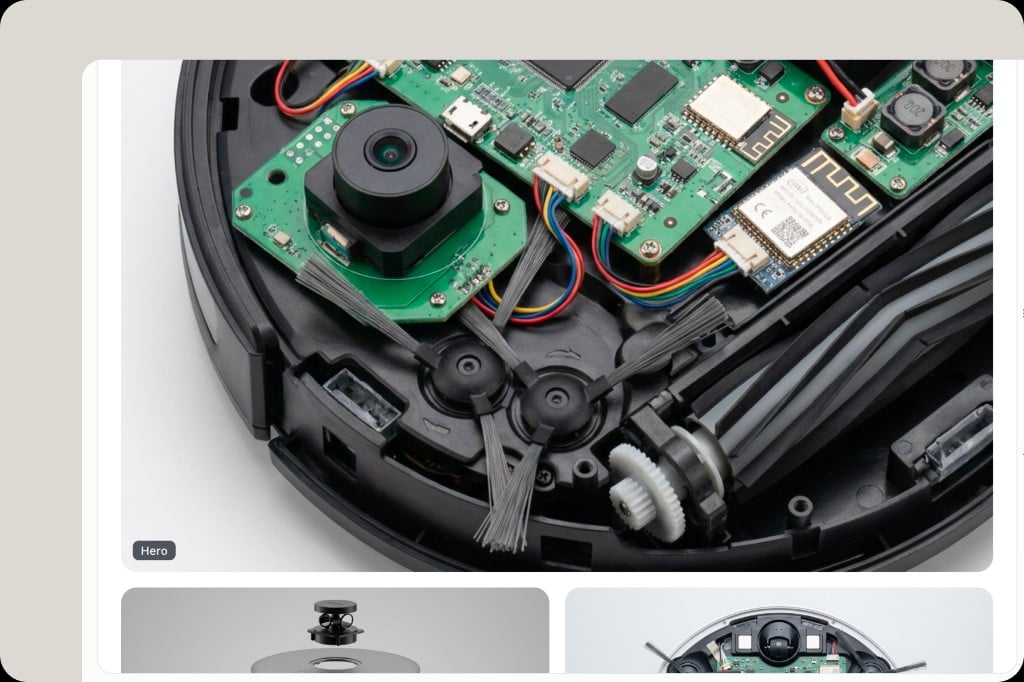
The canvas lists the stages as they finish: Brief → Plan → Architecture → BOM → Image. A green check means that stage is complete. Click a stage to open it.