

1
Install the extension
Open the PartGenie listing in the Chrome Web Store and click Add to Chrome. Pin the PartGenie icon in the toolbar if you use it often.
2
Sign in
Click the PartGenie icon or open the sidebar on a supported product page. Sign in with the same account you use at app.partgenie.ai.
3
Open a supported product page
Navigate to a product detail page on a supported site (for example DigiKey, Mouser, or LCSC). PartGenie reads the MPN from the page and loads research for that exact part.
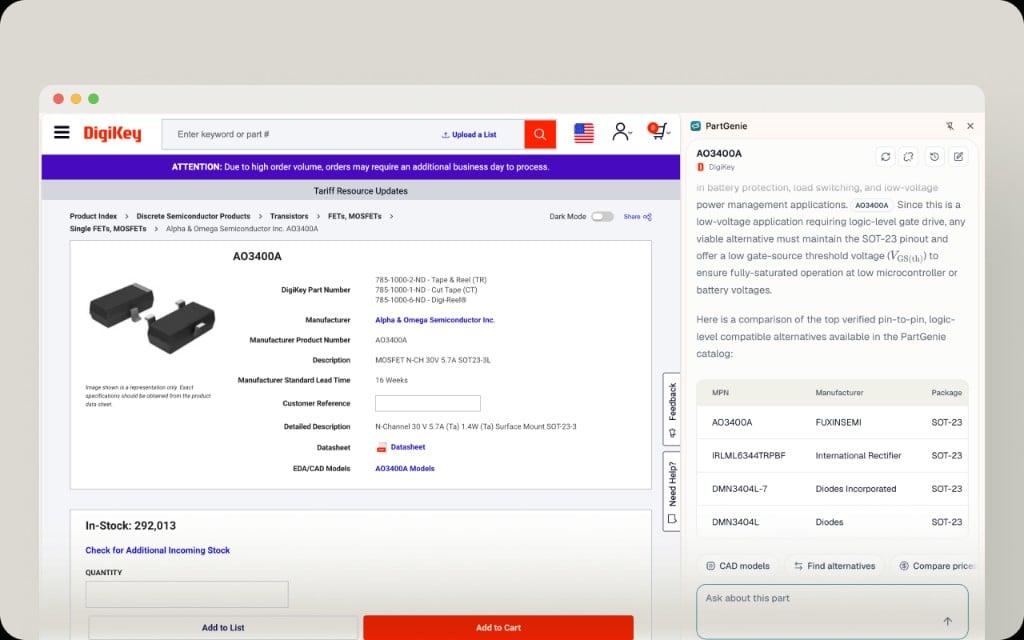
代替案には、パラメトリック表だけでなく、証拠をサポートすることも含まれます。 本番環境で部品を交換する前に、引用されたソースを使用します。
##フローティングツールバー
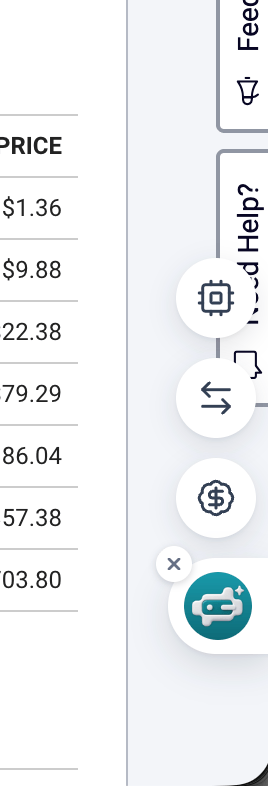
- CADモデルにこのMPN用のファイルがある場合は、カタログからシンボル、フットプリント、または3Dをダウンロードします。
- または、Kicadライブラリ生成(ベータ版)を開始し、準備ができたらダウンロードします。