

Installer et se connecter
1
Install the extension
Open the PartGenie listing in the Chrome Web Store and click Add to Chrome. Pin the PartGenie icon in the toolbar if you use it often.
2
Sign in
Click the PartGenie icon or open the sidebar on a supported product page. Sign in with the same account you use at app.partgenie.ai.
3
Open a supported product page
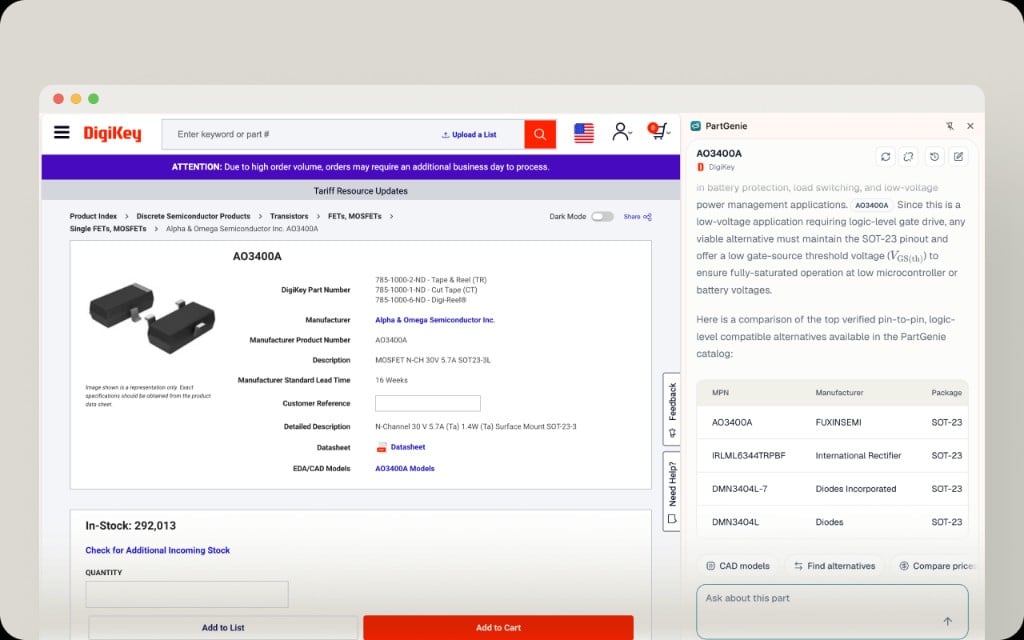
Navigate to a product detail page on a supported site (for example DigiKey, Mouser, or LCSC). PartGenie reads the MPN from the page and loads research for that exact part.
Utilisez la barre latérale
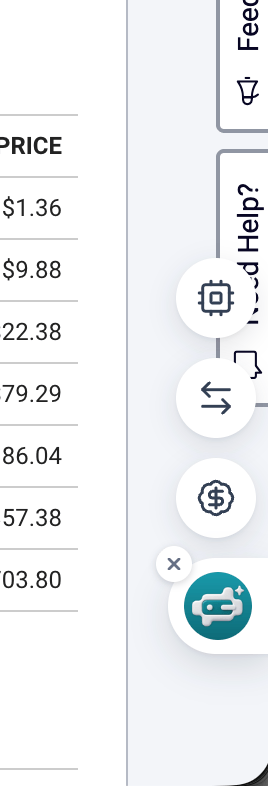
Barre d’outils flottante
ECAD à partir de l’extension
À partir de ** modèles CAO** dans la barre latérale:- Téléchargez le symbole, l’empreinte ou la 3D à partir du catalogue lorsque CAD Models contient des fichiers pour ce MPN.
- Ou démarrez ** la génération de la bibliothèque KiCad ** (bêta) et téléchargez-la lorsque vous êtes prêt.