Installieren
1
Open Integrations
Sign in at app.partgenie.ai. Open Settings → Integrations.
2
Download KiCad
Choose KiCad, download the plugin package, and follow the on-screen install steps for your OS and KiCad version.
3
Sign in inside KiCad
Open the PartGenie panel in KiCad and sign in with the same PartGenie account you use on the web.
Teil inspizieren
Wählen Sie einen Footprint oder ein Symbol in KiCad aus und verwenden Sie dann Auswahl prüfen (oder öffnen Sie das PartGenie-Bedienfeld als Referenz).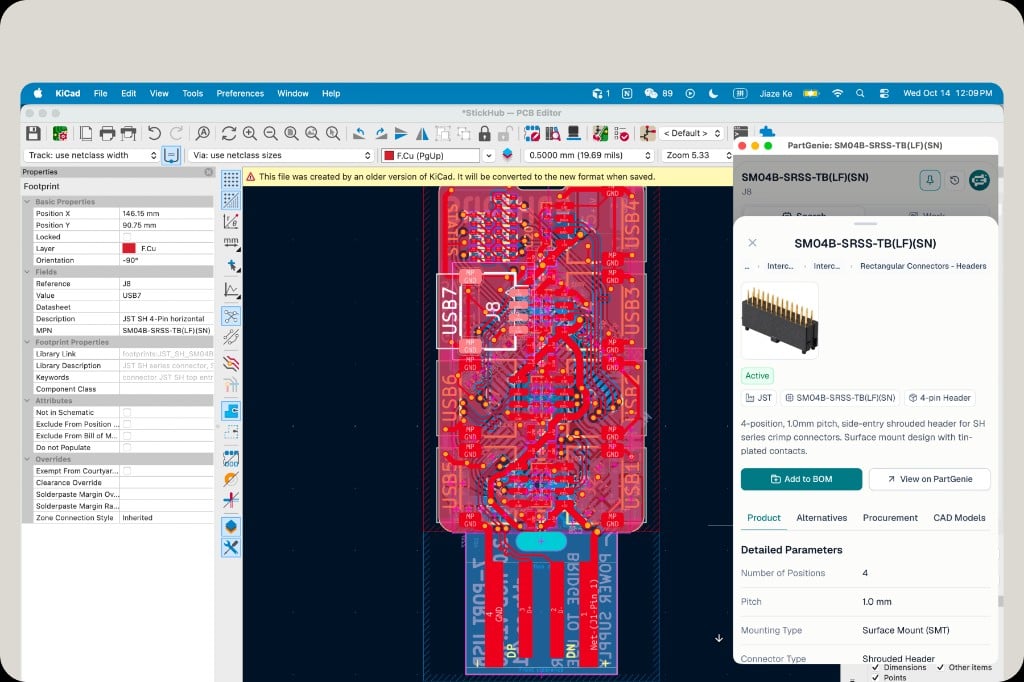
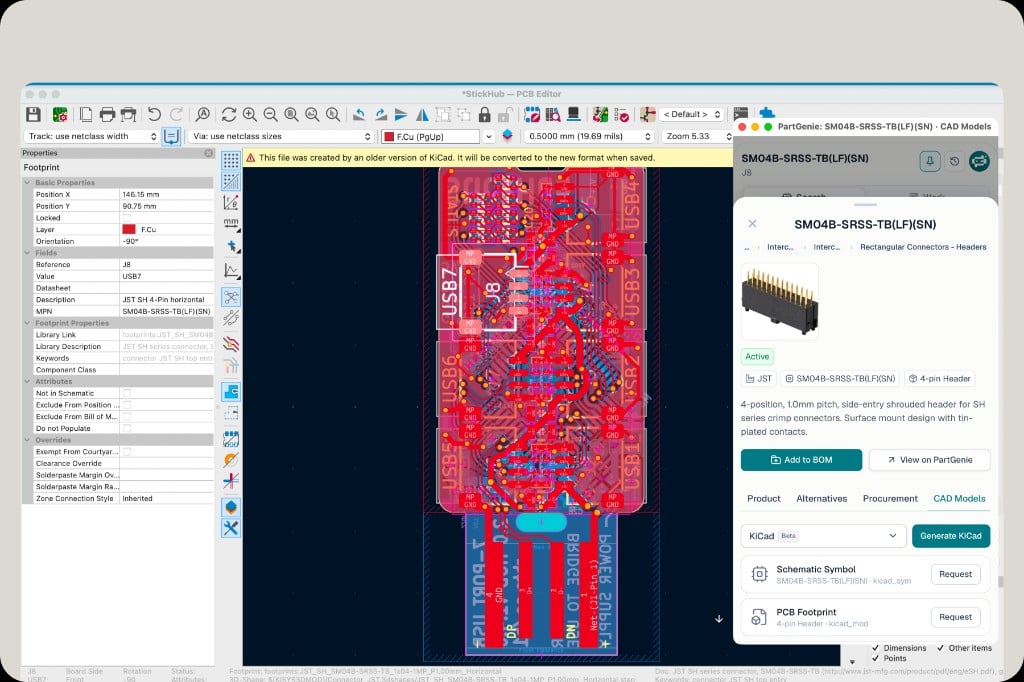
Arbeit — Synchronisierung und Gesundheit von Projektstücklisten
Schalten Sie das Plugin auf Arbeiten, um auf das geöffnete KiCad-Projekt zu reagieren.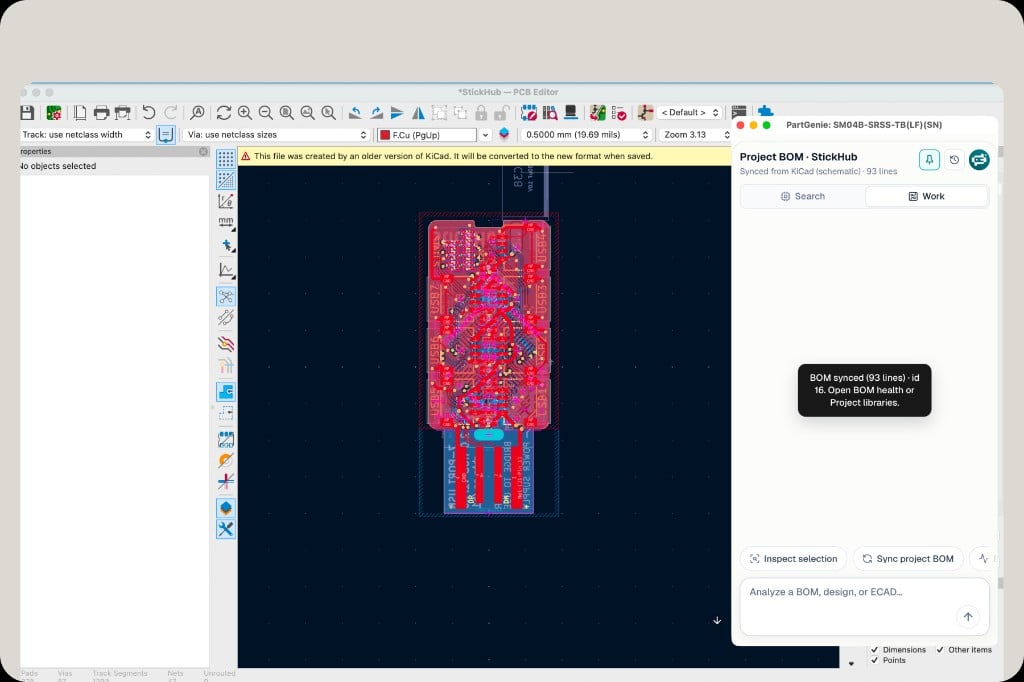
1
Sync project BOM
Click Sync project BOM. PartGenie reads lines from your KiCad schematic and opens or updates the matching BOM in your account (for example “BOM synced (93 lines)”).
2
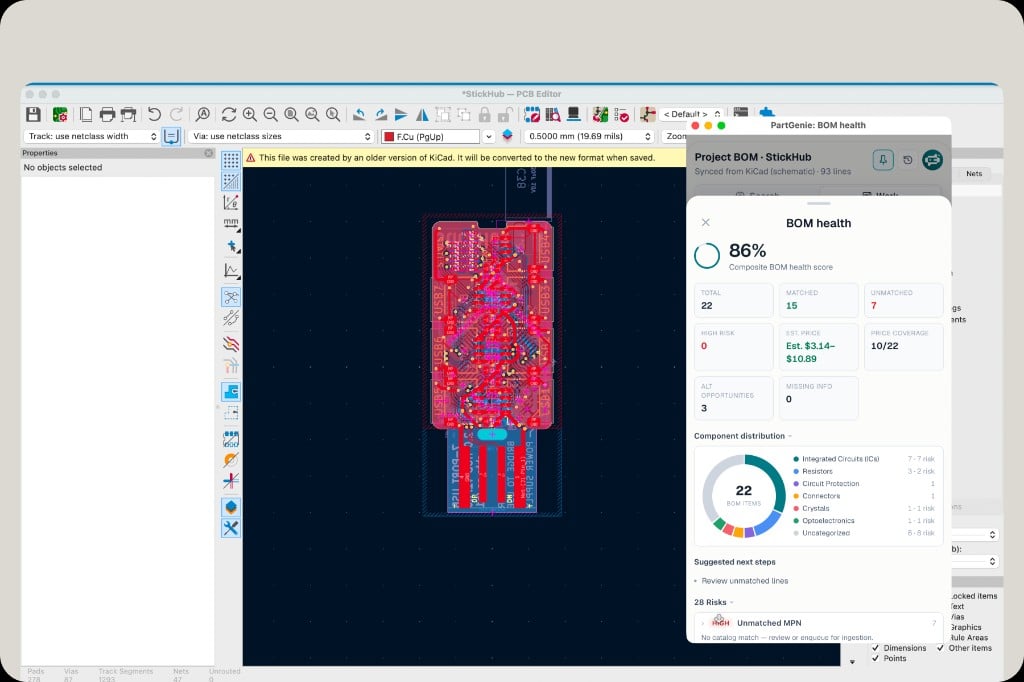
Open BOM health
From the sync confirmation or Work chat, open BOM health to review match rate, risks, and estimated cost.