

Installieren und anmelden
1
Install the extension
Open the PartGenie listing in the Chrome Web Store and click Add to Chrome. Pin the PartGenie icon in the toolbar if you use it often.
2
Sign in
Click the PartGenie icon or open the sidebar on a supported product page. Sign in with the same account you use at app.partgenie.ai.
3
Open a supported product page
Navigate to a product detail page on a supported site (for example DigiKey, Mouser, or LCSC). PartGenie reads the MPN from the page and loads research for that exact part.
Verwenden Sie die Seitenleiste
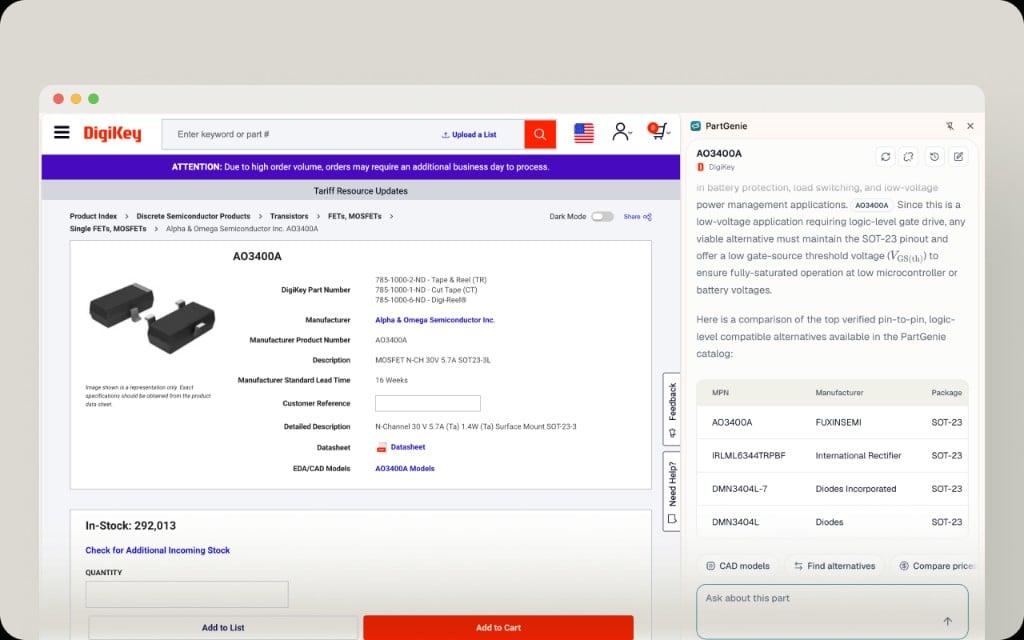
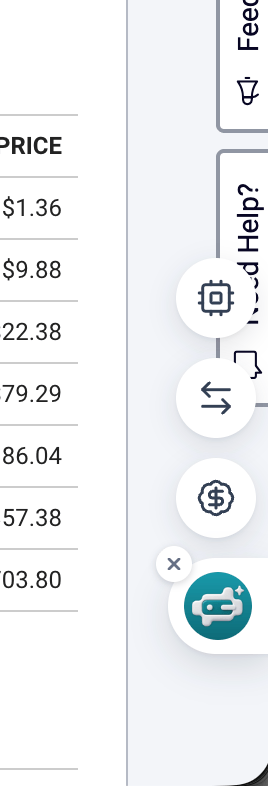
Schwebende Symbolleiste
ECAD aus der Erweiterung
Aus CAD-Modellen in der Seitenleiste:- Laden Sie Symbole, Footprints oder 3D aus dem Katalog herunter, wenn CAD-Modelle Dateien für diese MPN enthält.
- Oder starten Sie die ** KiCad Bibliothekserstellung ** (Beta) und laden Sie sie herunter, wenn Sie fertig sind.