

Instalar e iniciar sesión
1
Install the extension
Open the PartGenie listing in the Chrome Web Store and click Add to Chrome. Pin the PartGenie icon in the toolbar if you use it often.
2
Sign in
Click the PartGenie icon or open the sidebar on a supported product page. Sign in with the same account you use at app.partgenie.ai.
3
Open a supported product page
Navigate to a product detail page on a supported site (for example DigiKey, Mouser, or LCSC). PartGenie reads the MPN from the page and loads research for that exact part.
Usa la barra lateral
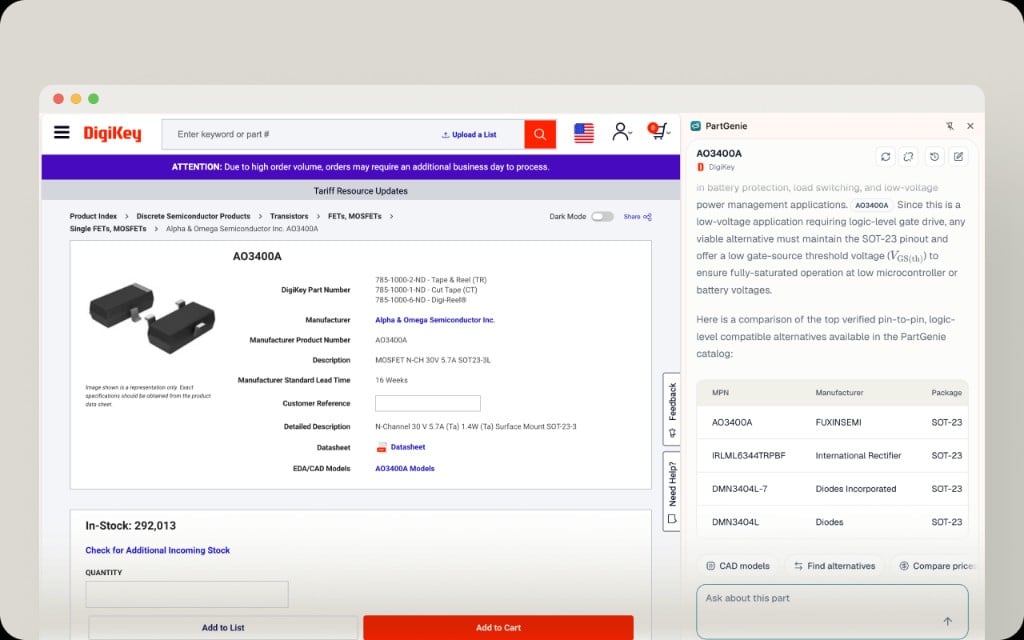
Las alternativas incluyen evidencia de respaldo, no solo tablas paramétricas. Utilice las fuentes citadas antes de intercambiar una pieza en producción.
Barra de herramientas flotante
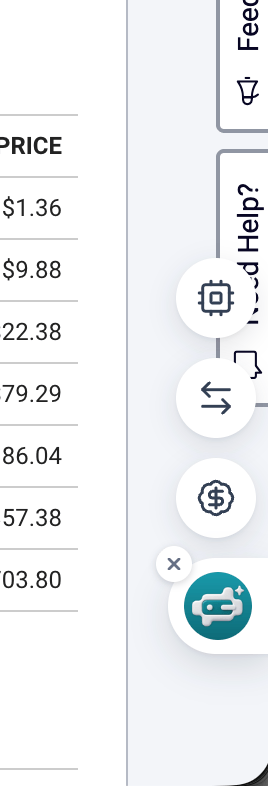
ECAD de la extensión
De ** Modelos CAD ** en la barra lateral:- Descargue símbolos, huellas o 3D del catálogo cuando ** CAD Models ** tenga archivos para esta MPN.
- O inicie ** KiCad library generation** (Beta) y descárguelo cuando esté listo.