> ## Documentation Index
> Fetch the complete documentation index at: https://help.partgenie.ai/llms.txt
> Use this file to discover all available pages before exploring further.
# Knowledge
> Your personal hardware knowledge base—upload files and chat with engineering context
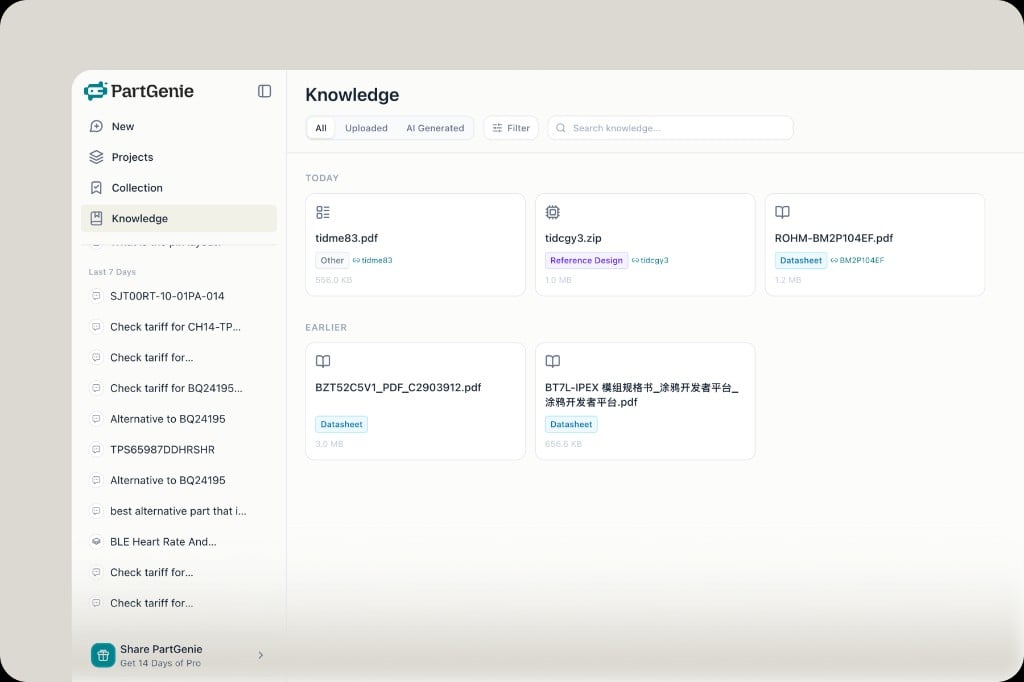
**Knowledge** is your personal hardware library inside PartGenie. Upload engineering files; AI answers can reference them alongside PartGenie's component database.
## What to upload
* Datasheets (**MPN auto-detected and linked**)
* Reference designs, app notes, schematics, Gerbers, and more
Files are organized by date. Tabs include **Uploaded** and **AI Generated**.
 ## AI-generated artifacts
Outputs from your sessions—such as **alternative reports** and BOM analysis summaries—are saved under AI Generated so they don't disappear when a chat ends.
## Chat about a file
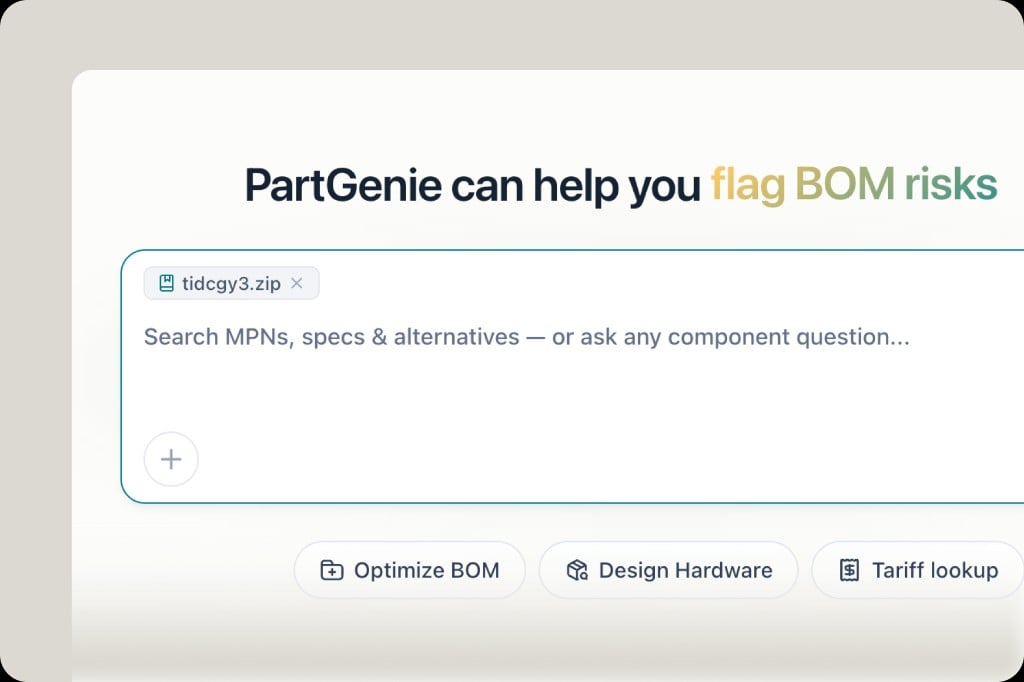
From a Knowledge card, open the menu → **Chat about this**, or attach a file on the homepage input. Ask questions, compare alternatives, or run BOM optimization with your documents as context.
## AI-generated artifacts
Outputs from your sessions—such as **alternative reports** and BOM analysis summaries—are saved under AI Generated so they don't disappear when a chat ends.
## Chat about a file
From a Knowledge card, open the menu → **Chat about this**, or attach a file on the homepage input. Ask questions, compare alternatives, or run BOM optimization with your documents as context.
 ## Related
* [AI Search](/en-US/ai-search)
* [Alternatives](/en-US/alternatives)
## Related
* [AI Search](/en-US/ai-search)
* [Alternatives](/en-US/alternatives)