> ## Documentation Index
> Fetch the complete documentation index at: https://help.partgenie.ai/llms.txt
> Use this file to discover all available pages before exploring further.
# AI Search
> Search components with natural language, voice, citations, and verifiable answers
PartGenie search is built for hardware engineers—not generic chat. You get **verifiable answers** grounded in component data, datasheets, and live sources.
## What you can ask
* **MPN lookup** — exact part numbers, near matches, manufacturer suggestions
* **Specs & applications** — voltage, package, use-case driven selection
* **Alternatives** — replacements with project context (see [Alternatives](/en-US/alternatives))
* **Modules & kits** — development boards and robotics parts via [OpenELAB](/en-US/openelab-modules)
```
Examples:
- "STM32F103C8T6 operating voltage"
- "alternative to BQ24195 for 4.5A USB charging"
- "100uF 16V electrolytic, automotive grade"
```
## How to search
Go to [app.partgenie.ai](https://app.partgenie.ai). Use **Search** mode for component Q\&A, or **Work** when you're acting on a BOM/Design project.
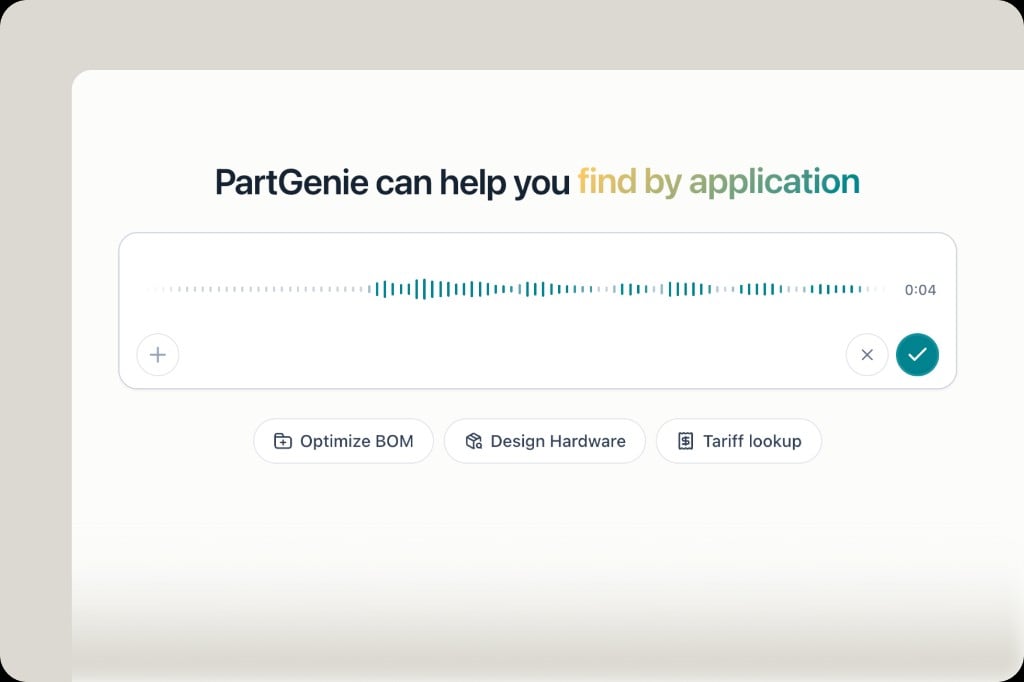
Type naturally, paste an MPN, upload a datasheet/image, or use **voice input** (microphone in the search bar).
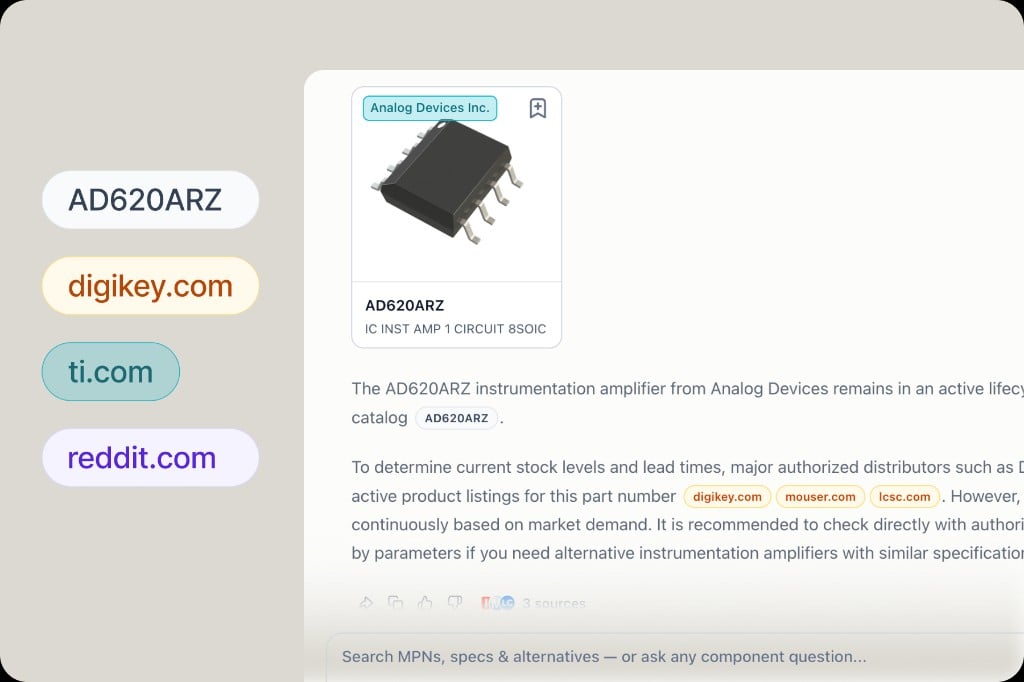
Answers include structured part cards, tables, and **citation badges**. Gray MPN badges open the component drawer; green = OEM, orange = distributor, purple = community.
Use suggested follow-ups—including one-click **Design** when you want to start hardware design from a part.
 ## Verifiable answers
Most AI tools give you text. PartGenie cites **exact MPNs** and **web sources** so you can check before you design-in:
* Click an MPN badge → component drawer (specs, stock, pricing)
* Click distributor badges → jump to source listings
* Datasheet claims can include **page-level citations** (see [Datasheet citations](/en-US/datasheet-citations))
## Verifiable answers
Most AI tools give you text. PartGenie cites **exact MPNs** and **web sources** so you can check before you design-in:
* Click an MPN badge → component drawer (specs, stock, pricing)
* Click distributor badges → jump to source listings
* Datasheet claims can include **page-level citations** (see [Datasheet citations](/en-US/datasheet-citations))
 ## Tables & export
Comparison and alternative tables in answers support **export** (Pro). Hover the top-right of a table to download.
## Related
* [Alternatives](/en-US/alternatives) — smarter substitute search & reports
* [Live sourcing](/en-US/live-sourcing) — stock and price in results
* [How to write AI-understandable queries](/en-US/ai-query-writing)
## Tables & export
Comparison and alternative tables in answers support **export** (Pro). Hover the top-right of a table to download.
## Related
* [Alternatives](/en-US/alternatives) — smarter substitute search & reports
* [Live sourcing](/en-US/live-sourcing) — stock and price in results
* [How to write AI-understandable queries](/en-US/ai-query-writing)